
BugSmash
Review live websites, annotate PDFs online, and collect clear visual feedback across all your work
- Paid
- Web, Chrome Extension
- AI Tools for QA TestingAI Tools for FeedbackImage Generation
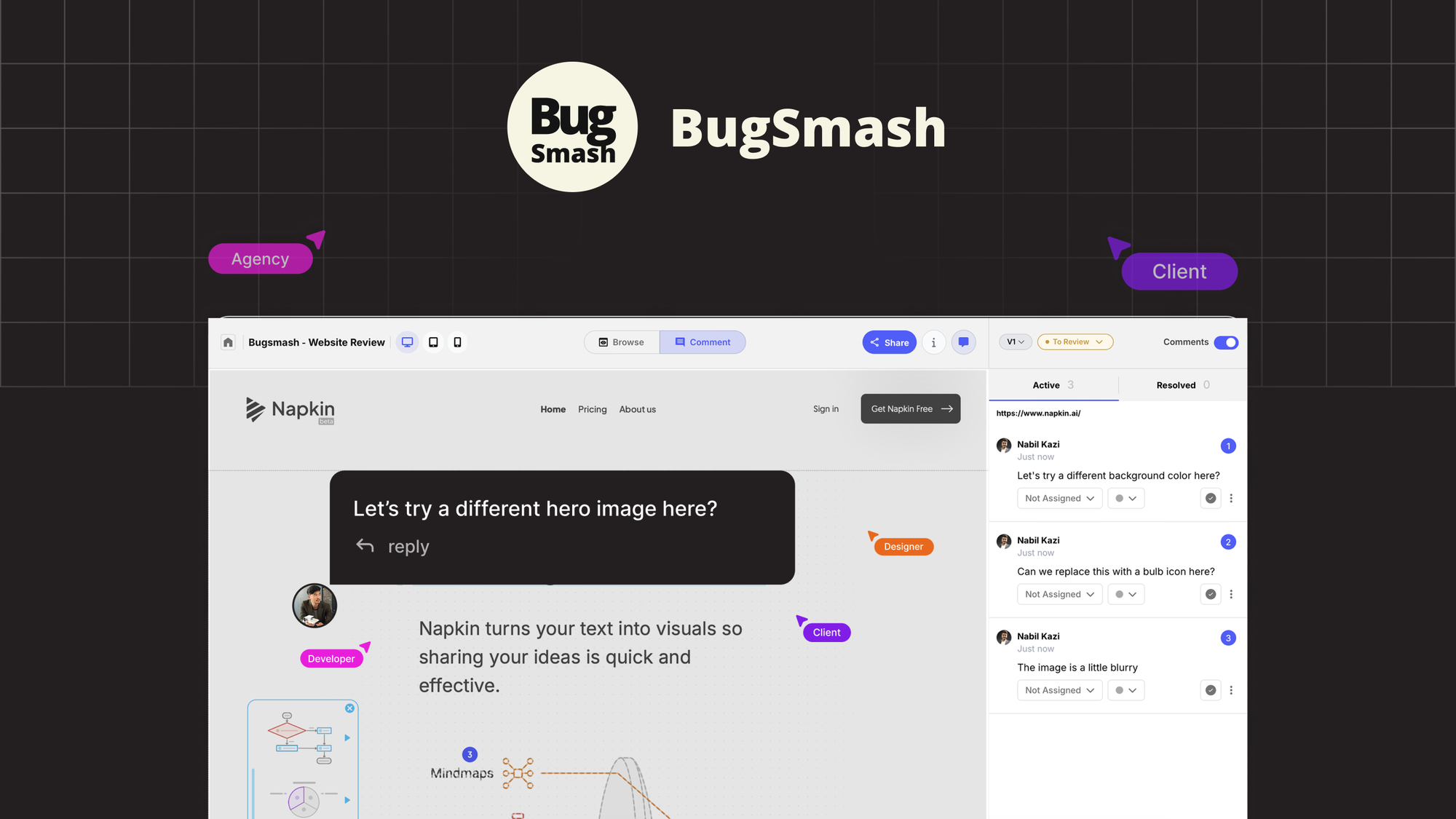
What is BugSmash?
Key features
Website screenshot capture and annotation
Take screenshots of live websites and add detailed comments directly to specific areas
PDF annotation
Upload and mark up PDFs with text comments, drawings, and highlights
Visual feedback collection
Gather comments from team members and stakeholders on individual projects
Project organisation
Keep reviews and feedback organised by project or deliverable
Comment threading
Maintain conversation context with threaded discussions on feedback items
Pros & cons
Advantages
- Reduces communication overhead by centralising all visual feedback in one tool instead of scattered emails or messages
- Makes it clear exactly what needs changing with visual annotations rather than vague written descriptions
- Works with both live websites and static documents, covering multiple review scenarios
- Straightforward interface that doesn't require training to use
Limitations
- Limited to visual feedback and annotation; doesn't include project management or task assignment features
- May require browser extensions or additional setup depending on your workflow
- Pricing model means costs can accumulate if you have large teams reviewing frequently
Use cases
Design teams gathering stakeholder feedback on website mockups before development
QA teams documenting bugs with visual references and screenshots
Marketing teams reviewing landing pages and promotional materials with client feedback
Content teams annotating documents and PDFs during review cycles
Product managers collecting feature feedback from cross-functional teams
Ready to try BugSmash?
Pricing
Pricing structure not publicly detailed
Paid (specific tiers and pricing available via AppSumo)
Check AppSumo product page for current pricing options and plan details
Get started with BugSmash
Click through to BugSmash and start using it now.