
BugSmash
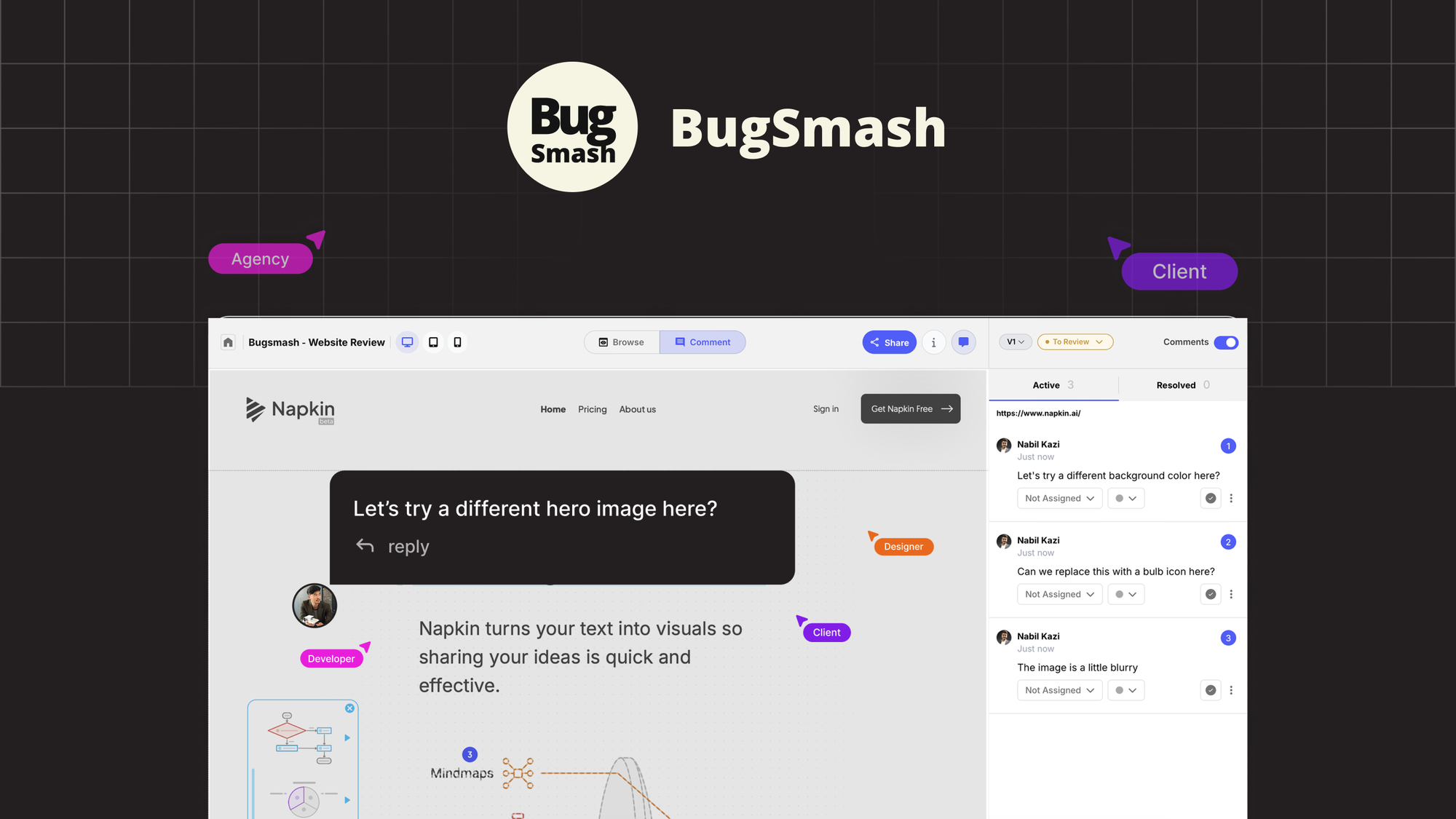
Review live websites, annotate PDFs online, and collect clear visual feedback across all your work
- Paid
- Web, Chrome Extension
- AI Tools for Quality AssuranceArt & IllustrationImage Generation
What is BugSmash?
Key features
Website screenshot capture
Take screenshots of live websites and annotate them directly with comments and visual markers
PDF annotation
Upload and mark up PDF documents with notes, highlights, and feedback
Visual feedback collection
Gather comments and suggestions from multiple team members on the same assets
Project organisation
Organise feedback by project or workspace to keep related items together
Shareable links
Generate links to share feedback with stakeholders who may not have accounts
Pros & cons
Advantages
- Reduces email clutter by centralising all visual feedback in one location
- Quick to capture and annotate screenshots without needing external design software
- Easy for non-technical team members to leave clear, visually marked feedback
- Saves time on back-and-forth communication about what needs to be changed and where
Limitations
- Limited to visual feedback collection; does not include project management or task tracking features
- Requires all team members to have accounts, which may complicate workflows for external stakeholders
- No direct integration mentioned with popular design or development tools
Use cases
Design review: Collect feedback from stakeholders on website mockups and live prototypes
Quality assurance: Document and communicate bugs found during testing with annotated screenshots
Client feedback: Gather structured input from clients on website changes before deployment
Content approval: Review and approve web page layouts and PDF documents with clear visual notes
Contractor collaboration: Share feedback with external developers or designers without requiring them to have complex access
Ready to try BugSmash?
Pricing
Paid plans
Pricing varies
Available through AppSumo; exact tiers and pricing should be confirmed on the official website
Get started with BugSmash
Click through to BugSmash and start using it now.