
Build0 AI
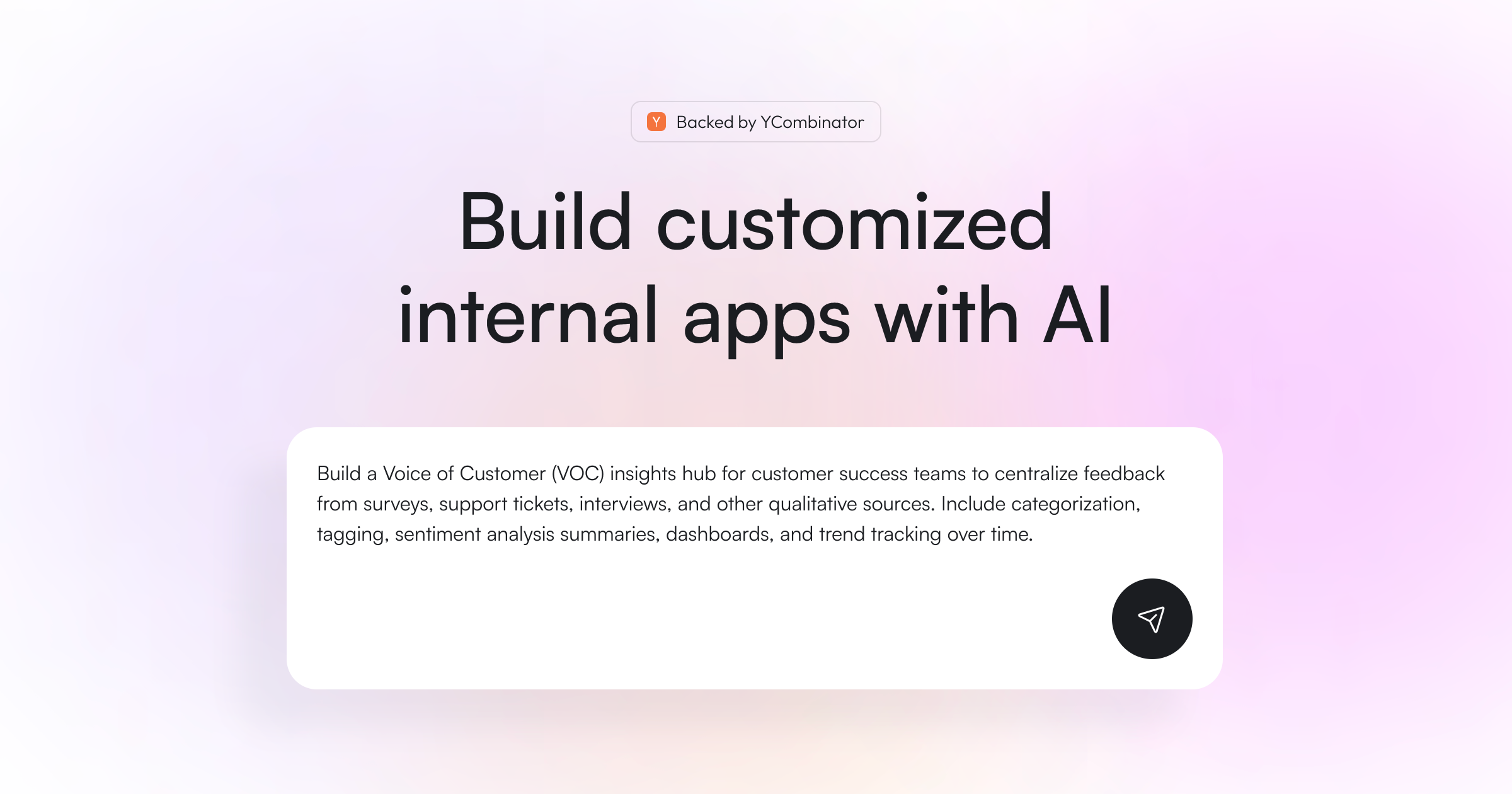
Create apps without coding to simplify workflows.
- Always free
- No credit card
What is Build0 AI?
Key features
No-code app builder
Drag-and-drop interface to create applications without writing code
AI-assisted development
AI guidance to help you design and structure your apps
Workflow automation
Build tools to automate repetitive business processes
Visual logic builder
Set up conditional logic and app behaviour using visual components
Integration capabilities
Connect to external services and data sources
Template library
Pre-built starting points for common app types and workflows
Pros & cons
Advantages
- Free to use, making it accessible for individuals and small teams experimenting with app development
- Removes the need for coding knowledge, allowing non-technical staff to build their own tools
- Faster development cycle compared to traditional coding for straightforward applications
- AI assistance helps guide users through the building process
Limitations
- May have limitations for complex applications requiring advanced customisation or logic
- Depending on the platform's maturity, integration options with third-party services might be limited
- Learning curve still exists despite the no-code approach; users need to understand application design concepts
Use cases
Building internal workflow tools for departments like HR, finance, or operations
Creating simple data collection and form submission applications
Automating repetitive business processes like approvals or reporting
Prototyping app ideas before committing to full development
Building tools for small teams without dedicated IT or development resources
Ready to try Build0 AI?
Pricing
Free
Free
Full access to no-code app builder and AI assistance; suitable for personal projects and small teams
Get started with Build0 AI
Click through to Build0 AI and start using it now.
- Always free
- No credit card