
Bulk Image Generator
Create AI variations and remove bg in batch
- Freemium
- Web
- Image Generation
- Free plan available
- No credit card
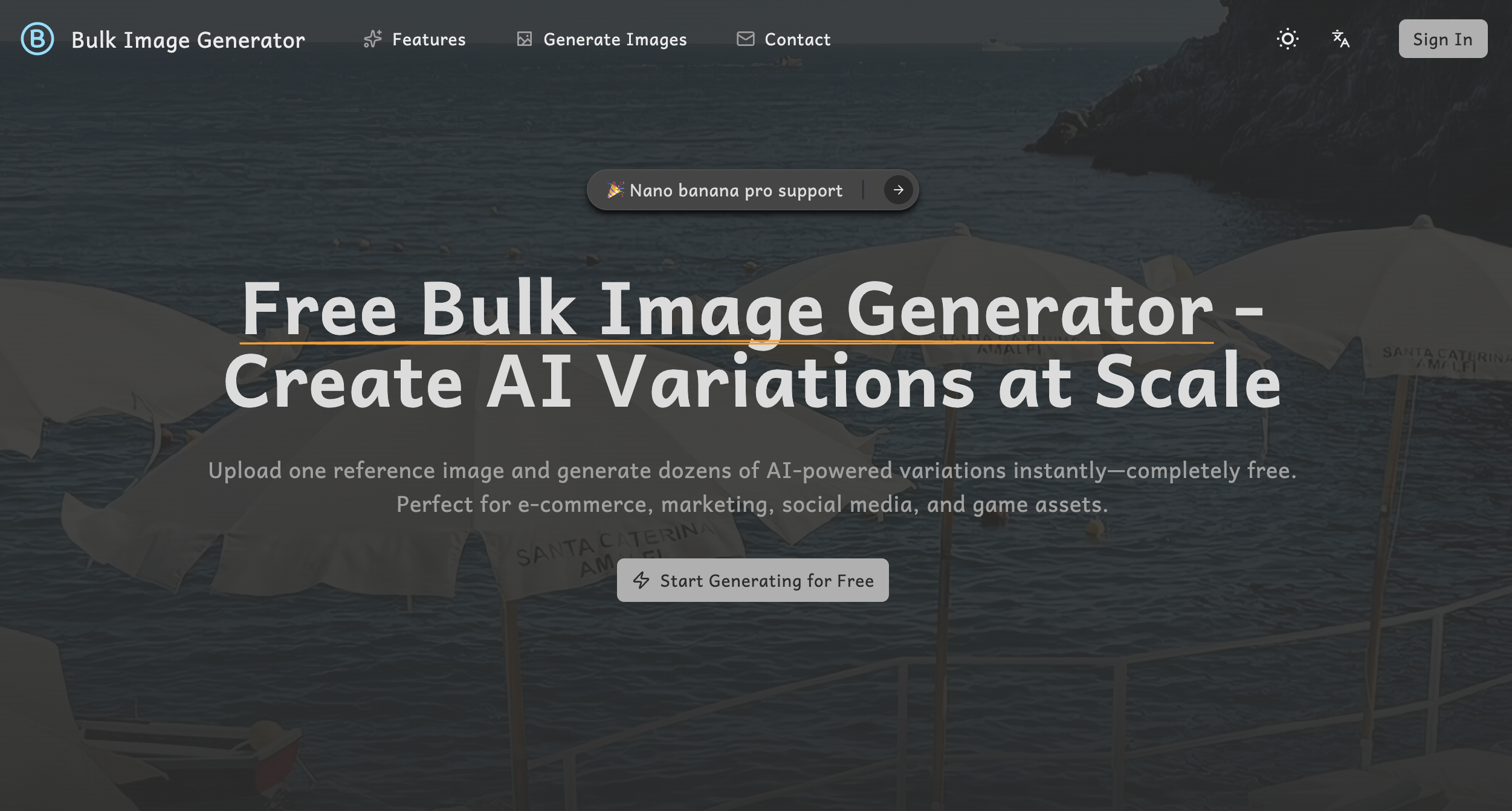
What is Bulk Image Generator?
Key features
AI image variation generation
Create multiple different versions of a single reference image
Batch background removal
Strip backgrounds from multiple photos in one operation
Bulk download
Export all generated images at once rather than one by one
Free tier access
Start using the tool without a subscription
Web-based interface
No software installation required
Pros & cons
Advantages
- Saves time when you need multiple versions of an image
- Background removal in batch speeds up photo preparation work
- No sign-up cost to test the tool
- Useful for product photography, social media content, and creative assets
Limitations
- Free tier likely has restrictions on how many images you can generate or the resolution of outputs
- Quality of AI variations depends on your reference image and may need refinement
- Limited customisation options for controlling how variations are created
Use cases
E-commerce: Generate product photo variations with different backgrounds for listings
Social media: Create multiple versions of promotional graphics to test different styles
Game development: Produce asset variations for characters, items, or environments
Marketing: Remove backgrounds from product shots for use across campaigns
Graphic design: Speed up iteration by generating design concepts in bulk
Ready to try Bulk Image Generator?
Pricing
Free
Free
Limited monthly image generations and downloads; full feature access with restrictions
Premium
Contact for pricing
Higher generation limits, larger batch sizes, priority processing, API access likely available
Get started with Bulk Image Generator
Click through to Bulk Image Generator and start using it now.
- Free plan available
- No credit card