
Calendly
Tailor your booking page, sync availability with calendars, set recurring events, and avoid double-booking with reminders.
- Freemium
- Web, iOS, Android, API
- Data & Analytics
- Free plan available
- No credit card
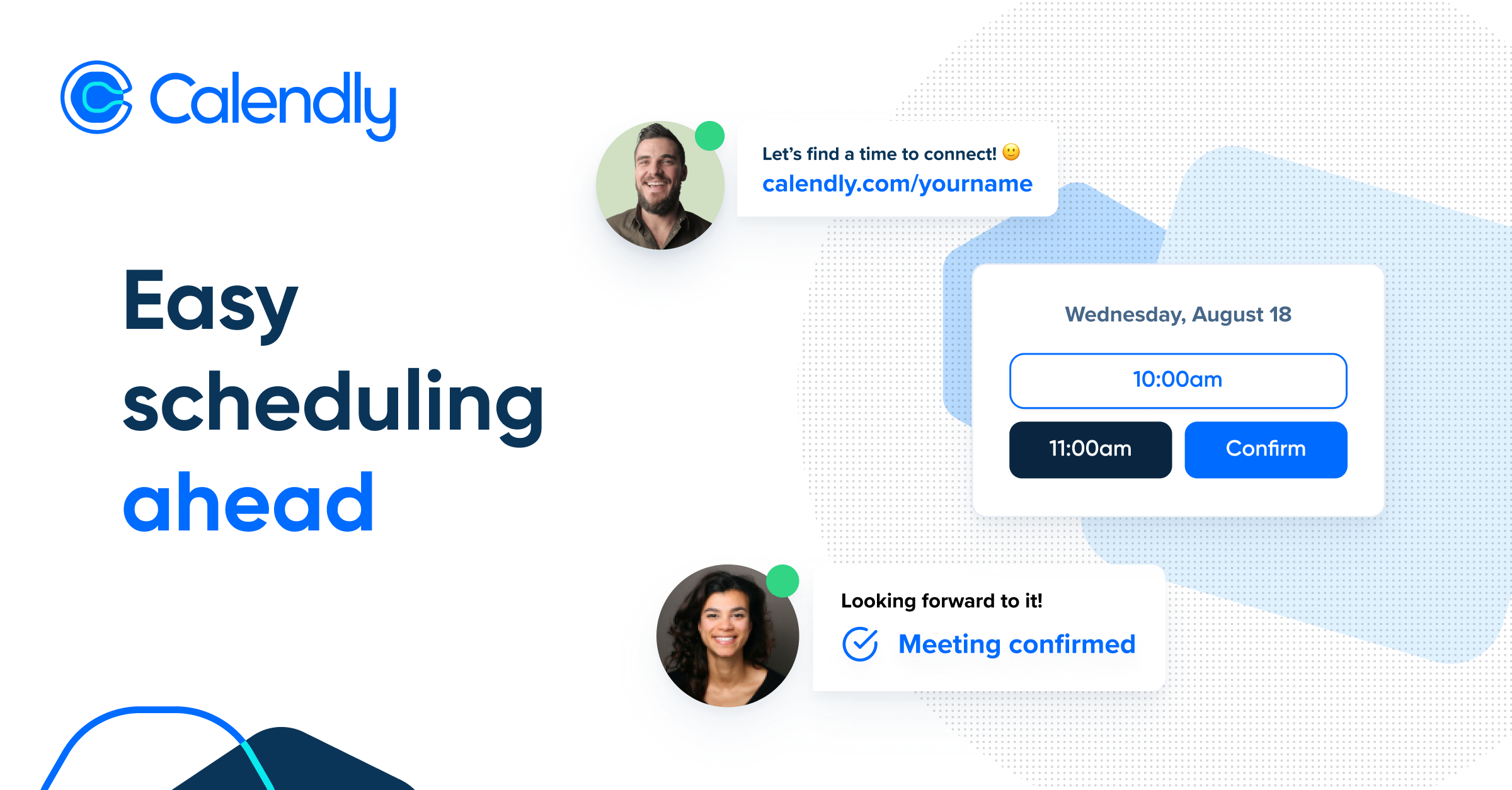
What is Calendly?
Key features
Calendar synchronisation
connects to Google Calendar, Outlook, Apple Calendar, and others to prevent double-booking and show real availability
Customisable booking pages
set colours, add your logo, adjust the layout, and write custom messages for your invitees
Meeting type templates
create different event types with specific durations, buffer times, and scheduling rules
Automated reminders
sends email reminders to both you and invitees before meetings to reduce no-shows
Timezone handling
automatically detects visitor timezones and converts times, reducing confusion across regions
Recurring availability
set standing hours that repeat daily, weekly, or monthly without recreating them each time
Pros & cons
Advantages
- Eliminates back-and-forth email exchanges about availability, saving time for both parties
- Reduces no-shows with automatic reminders sent to invitees before scheduled meetings
- Integrates with major calendar applications, staying in sync with your existing workflow
- Freemium option lets individuals and small teams start without upfront costs
- Simple interface with minimal setup required to get a booking page live
Limitations
- Free tier has limited customisation options and booking window restrictions compared to paid plans
- Requires invitees to click a link and use your booking page rather than sending them a direct calendar invite
- Pricing for teams and advanced features can become expensive at scale
Use cases
Freelancers and consultants booking client discovery calls and project kickoffs
Sales teams scheduling product demos and sales conversations with prospects
Recruiters and hiring managers organising interview slots with candidates
Healthcare providers and therapists booking patient appointments
Educators holding office hours and one-to-one student meetings
Ready to try Calendly?
Pricing
Free
Free
Single meeting type, up to 1 calendar connection, basic customisation, limited booking window
Premium
$12/month
Unlimited meeting types, multiple calendars, advanced customisation, longer booking window, reminders, integrations
Professional
$20/month
Team features, workflow automation, advanced routing, API access, priority support
Teams
Custom
Multiple users, team management, advanced permissions, dedicated support for larger organisations
Get started with Calendly
Click through to Calendly and start using it now.
- Free plan available
- No credit card