
Calendly AI
Smart meeting scheduling that eliminates back-and-forth Pricing: Freemium. See pros, cons, alternatives, and comparisons.
- Freemium
- Web, iOS, Android, API, Chrome Extension
- WritingImage GenerationDeveloper Tools
- Free plan available
- No credit card
What is Calendly AI?
Key features
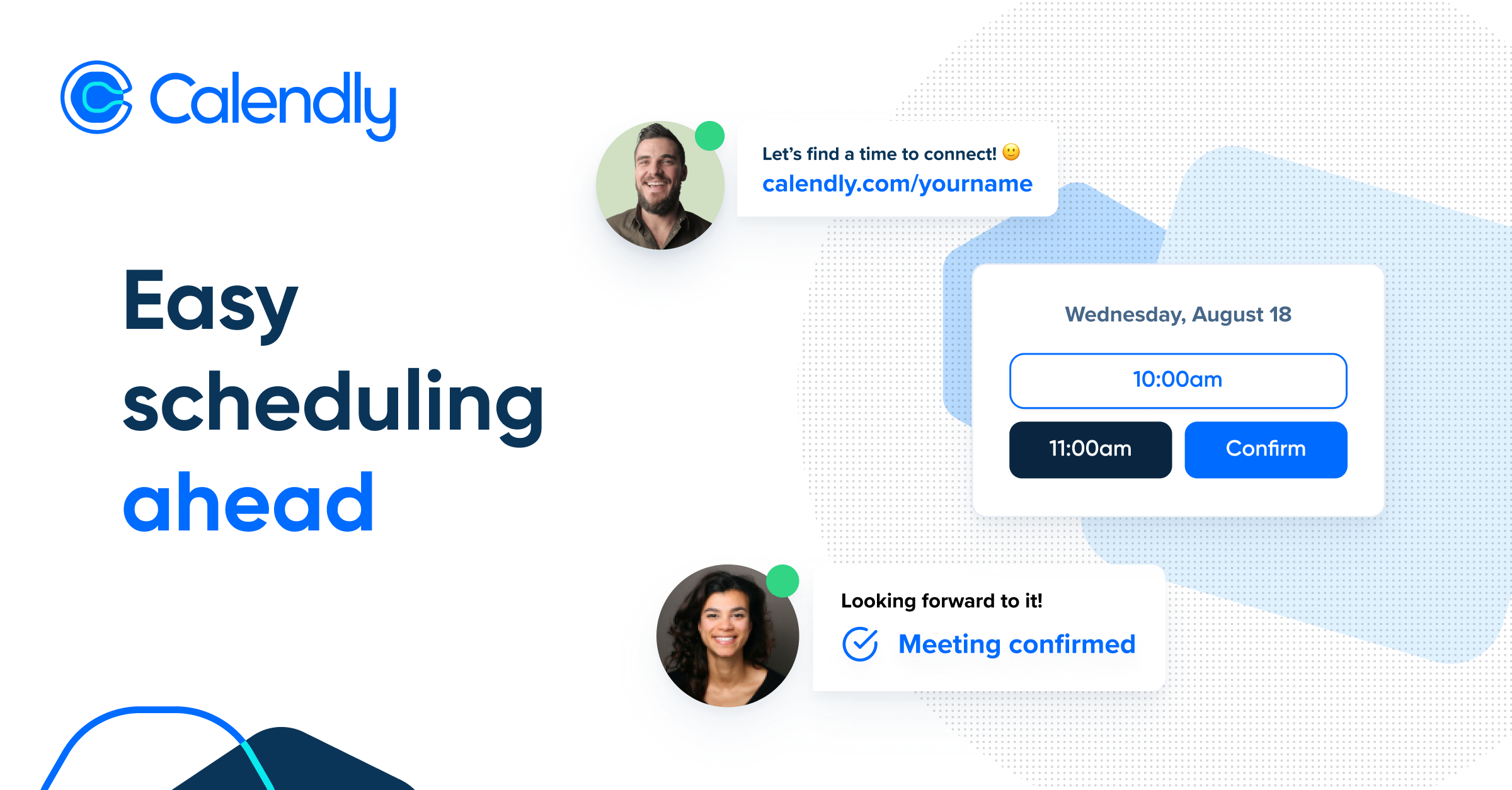
Shareable calendar links
provide a public or private link so others can see your availability and book directly
Calendar integration
syncs with Google Calendar, Outlook, and other major calendar platforms to avoid double bookings
Time zone handling
automatically detects and converts times across different zones
Automated reminders
sends email or SMS reminders to both parties before the meeting
Custom scheduling rules
set buffer time between meetings, define available hours, and specify meeting duration options
AI-powered scheduling suggestions
the tool learns your patterns and can propose best meeting times
Pros & cons
Advantages
- Saves time by eliminating email chains and scheduling coordinator back-and-forth
- Reduces scheduling errors and double bookings through calendar synchronisation
- Works well for high-volume schedulers; scales from freelancers to large teams
- Straightforward setup with minimal configuration needed to get started
- Freemium model means basic scheduling is available at no cost
Limitations
- Requires people to click a link and use an external system rather than responding to email; some users find this friction annoying
- Limited customisation on the free tier; advanced features like team scheduling and priority booking require paid plans
- Relies on good calendar hygiene from the user; messy or incomplete calendar data produces worse AI suggestions
Use cases
Freelancers and consultants offering client meetings without needing an assistant to manage bookings
Sales teams collecting prospect availability for demos and calls
Customer support and success teams handling one-on-one check-ins
Recruiters scheduling interviews with candidates across multiple time zones
Coaches and therapists managing recurring client appointments
Ready to try Calendly AI?
Pricing
Standard
£10/month
Multiple calendars, unlimited meeting types, custom branding, automated workflows, analytics
Enterprise
Custom pricing
Dedicated support, SSO, advanced integrations, custom workflows
Get started with Calendly AI
Click through to Calendly AI and start using it now.
- Free plan available
- No credit card