
Canva
Generate and Edit your Pictures with the help of AI
- Freemium
- Web, iOS, Android, macOS, Windows
- Image Generation
- Free plan available
- No credit card
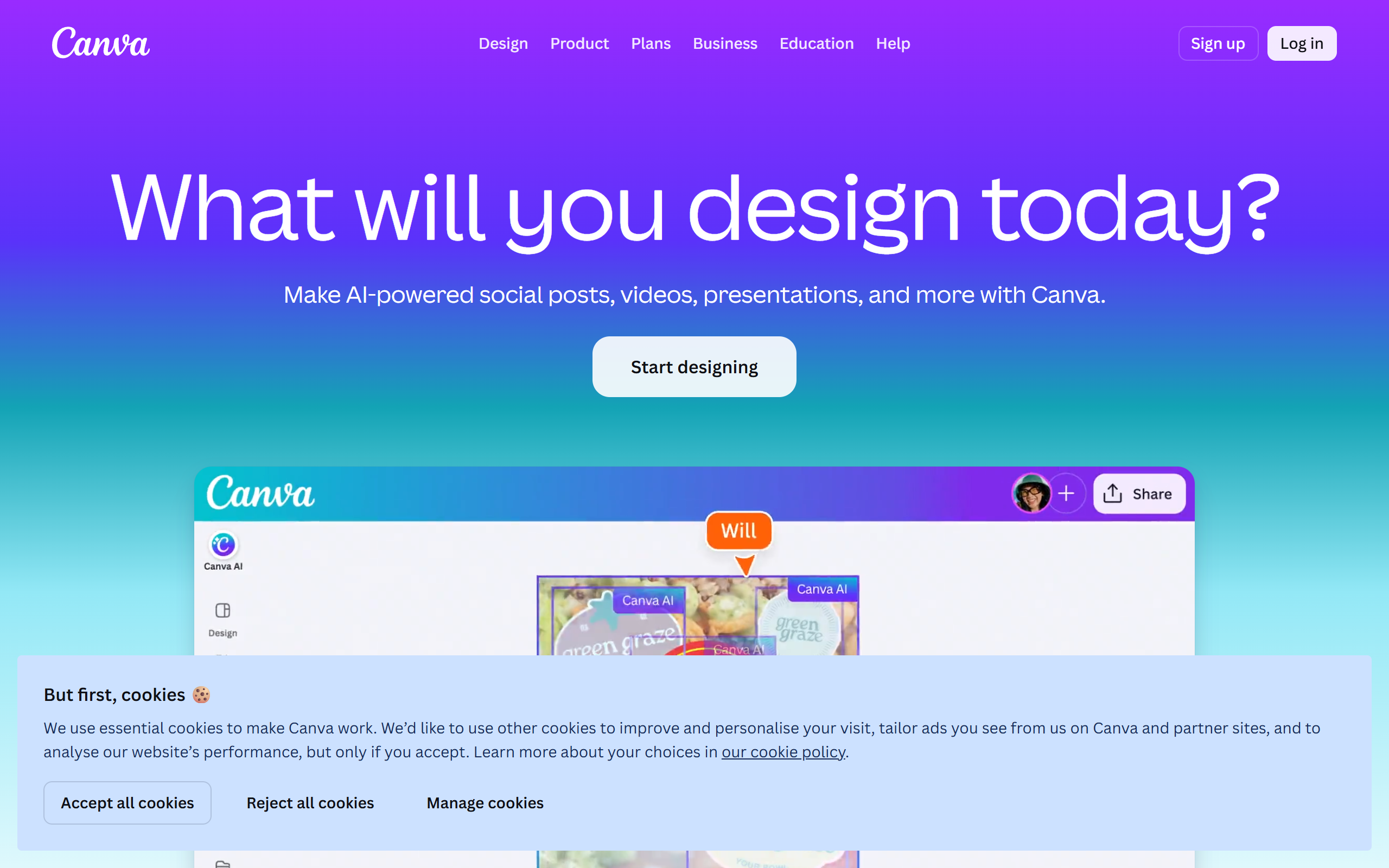
What is Canva?
Key features
AI image generator
Create images from text descriptions without needing external tools
AI background remover
Automatically isolate subjects from backgrounds in photographs
Template library
Thousands of pre-designed templates for social posts, presentations, documents, and more
Drag-and-drop editor
Arrange elements, text, and images with a simple visual interface
Brand kit
Store colours, fonts, and logos for consistent branding across designs
Collaboration tools
Share designs and invite others to edit in real time
Pros & cons
Advantages
- Free tier is genuinely useful; many users complete projects without paying
- Requires no prior design knowledge or software experience
- AI tools integrate directly into the editor rather than requiring separate applications
- Wide range of templates saves time for common design tasks
Limitations
- Premium content (stock photos, some templates) costs extra on top of subscription fees
- AI image generation results are sometimes inconsistent with text prompts
- Limited control over advanced design elements compared to professional tools like Adobe Creative Suite
Use cases
Creating social media graphics for Instagram, Facebook, LinkedIn, and TikTok
Designing business presentations and pitch decks
Producing marketing materials like flyers, posters, and email headers
Generating background images or visual assets for websites
Creating thumbnail images for YouTube videos or blog posts
Ready to try Canva?
Pricing
Free
Free
Access to basic templates, free stock photos, free AI image generator with limited monthly credits, drag-and-drop editor, brand kit for one brand
Canva Pro
$120/year or $13/month
Everything in Free, plus premium templates and stock library, unlimited AI image generation, background remover, advanced editing tools, 5 brand kits
Canva Teams
$25/month per person (billed annually)
All Pro features, plus team collaboration, shared brand assets, team templates, priority support
Get started with Canva
Click through to Canva and start using it now.
- Free plan available
- No credit card