
Canva AI
Design stunning visuals effortlessly with Canva's intuitive tools.
- Freemium
- Web, iOS, Android
- Social Media GraphicsStock & Commercial ImagesDesign
- Free plan available
- No credit card
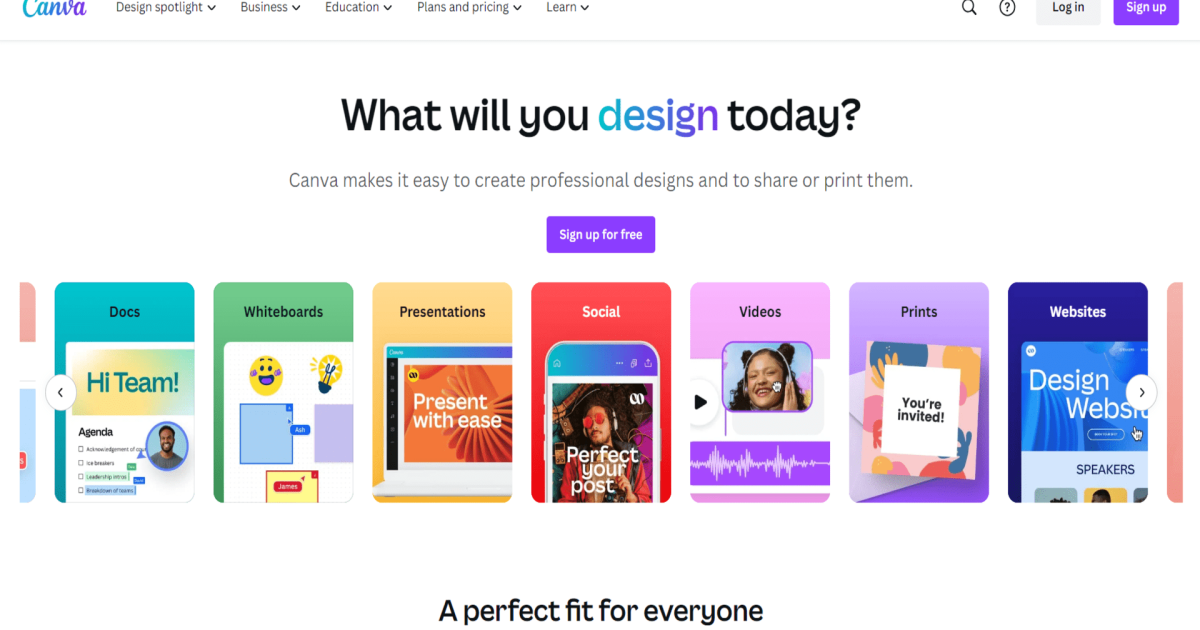
What is Canva AI?
Key features
Drag-and-drop editor
Move and resize elements freely without learning complex software
Template library
Thousands of pre-designed templates for different content types and industries
Stock assets
Access to millions of photos, icons, and illustrations for your designs
Brand kit
Store your colours, fonts, and logos to keep designs consistent across projects
Collaboration
Invite team members to work on designs together in real time
Export options
Download designs as PNG, PDF, or video formats suitable for different platforms
Pros & cons
Advantages
- Very quick to learn and use, even for people with no design background
- Large selection of free and paid templates saves time on layout decisions
- Affordable pricing; the free tier is genuinely useful for basic work
- Works entirely in the browser, so no software installation needed
Limitations
- Free tier has limited templates and storage; upgrading to Pro opens more options
- Heavy customisation or unusual design requests may require external tools or expertise
- Some design elements and stock images require purchase or premium subscription
Use cases
Creating social media graphics and posts for small businesses or personal brands
Designing simple presentations for work or school without learning PowerPoint deeply
Making flyers, posters, or promotional materials for local events
Building consistent branded content like email headers or web graphics
Quickly producing visual assets for newsletters, blog posts, or marketing campaigns
Ready to try Canva AI?
Pricing
Pro
£120/year or £12.99/month
Unlimited storage, 100 million+ stock photos and videos, premium templates, brand kit, background remover, priority customer support
Teams
£360/year or £39.99/month
Everything in Pro, plus team management, shared brand kits, user permissions, and activity logs for multiple users
Get started with Canva AI
Click through to Canva AI and start using it now.
- Free plan available
- No credit card