CapCut AI
Advanced video editing with AI-driven features and effects.
- Freemium
- Web, macOS, Windows, iOS, Android
- VideoWritingVideo Editing
- Free plan available
- No credit card
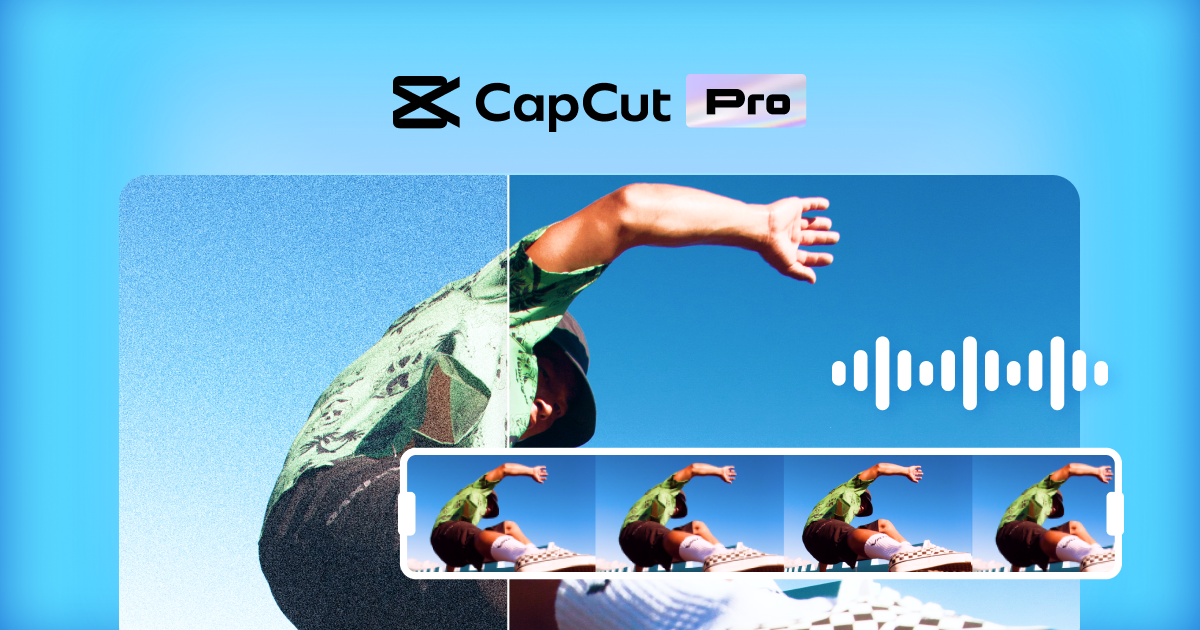
What is CapCut AI?
Key features
AI-driven auto editing
automatically cuts, trims, and arranges footage based on scene detection and content
Smart effects and transitions
applies visual effects and transitions with AI suggestions tailored to your content
Text-to-speech and voice synthesis
generates voiceovers and background audio using AI models
Background removal and replacement
uses AI to isolate subjects and change or blur backgrounds
Colour grading and enhancement
applies intelligent colour correction based on video content
Template library
access pre-built video templates for common formats like shorts and reels
Pros & cons
Advantages
- Free tier removes financial barriers to entry for new creators
- AI features genuinely save time on repetitive editing tasks like cutting and basic colour work
- Works well for social media content where quick turnaround matters more than precision
- Intuitive interface means you don't need prior video editing experience
Limitations
- AI suggestions may require manual adjustment for projects requiring specific creative direction
- Free tier limitations likely restrict export quality and feature access, pushing users toward paid plans
- May struggle with complex or unconventional footage where AI detection proves less accurate
Use cases
Creating short-form social media videos like TikToks, Reels, and YouTube Shorts
Producing quick promotional or marketing videos for small businesses
Editing vlogs or personal content where speed matters more than precision
Batch processing multiple videos with consistent styling and effects
Learning video editing basics without investing in expensive professional software
Ready to try CapCut AI?
Pricing
Premium
Variable by region
Full access to AI features, high-resolution exports, no watermark, advanced effects library, cloud storage
Get started with CapCut AI
Click through to CapCut AI and start using it now.
- Free plan available
- No credit card