CapCut Commerce AI
Advanced video editing with AI-driven features and effects.
- Always free
- No credit card
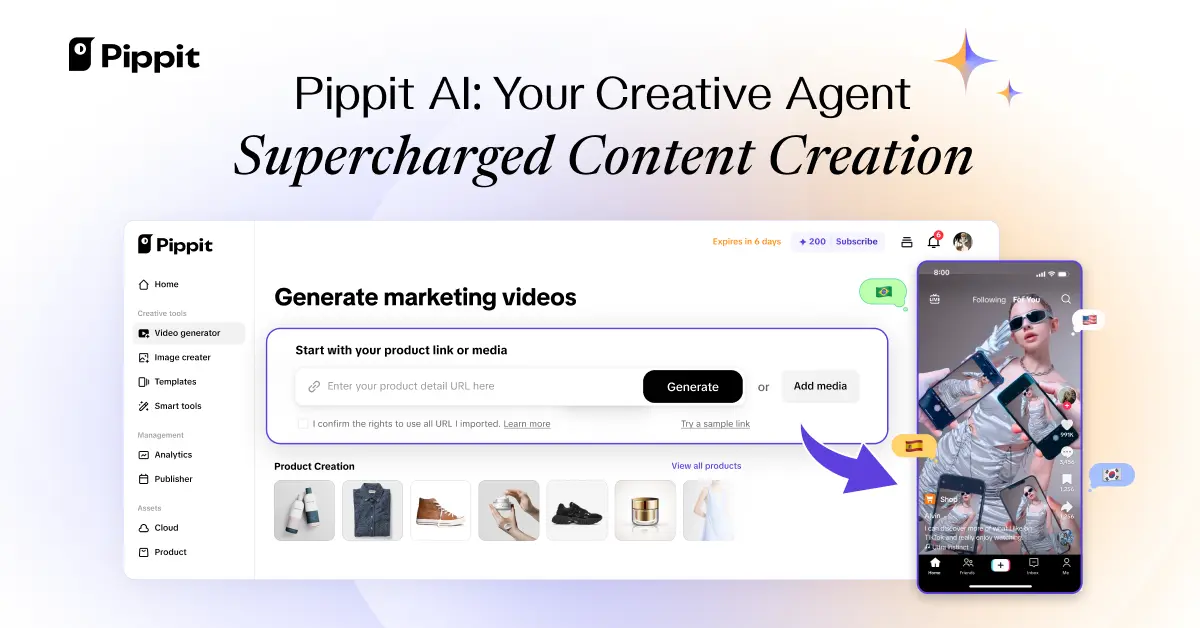
What is CapCut Commerce AI?
Key features
AI-powered background removal
automatically isolates subjects from backgrounds without manual masking
Object tracking
AI follows moving subjects across frames to apply effects or adjustments consistently
Built-in effects library
access to pre-made AI effects tailored for product and commercial videos
Text-to-speech and captions
generate voiceovers and automatic caption generation for accessibility
Template system
pre-designed layouts optimised for commerce platforms like TikTok, Instagram, and YouTube
Batch editing
process multiple videos with the same settings to maintain consistency across campaigns
Pros & cons
Advantages
- Free to use with no apparent paywall or premium tier requirement
- AI features reduce manual work on repetitive editing tasks
- Designed specifically for e-commerce and product marketing, not general-purpose editing
- Web-based access means no software installation needed
Limitations
- AI features may produce inconsistent results on complex or unusual footage
- Limited information available about export quality and resolution options
- Free tier may have restrictions on video length, resolution, or watermarking
Use cases
Creating product showcase videos for e-commerce listings
Generating multiple variations of the same product video for different social media platforms
Producing quick promotional content for TikTok Shop or Instagram Shopping
Batch-editing a series of similar product videos to maintain brand consistency
Adding captions and effects to user-generated content for reposting
Ready to try CapCut Commerce AI?
Pricing
Free
Free
Full access to core editing tools and AI features; typical free video editor constraints likely apply to resolution and export options
Get started with CapCut Commerce AI
Click through to CapCut Commerce AI and start using it now.
- Always free
- No credit card