
Captions AI
AI-powered studio simplifies video creation, editing, and subtitling.
- Free plan available
- No credit card
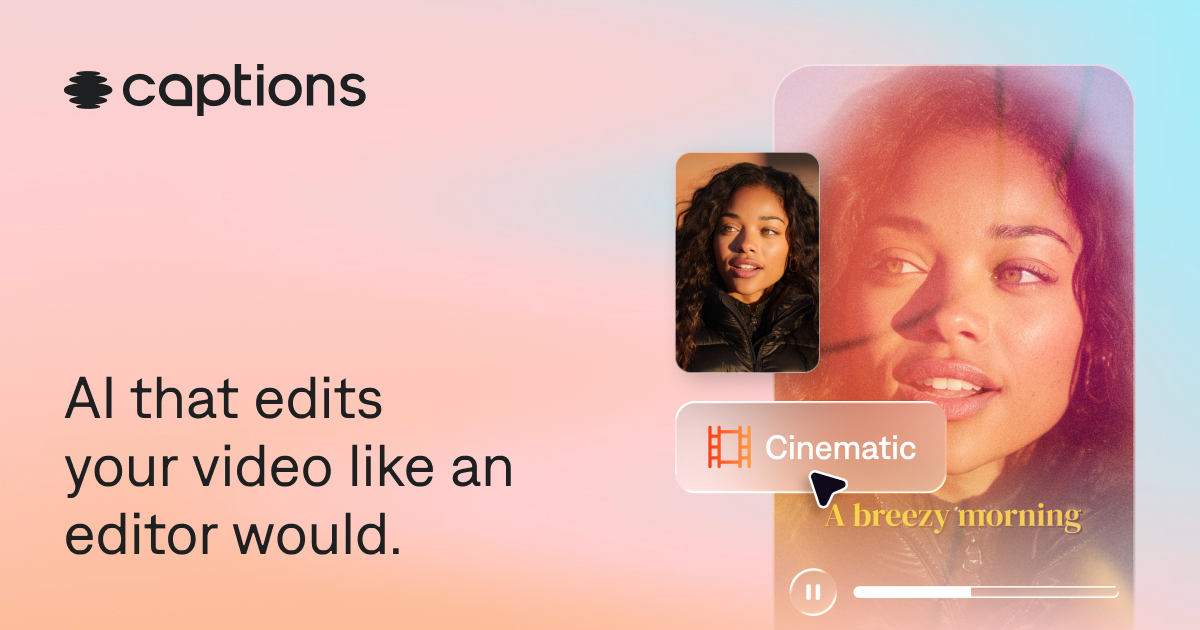
What is Captions AI?
Key features
Automatic subtitle generation
AI transcribes and timestamps video content automatically
Video editing
trim, arrange, and adjust video clips within the same interface
Caption styling
customise the appearance, positioning, and format of subtitles
Multi-language support
generate captions in different languages
Export options
download edited videos with subtitles in common formats
Freemium access
basic features available without payment
Pros & cons
Advantages
- All-in-one workflow reduces the need to export and re-import between separate tools
- Automatic captioning saves significant time compared to manual transcription
- Free tier makes it accessible for testing and light use
- Captions improve video accessibility and watch time on social platforms
Limitations
- AI-generated captions may require manual review for accuracy, especially with accents or technical terminology
- Free tier likely has limitations on video length, resolution, or monthly usage
- Limited information available about advanced editing features compared to dedicated video editors
Use cases
Social media creators adding captions to short-form videos for TikTok, Instagram Reels, or YouTube Shorts
Content marketers captioning webinars or tutorial videos for accessibility and SEO
Educators and course creators adding subtitles to learning videos
Podcasters or interviewers captioning video versions of audio content
Business communicators adding captions to internal or external video messages
Ready to try Captions AI?
Pricing
Paid plans
Pricing not publicly specified
Higher usage limits, longer video support, and additional export formats
Get started with Captions AI
Click through to Captions AI and start using it now.
- Free plan available
- No credit card