
Capturelab
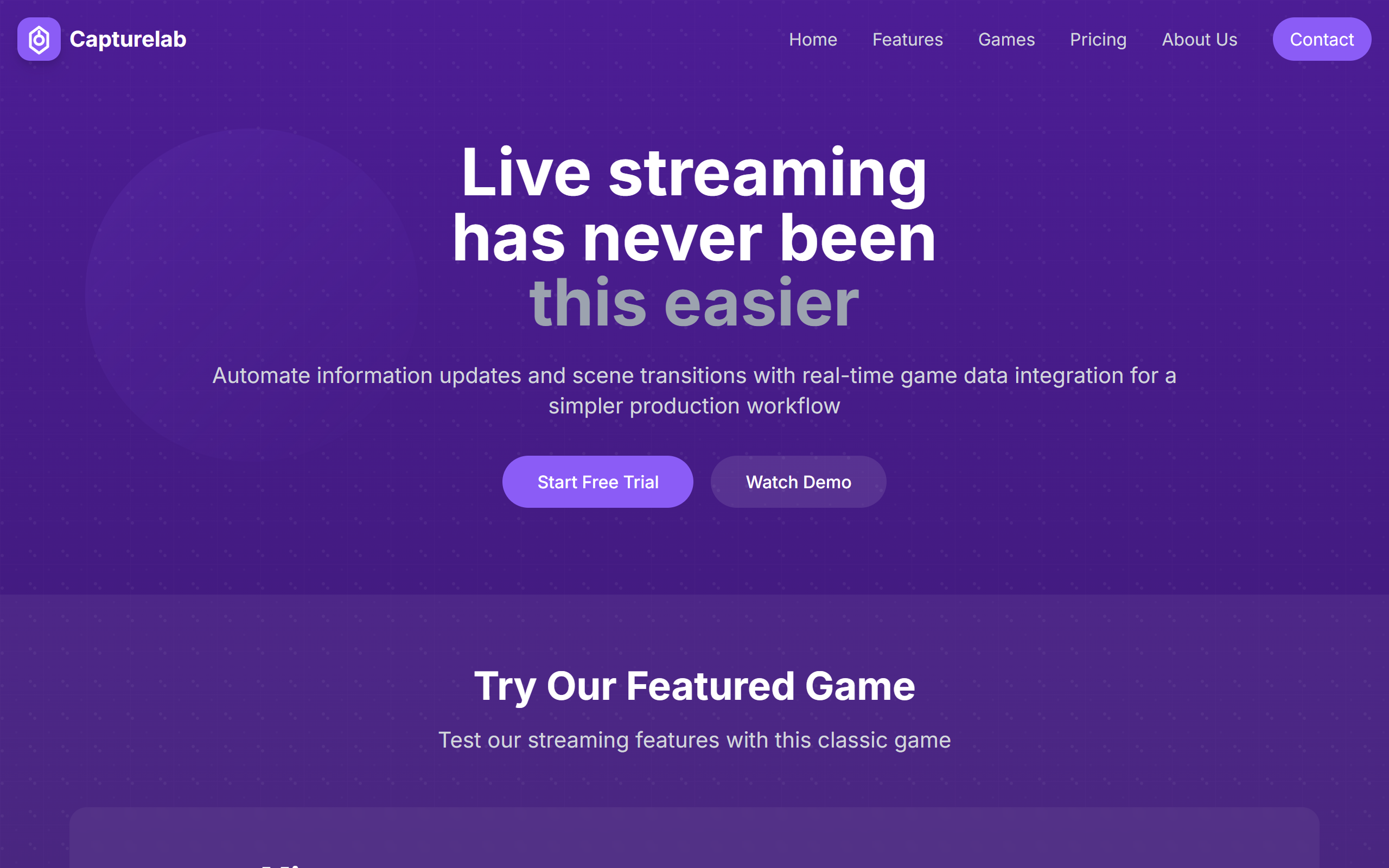
AI streaming assistant that auto-detects highlights and switches scenes from live game data.
- Free plan available
- No credit card
What is Capturelab?
Key features
AI highlight detection
Recognises gameplay moments such as kills and victories and clips them automatically.
Real-time game integration
Synchronises with live game data to adjust scenes, overlays and animations as events happen.
Smart scene switching
Changes stream scenes based on in-game events and custom triggers.
Chat and community tools
Custom chat commands, audience interaction metrics, moderation and content filtering.
Overlay templates
Professional, theme-customisable overlay templates and branded visuals for consistent identity.
Multi-platform streaming
Streams to several platforms at once with platform-specific optimisation.
Analytics dashboard
Detailed streaming and viewer engagement metrics with a performance dashboard.
Pros & cons
Advantages
- A free Starter tier lets creators try AI highlights and scene templates with no credit card required.
- The real-time game data integration automates scene switching and overlay updates that would otherwise be manual.
- It connects with widely used tools including OBS, Streamlabs, Twitch and YouTube.
- Automatic highlight clipping reduces the time spent editing footage after a stream.
- A 14-day free trial of the Pro plan gives access to all features before paying.
Limitations
- The free Starter tier is limited to 720p quality, two scene templates and 5GB of storage.
- Annual pricing is not published, so only the monthly Pro rate is visible.
- Business tier pricing is custom and requires contacting the company.
- There is no public affiliate or referral programme for creators who want to earn from recommendations.
Use cases
Twitch and YouTube streamers who want automatic highlight clips without manual editing.
Game streamers who want scenes and overlays to react to in-game events in real time.
Content creators who repurpose stream highlights into social media clips.
Streamers running multi-platform broadcasts who need platform-specific optimisation.
Channels that want custom chat commands and viewer engagement analytics.
Established streaming teams needing 4K output, white-label overlays and dedicated support via the Business tier.
Ready to try Capturelab?
Pricing
Starter
Free
Basic AI highlights, 720p streaming, 2 scene templates, basic chat commands, 5GB cloud storage and community support.
Pro
15 per month
Advanced AI highlights, 1080p streaming, 10 scene templates, custom chat commands, 50GB storage, multi-platform streaming, custom overlays, analytics dashboard and priority support. Includes a 14-day free trial.
Business
Contact for pricing
All Pro features plus 4K streaming, unlimited scene templates, advanced API access, unlimited storage, custom integrations, team management, white-label solution, SLA and 24/7 dedicated support.
Get started with Capturelab
Click through to Capturelab and start using it now.
- Free plan available
- No credit card