
Cartoonize
Transform photos into cartoon-style art, customize with effects and styles, and easily share with friends and family.
- Freemium
- Web
- Image Generation
- Free plan available
- No credit card
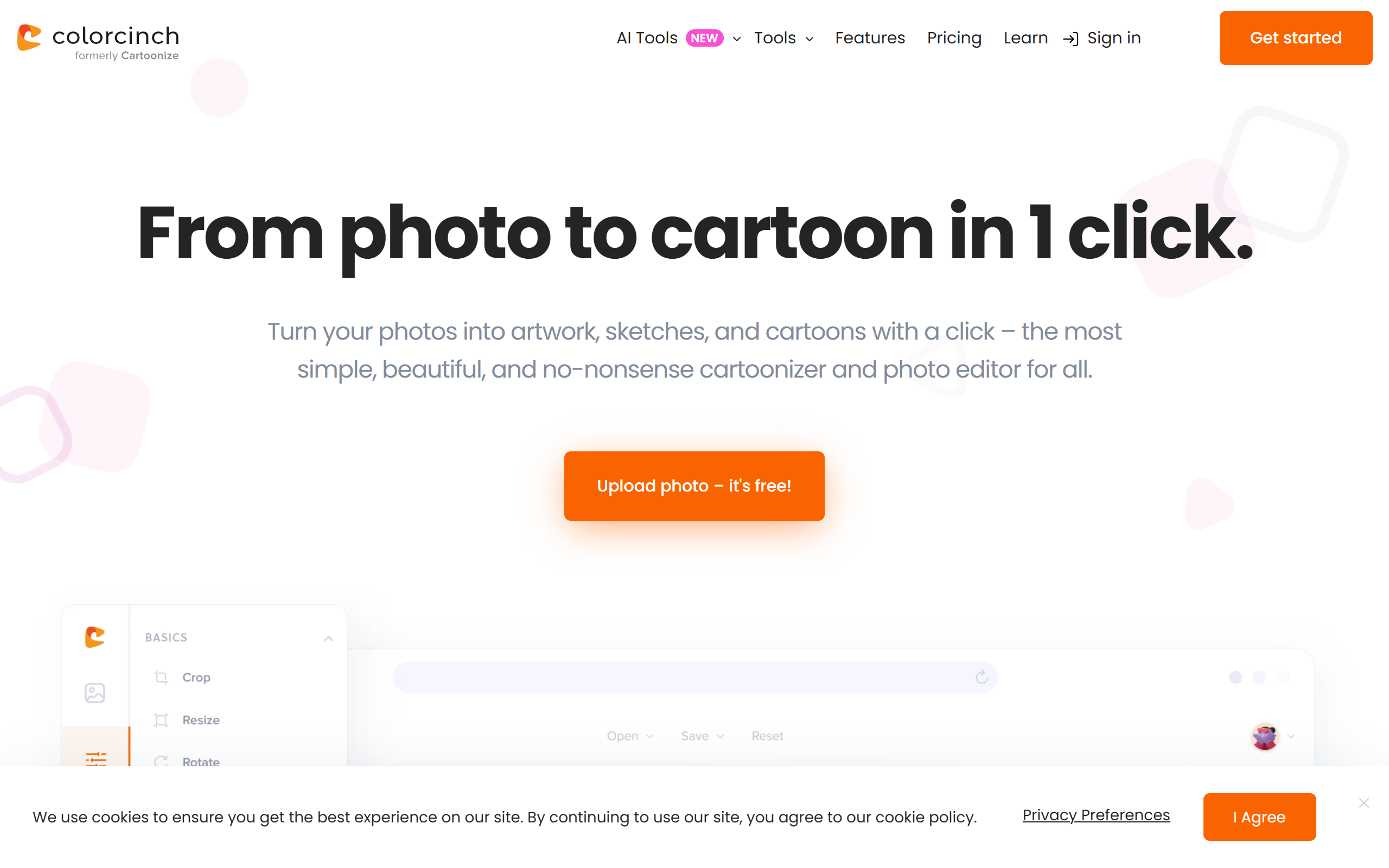
What is Cartoonize?
Key features
Photo to cartoon conversion
Automatically applies cartoon-style filters to transform standard photographs
Effect customisation
Adjust various artistic effects and style parameters to suit your preference
Multiple style options
Choose from different cartoon art styles (watercolour, comic book, sketch, etc.)
Social sharing
Direct sharing options to common platforms like Facebook, Instagram, and email
Web-based access
No software installation required; works in your browser
Pros & cons
Advantages
- Free to use for basic cartoonisation without registration
- Quick processing with results generated in seconds
- Intuitive interface requiring no artistic experience
- No software installation needed
Limitations
- Free tier likely includes watermarks or reduced resolution options
- Limited control over fine details compared to professional design software
- Quality depends on original photo; poorly lit or low-resolution images may produce inferior results
Use cases
Creating fun cartoon versions of family photos for social media posts
Generating casual profile pictures or avatars for messaging apps
Making playful greetings or birthday cards to share with friends
Converting holiday or event photos into a lighter artistic style
Exploring artistic effects on photos before investing in professional illustration
Ready to try Cartoonize?
Pricing
Free
Free
Basic cartoon conversion, standard effects, likely with limitations on resolution or branding
Premium
Pricing not publicly specified
Likely includes higher resolution output, watermark removal, additional style options, and batch processing
Get started with Cartoonize
Click through to Cartoonize and start using it now.
- Free plan available
- No credit card