
CastmeNow
- Freemium
- Web
- AI Tools for Presentations
- Free plan available
- No credit card
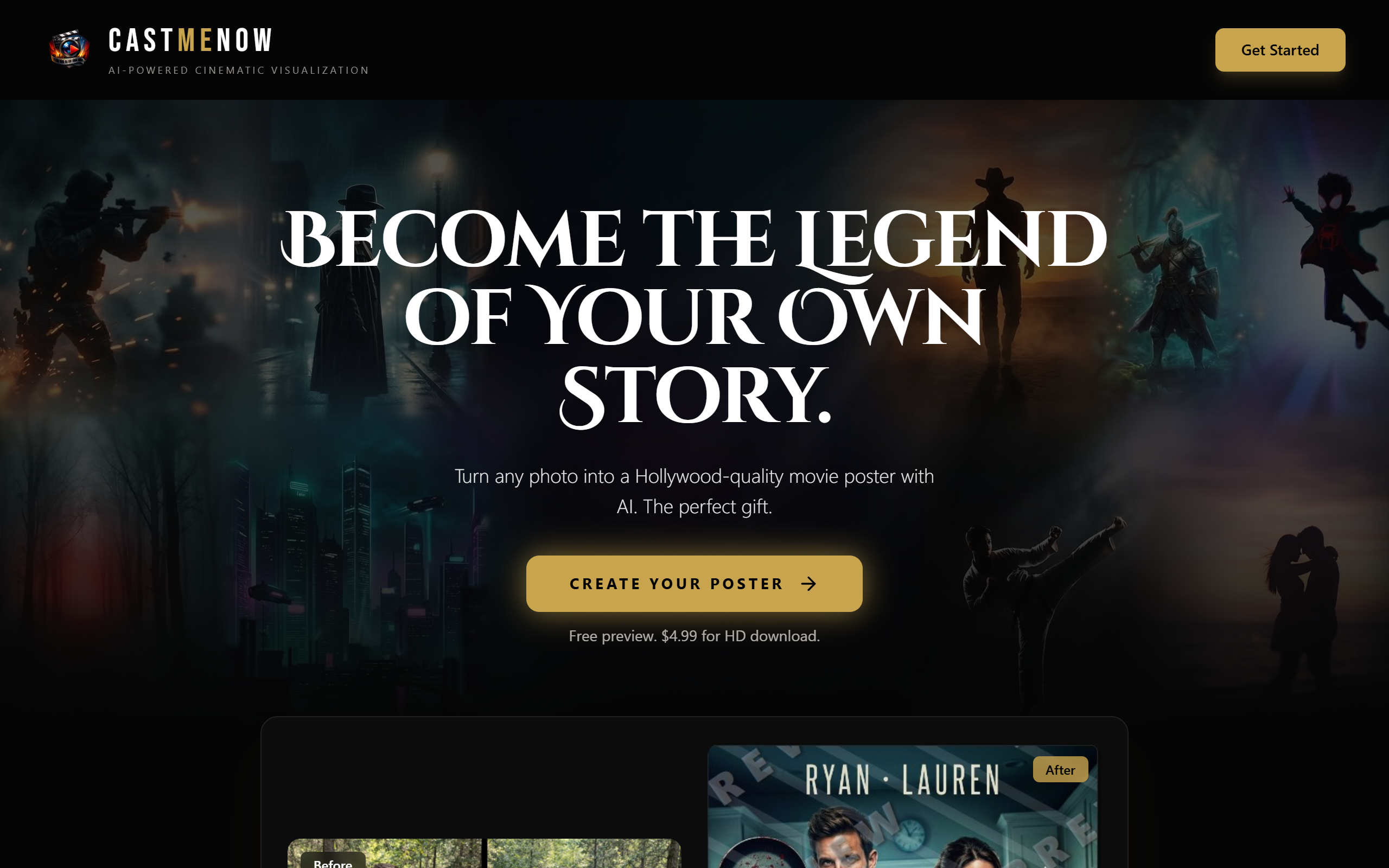
What is CastmeNow?
Key features
Screen and webcam recording
capture your screen, webcam, or picture-in-picture simultaneously
Instant sharing
generate a shareable link after recording without file uploads or conversions
No viewer requirements
recipients can watch videos directly without signing up or installing anything
Basic editing
trim recordings and add text overlays or titles to your videos
Storage management
freemium tier includes limited cloud storage with upgrade options
Quick access
browser-based, so you can start recording without installing software
Pros & cons
Advantages
- Fast setup and recording process; no complex configuration needed
- Viewers need only a link, making it ideal for external communication and feedback requests
- Works in any modern browser without plugins or downloads
- Free tier is genuinely functional for occasional use and testing
Limitations
- Storage limits on free tier may constrain heavy users or long-form content creation
- Limited advanced editing features compared to dedicated video production software
- No offline mode; you need an internet connection to record and share
Use cases
Recording product demos or software tutorials for customers or team members
Sharing feedback or video notes with colleagues asynchronously across time zones
Creating onboarding videos or training materials for new employees
Sending personalised video messages instead of written emails
Documenting bug reports or technical issues with visual explanations
Ready to try CastmeNow?
Pricing
Get started with CastmeNow
Click through to CastmeNow and start using it now.
- Free plan available
- No credit card