ChatGPT Widescreen Mode
View more conversation, focus without distractions, and switch modes easily with a few clicks.
- Freemium
- Web, Chrome Extension
- Developer ToolsCode
- Free plan available
- No credit card
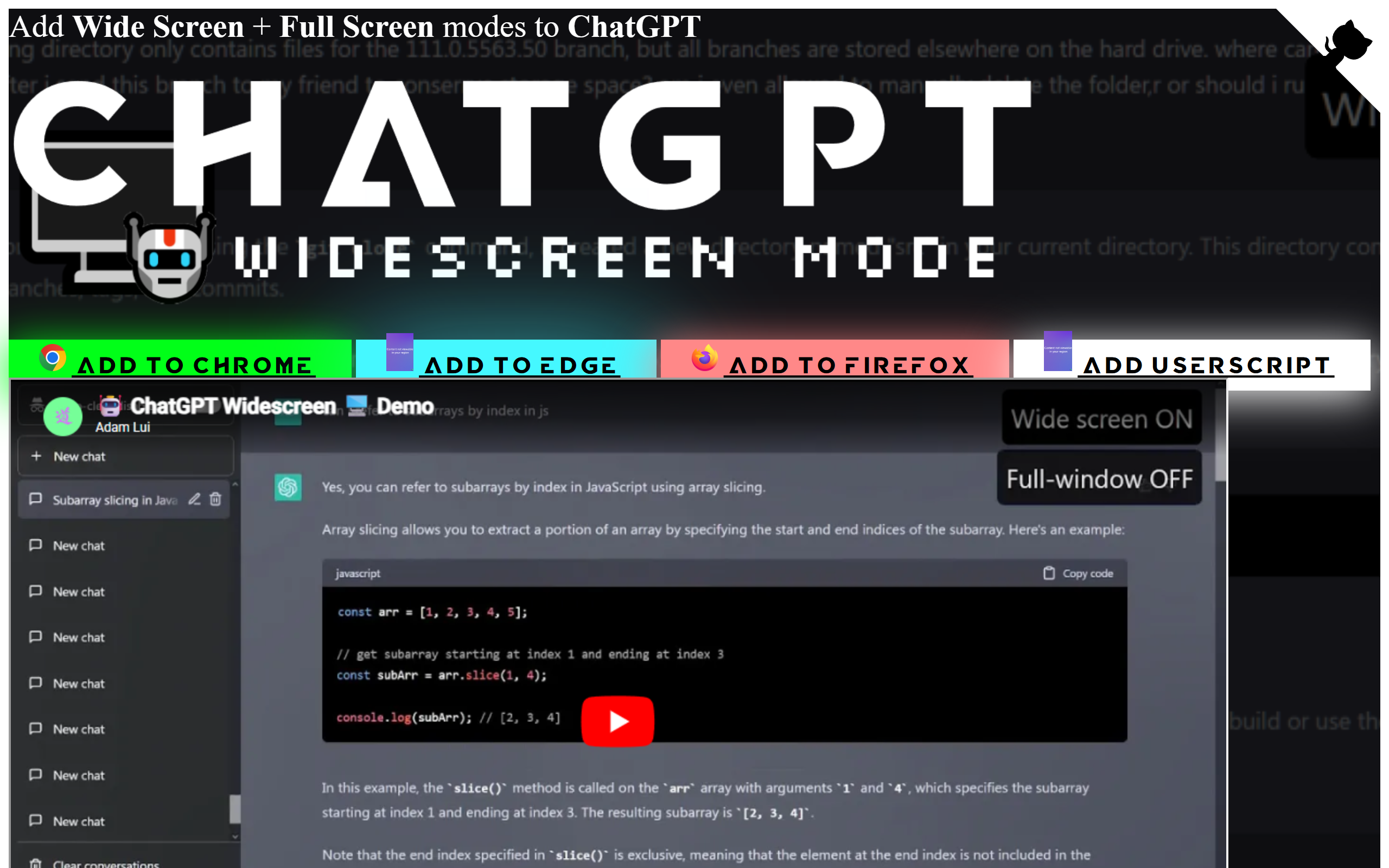
What is ChatGPT Widescreen Mode?
Key features
Widescreen layout
Expands the conversation area to use the full width of your browser window
Multiple view modes
Switch between different layout options to match your working style
One-click toggling
Enable or disable the extension quickly without reloading the page
No login required
Works immediately after installation without additional authentication
Distraction-free option
Hide sidebars and UI elements to focus only on your conversation
Pros & cons
Advantages
- Increases visible conversation history without scrolling repeatedly
- Free to use with no account or subscription required
- Simple installation and activation; minimal setup needed
- Useful for reviewing longer conversations or comparing multiple parts of a discussion
Limitations
- Only works in browsers where extensions are supported; not available on mobile apps
- Some ChatGPT interface features may behave differently with the expanded layout
- Depends on ChatGPT remaining available; changes to ChatGPT's structure could require updates
Use cases
Reviewing full conversations without constant scrolling whilst writing or coding
Maximising screen real estate on ultrawide monitors or large displays
Reducing eye strain by viewing more text at once
Comparing multiple sections of a long conversation side by side
Ready to try ChatGPT Widescreen Mode?
Pricing
Get started with ChatGPT Widescreen Mode
Click through to ChatGPT Widescreen Mode and start using it now.
- Free plan available
- No credit card