
ChatKit
Create custom UI, find info quickly, and use chat, FAQ, changelog, and feedback features.
- Freemium
- Web
- DesignUI/UX Design
- Free plan available
- No credit card
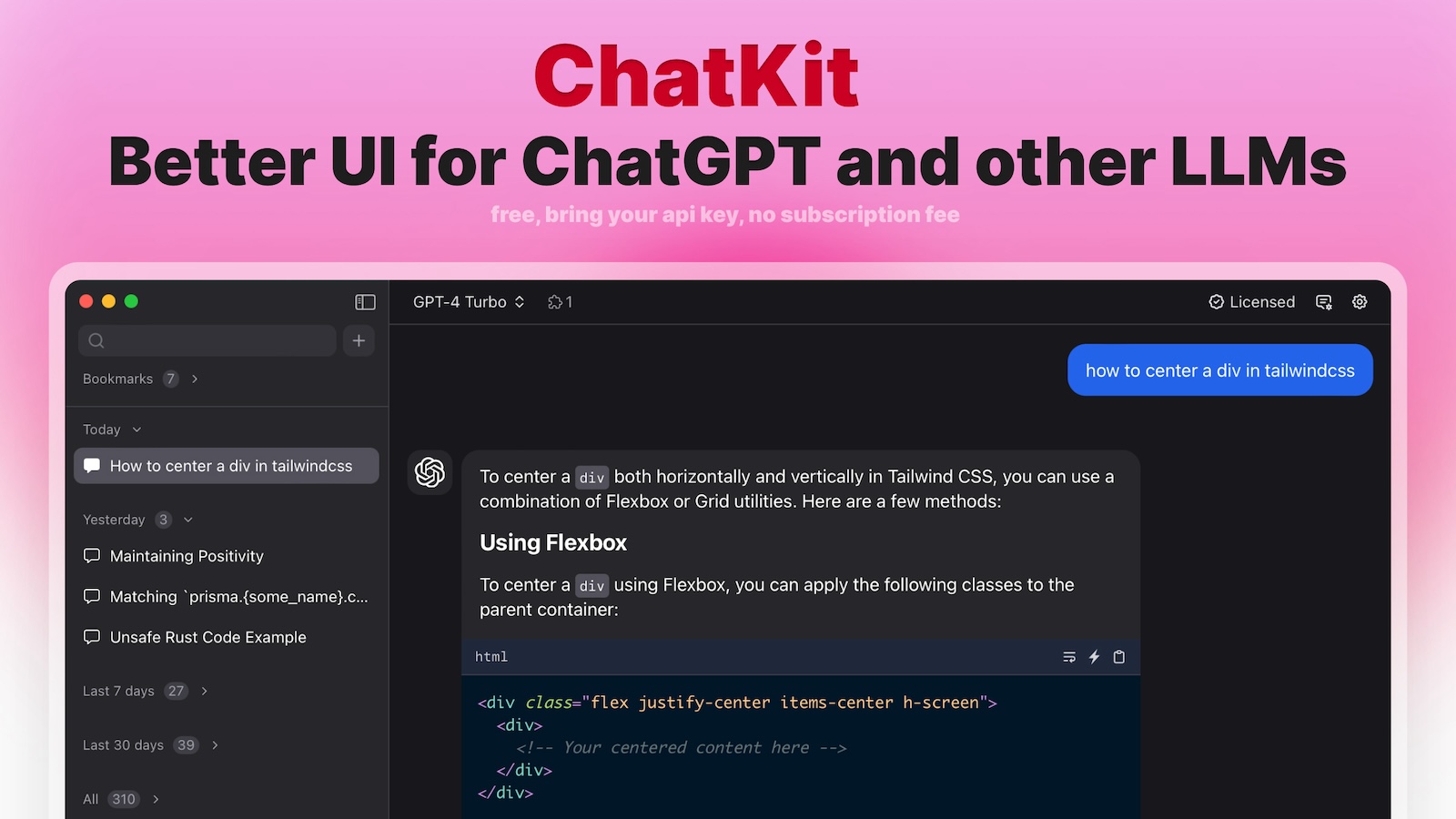
What is ChatKit?
Key features
Custom UI builder
design chat interfaces that match your brand without writing code
FAQ management
organise and display frequently asked questions within the chat
Changelog feature
show users updates and new features directly in the interface
Feedback collection
gather user feedback and suggestions through built-in forms
Chat functionality
handle customer conversations and support inquiries
Multi-channel support
deploy across web and other platforms from one dashboard
Pros & cons
Advantages
- No coding required for basic setup; visual builder makes it accessible to non-technical users
- Combines multiple features (chat, FAQ, changelog, feedback) in one tool rather than using separate platforms
- Free tier available so you can test before committing to paid plans
- Customisable appearance means it fits your brand rather than looking like a generic widget
Limitations
- Limited information available about advanced integrations or API capabilities
- Freemium model may have restrictions on message volume, storage, or team members on free tier
- Smaller platform means less community support and fewer third-party integrations compared to established alternatives
Use cases
SaaS companies wanting to provide in-product support and collect feature requests
Websites needing a central place to answer common questions and share product updates
Product teams gathering user feedback while reducing support email volume
Documentation sites adding interactive chat to help users find information faster
Ready to try ChatKit?
Pricing
Get started with ChatKit
Click through to ChatKit and start using it now.
- Free plan available
- No credit card