
ChatTab
ChatTab is a native Mac application designed for interacting with ChatGPT, offering a seamless experience with access to models such as GPT-3.5, GPT-4, and Claude2 through an integrated API key. This
- Free
- macOS
- WritingDesignImage Generation
- Always free
- No credit card
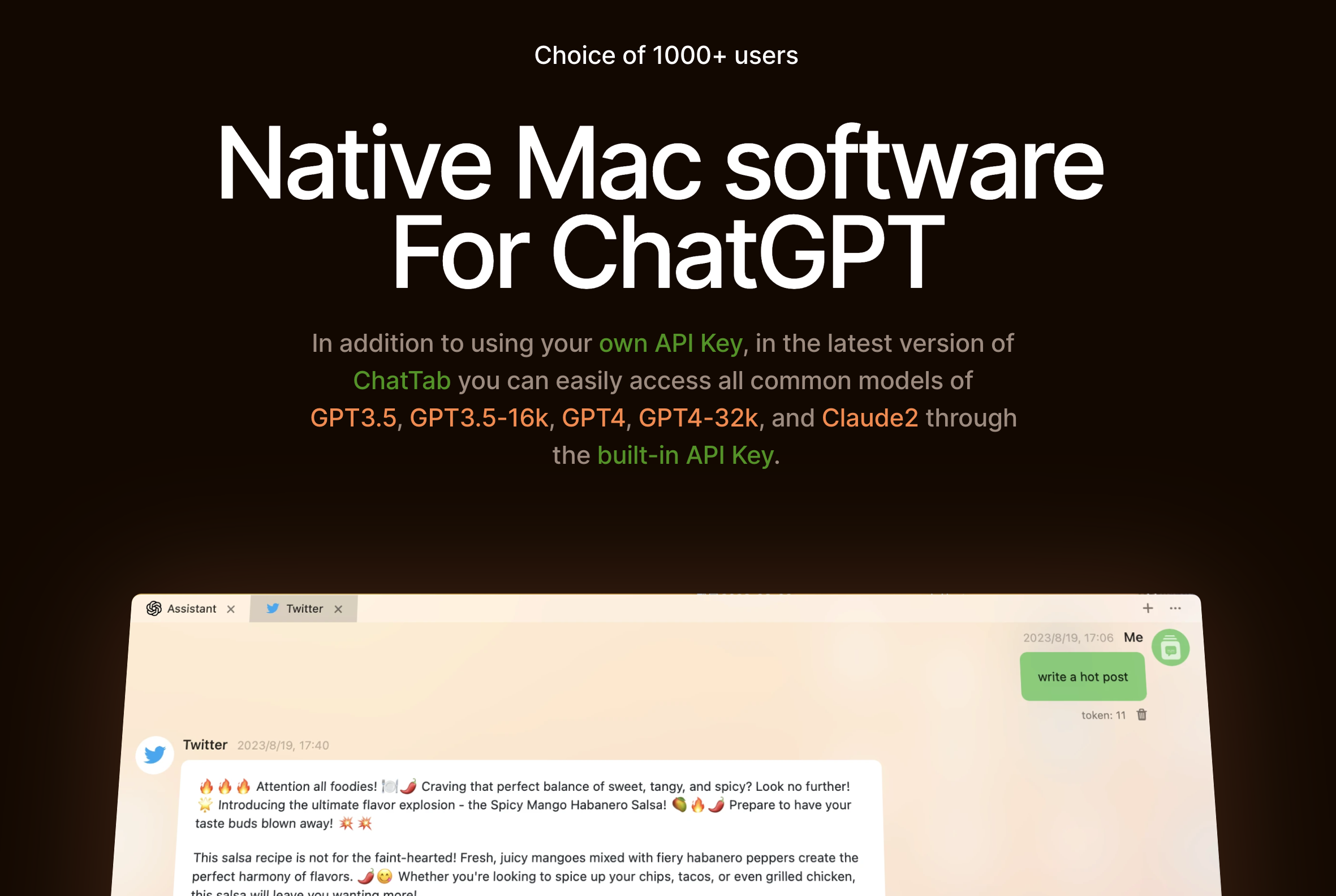
What is ChatTab?
Key features
Multiple tabs for managing different conversations simultaneously
Support for GPT-3.5, GPT-4, and Claude 2 models via API integration
Markdown formatting support for improved text presentation
API key storage in Apple's keychain for enhanced security
Local and iCloud data storage options
Native macOS application designed for performance and integration
Pros & cons
Advantages
- Dedicated native app avoids browser tab clutter and provides faster performance
- Secure API key management using Apple's keychain system
- Organise multiple conversations with tab support for better workflow
- Flexible model access; switch between different AI providers in one application
- Data stored locally or synced via iCloud gives you control over your information
Limitations
- macOS only; not available for Windows, Linux, or mobile platforms
- Requires your own API keys and associated costs with OpenAI or Anthropic
- Limited to models available through APIs rather than ChatGPT web interface features
Use cases
Managing multiple research projects across different AI conversations without browser tab sprawl
Developers testing and comparing outputs from different AI models for code generation
Writers drafting content with quick access to AI assistance without leaving the app
Students organising study materials and questions across separate conversations
Professionals securely storing sensitive prompts and responses locally on their machine
Ready to try ChatTab?
Pricing
Get started with ChatTab
Click through to ChatTab and start using it now.
- Always free
- No credit card