
CIOOffice
Your Digital IT Command
- Freemium
- Web
- Developer ToolsBusiness
- Free plan available
- No credit card
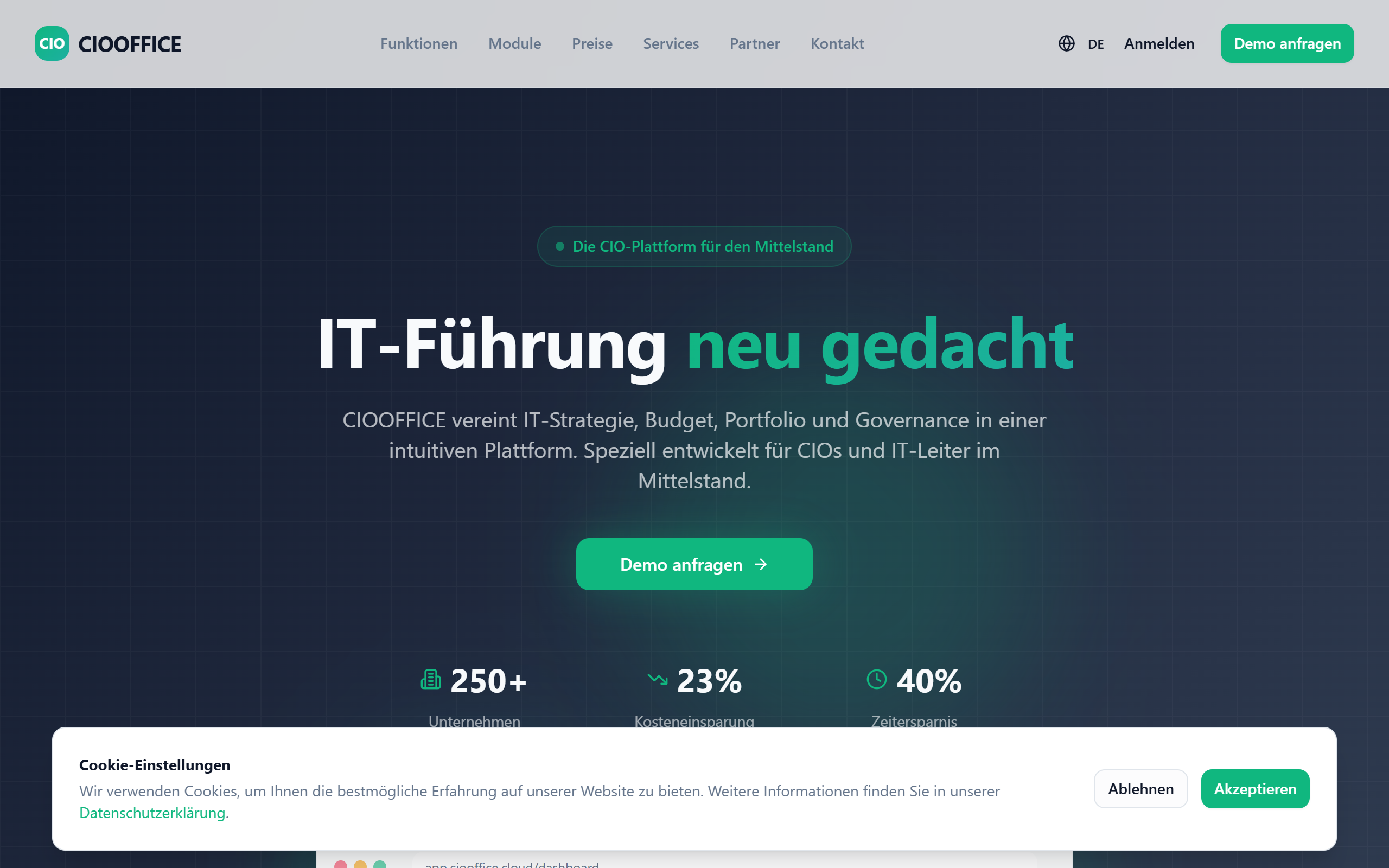
What is CIOOffice?
Key features
Centralised IT operations dashboard for monitoring systems and infrastructure
IT service management and workflow coordination tools
Real-time visibility into IT infrastructure status and performance
Asset and resource tracking across the organisation
Reporting and analytics for IT operations metrics
Integration capabilities with existing IT systems and tools
Pros & cons
Advantages
- Single platform consolidates multiple IT management functions, reducing tool sprawl
- Designed specifically for IT leadership needs rather than generic monitoring
- Cloud-based access means IT teams can monitor operations from anywhere
- Freemium model allows organisations to evaluate the tool before committing financially
Limitations
- May require significant setup and integration work to connect existing systems
- Features and capabilities of the free tier are not extensively documented publicly
- Effectiveness depends on how comprehensively you can integrate your existing IT stack
Use cases
IT directors monitoring the health and performance of enterprise systems in real time
IT teams coordinating incident response and service restoration efforts
Organisations consolidating multiple monitoring tools into a single management interface
IT leadership generating reports on infrastructure status and operational metrics for stakeholders
Managing IT asset inventory and tracking resource utilisation across departments
Ready to try CIOOffice?
Pricing
Paid plans
Contact vendor
Advanced features, increased user seats, and priority support available; specific pricing not publicly listed
Get started with CIOOffice
Click through to CIOOffice and start using it now.
- Free plan available
- No credit card