
Circleback
AI meeting notes with action items and CRM sync
- Free
- Web, Chrome Extension, API
- AI Tools for Meeting NotesWritingSales
- Always free
- No credit card
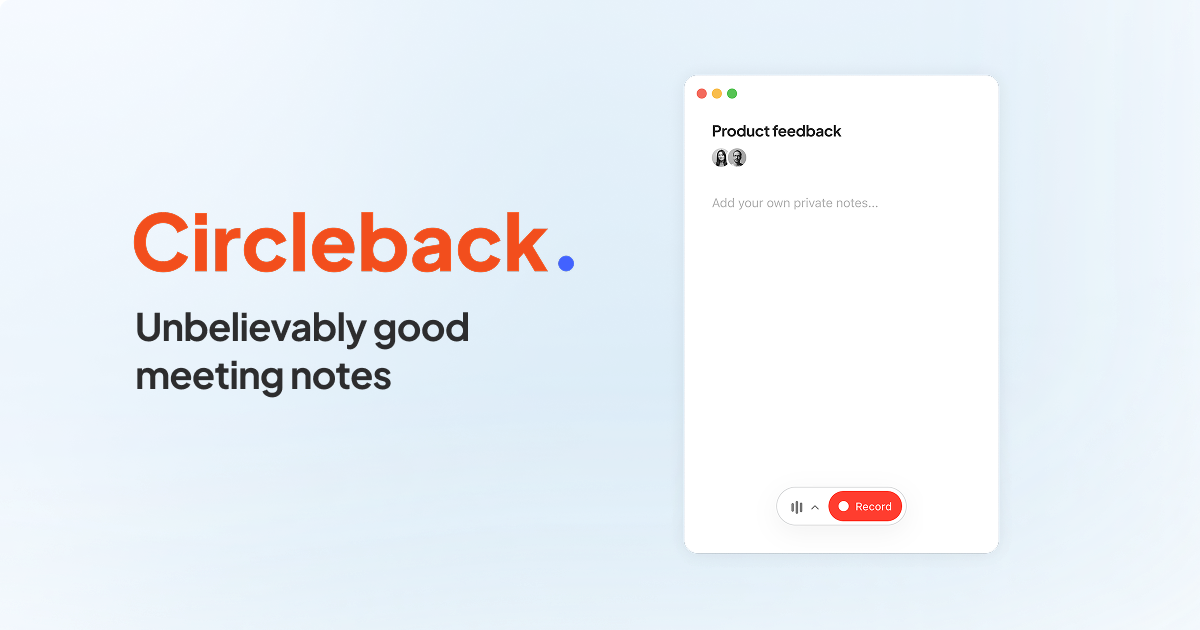
What is Circleback?
Key features
Automatic meeting recording and transcription
captures what was discussed without manual note-taking
Action item generation
identifies tasks and decisions from conversations, assigns owners and due dates
CRM synchronisation
pushes meeting summaries and action items directly into your CRM platform
Meeting summaries
distils key discussion points into a readable format
Integration support
connects with popular CRM tools to centralise information
Pros & cons
Advantages
- Free to use, making it accessible for individuals and small teams
- Reduces administrative burden by automating transcription and note-taking
- CRM integration keeps customer information and action items in one place
- Ensures action items don't get lost or forgotten after meetings
Limitations
- Depends on CRM compatibility; integration quality may vary across different platforms
- Requires clear audio and speech for accurate transcription
- Limited details available about data privacy and retention policies
Use cases
Sales teams documenting client calls and tracking next steps automatically
Customer success managers recording support calls and logging follow-up actions
Remote teams that need meeting records without assigning someone to take notes
Account managers syncing call notes directly into their CRM without manual entry
Managers tracking decisions and responsibilities across team meetings
Ready to try Circleback?
Pricing
Free
Free
Automatic meeting recording, transcription, action item generation, and basic CRM sync functionality
Get started with Circleback
Click through to Circleback and start using it now.
- Always free
- No credit card