
Claude
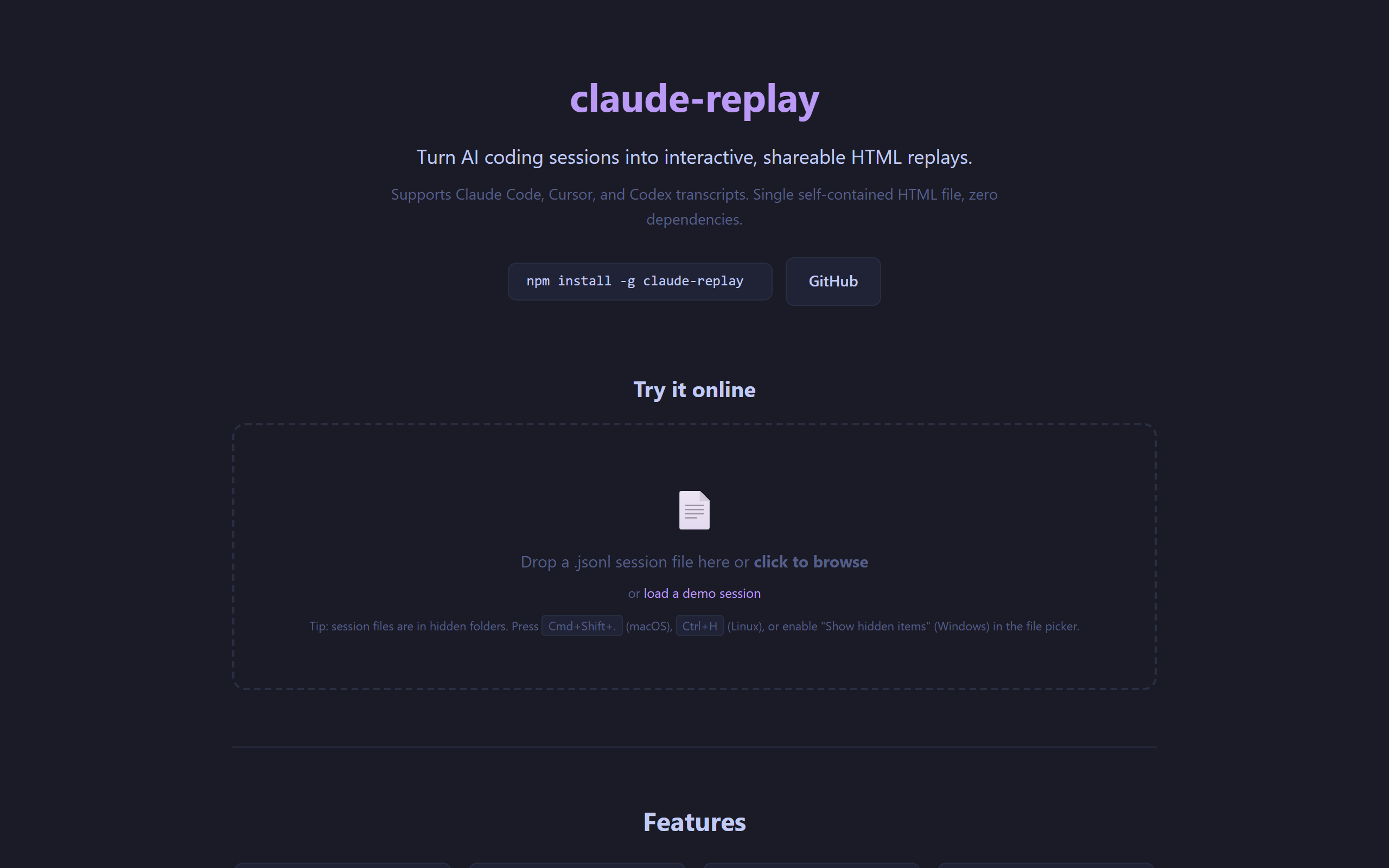
replay – Video-like player for AI coding sessions (web UI)
- Free plan available
- No credit card
What is Claude?
Key features
Convert session logs into playable HTML replays with a video-style interface
Scrub through conversations and code changes in chronological order
Self-contained HTML output that works offline and requires no external dependencies
Support for Claude, Cursor, and Codex session formats
View both AI responses and code modifications side by side
Pros & cons
Advantages
- Makes AI reasoning visible and reviewable in a familiar video-player format
- Easy to share replays with team members or clients without special tools
- Self-contained files reduce dependency on external services or accounts
- Helps document and understand how AI tools arrived at solutions
Limitations
- Limited to supported session formats; other AI tools may not be compatible
- Requires you to have session logs available; doesn't capture live sessions automatically
Use cases
Code review: examine and discuss how an AI solved a coding problem step by step
Team collaboration: share session replays with colleagues who weren't present
Learning: study AI reasoning and coding approaches interactively
Documentation: record AI-assisted development sessions for future reference
Client demos: show clients how their requirements were addressed through AI-assisted coding
Ready to try Claude?
Pricing
Get started with Claude
Click through to Claude and start using it now.
- Free plan available
- No credit card