
Claude
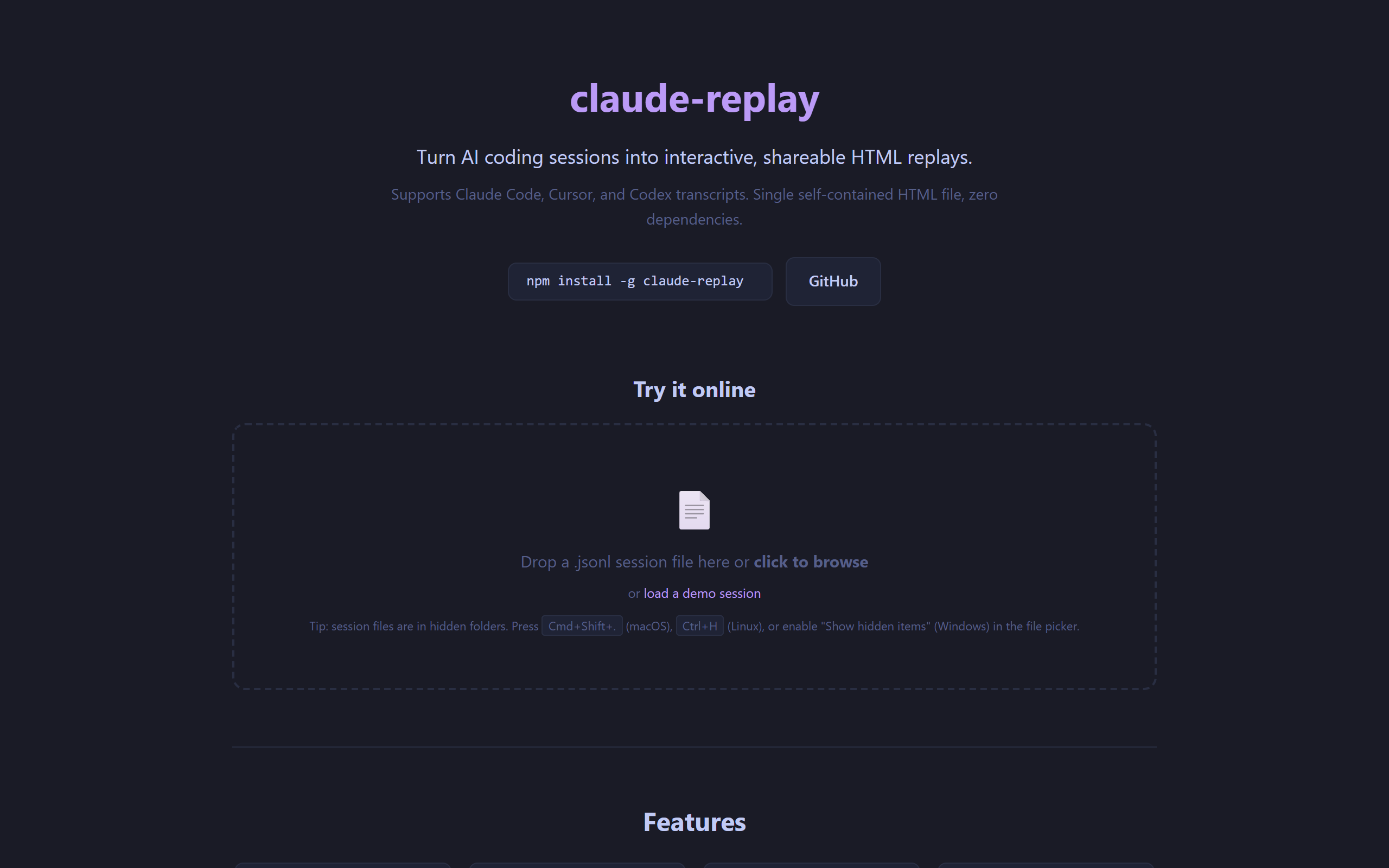
replay – Video-like player for AI coding sessions (web UI)
- Free plan available
- No credit card
What is Claude?
Key features
Video-like playback controls
play, pause, and seek through AI coding sessions at your own pace
Step-through interface
advance line by line or jump to key moments in the conversation
Self-contained HTML output
share a single file that works offline in any browser
Support for multiple AI tools
works with Claude, Cursor, and Codex session logs
Interactive code display
see the code as it was generated, with full context from the conversation
Pros & cons
Advantages
- Makes AI coding sessions much easier to review and understand than raw logs
- No server or authentication needed to view replays; just open the HTML file
- Helps you learn from how AI tools approach problems
- Useful for documenting and sharing your development process
Limitations
- Requires exporting session logs first; not all AI tools make this straightforward
- Limited to the platforms and tools it currently supports
Use cases
Reviewing an AI-assisted coding session before committing changes
Teaching others how a particular AI tool solved a coding problem
Creating documentation or tutorials based on your AI coding workflow
Debugging: step through exactly what the AI generated and why
Sharing code review feedback that references specific moments in the session
Ready to try Claude?
Pricing
Get started with Claude
Click through to Claude and start using it now.
- Free plan available
- No credit card