
ClawCloud
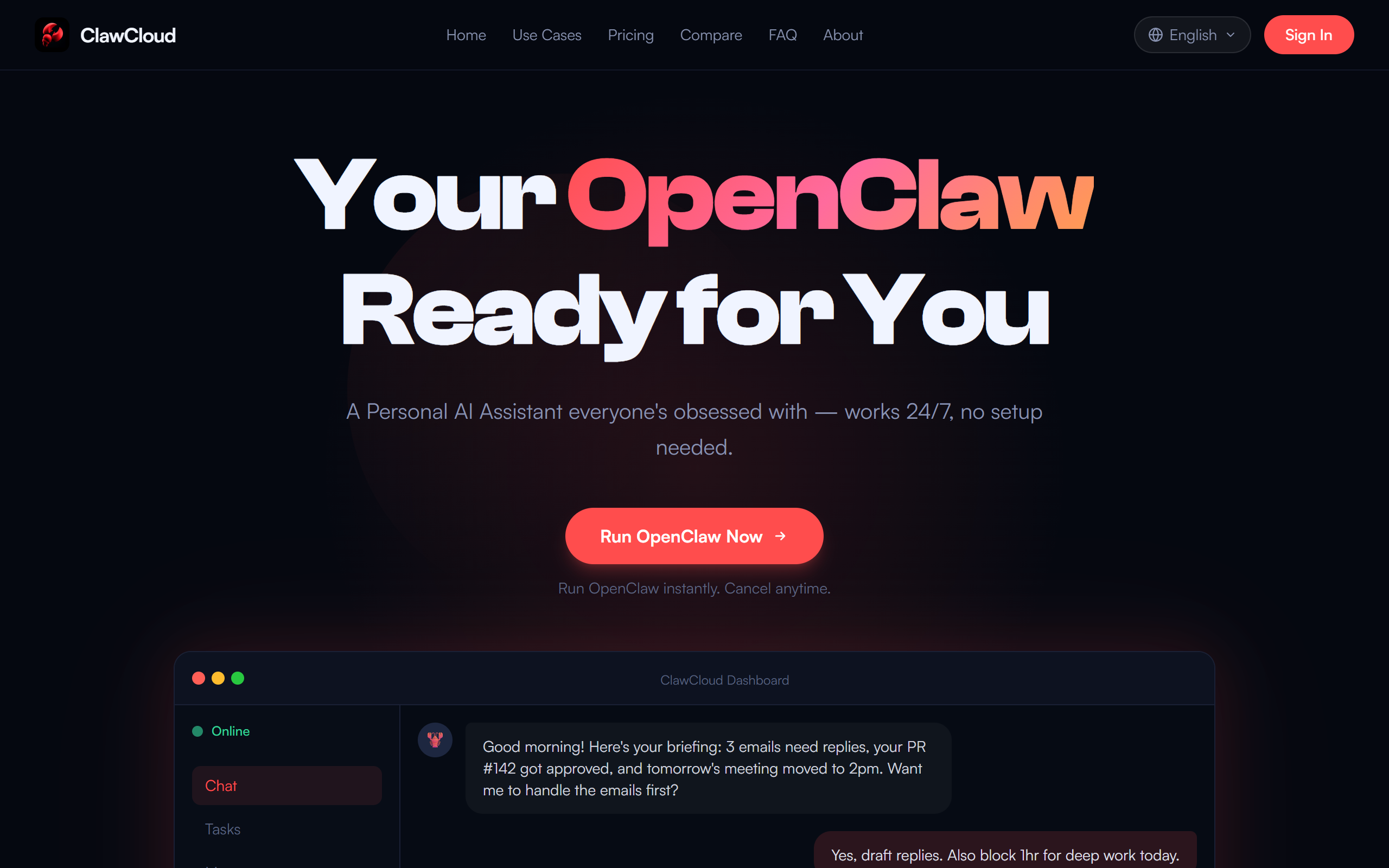
OpenClaw is a free, open-source AI assistant that lives on your computer — it can see your screen, use your apps, and do real work for you.
- Open Source
- Windows, macOS
- ProductivityLegal
- Open source
- Free forever
What is ClawCloud?
Key features
Screen vision
can see your desktop and understand what's displayed
App integration
can interact with and control your installed applications
Local execution
runs entirely on your computer without cloud uploads
Open-source code
fully transparent and modifiable source code available
Task automation
can perform repetitive work across your applications
Pros & cons
Advantages
- No data leaves your computer; all processing stays local
- Free to use and modify since it's open-source
- No ongoing subscription costs
- Full transparency into how the AI works
Limitations
- Requires sufficient local computing resources to run smoothly
- Community-driven support rather than dedicated customer service
- May require technical knowledge to install and configure properly
Use cases
Automating repetitive tasks within desktop applications
Assisting with document editing, data entry, or spreadsheet work
Providing productivity support for sensitive or confidential work
Reducing manual workload in professional workflows
Testing and development assistance for technical users
Ready to try ClawCloud?
Pricing
Get started with ClawCloud
Click through to ClawCloud and start using it now.
- Open source
- Free forever