
Cleanup.pictures
AI-powered object removal from photos Pricing: Freemium. See pros, cons, alternatives, and comparisons.
- Open Source
- Web
- WritingImage GenerationDeveloper Tools
- Open source
- Free forever
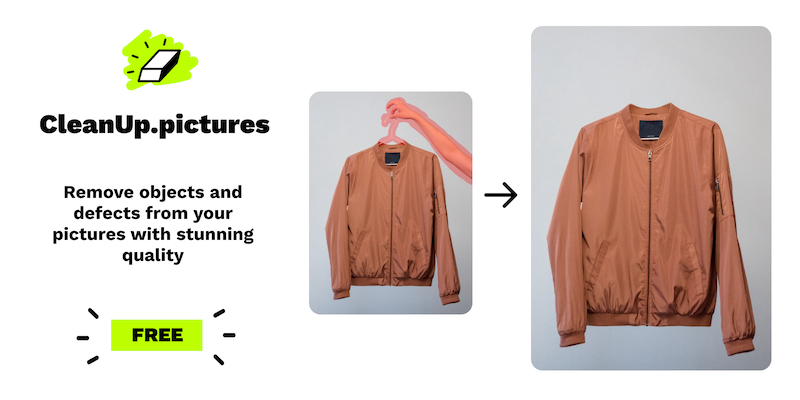
What is Cleanup.pictures?
Key features
Object removal
Select unwanted items in photos and have them automatically removed and replaced
Browser-based editor
No software installation required; works on any device with a web browser
Open source
The code is publicly available, so you can self-host it or examine how it works
Free tier
Full access to core removal features at no cost
Simple interface
Mark areas to remove rather than using complex masking tools
Pros & cons
Advantages
- Completely free for basic use with no watermarks
- Open-source code means full transparency and the option to self-host
- Fast processing; results appear in seconds rather than minutes
- No account required to get started
Limitations
- Results quality depends on the complexity of what you're removing; complex backgrounds may look imperfect
- Limited to object removal only; doesn't include other editing features like cropping, filters, or colour adjustment
- Processing power is shared across users, so performance may vary during peak times
Use cases
Remove photobombers or unwanted people from holiday photos
Clean up cluttered backgrounds before posting to social media
Eliminate distracting objects from product photography
Fix minor imperfections in landscape or architecture photos
Prepare images for professional use without hiring a photo editor
Ready to try Cleanup.pictures?
Pricing
Get started with Cleanup.pictures
Click through to Cleanup.pictures and start using it now.
- Open source
- Free forever