Cleanup.pictures AI
Effortlessly enhance images by removing unwanted objects smoothly.
- Free plan available
- No credit card
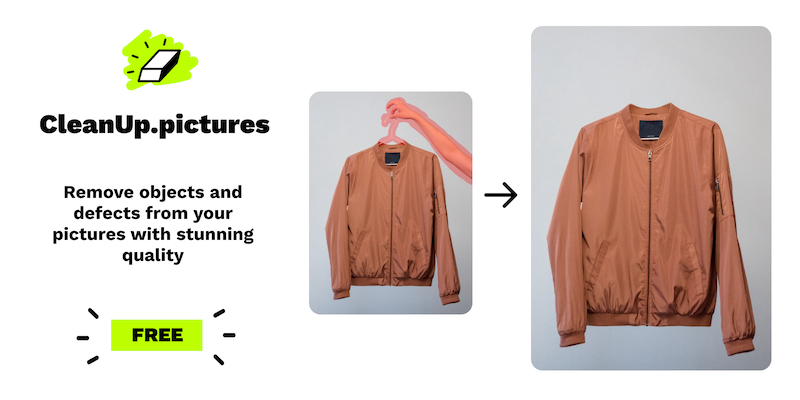
What is Cleanup.pictures AI?
Key features
Object removal
Select unwanted elements and the AI fills in the background automatically
Web-based editor
No software installation needed; work directly in your browser
Batch processing
Handle multiple images in one session
Adjustable brush sizes
Control the selection area with precision
Before-and-after preview
Compare your edits instantly
Pros & cons
Advantages
- Free tier available so you can try it without payment
- Simple interface that doesn't require photo editing experience
- Fast processing on most standard images
- No software installation or subscription lock-in for basic use
Limitations
- Quality of results varies depending on image complexity and background detail
- Free tier likely includes usage limits or watermarking
- May struggle with complex backgrounds or textured surfaces
Use cases
Removing photobombers or unwanted people from holiday snapshots
Cleaning up product photography by deleting shadows or reflections
Deleting logos or branding from images for resale or reuse
Tidying up real estate photos by removing clutter
Editing social media posts to improve composition
Ready to try Cleanup.pictures AI?
Pricing
Premium
Pricing not publicly specified
Unlimited removals, higher resolution processing, likely faster speeds
Get started with Cleanup.pictures AI
Click through to Cleanup.pictures AI and start using it now.
- Free plan available
- No credit card