
ClipCreator.ai
- Freemium
- Web
- Free plan available
- No credit card
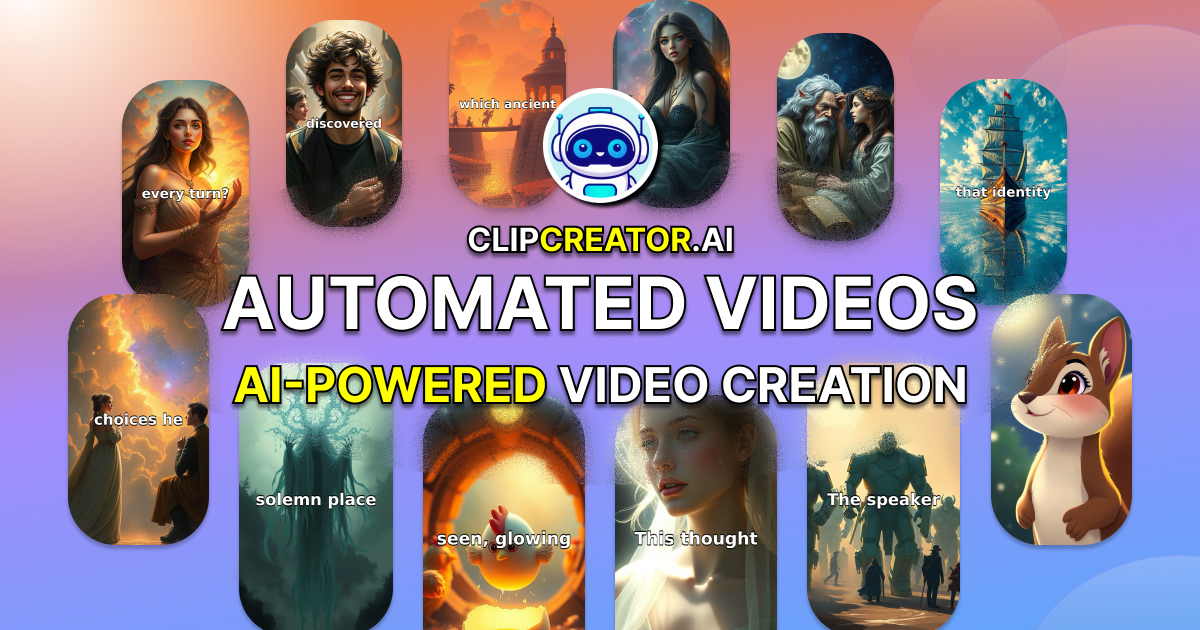
What is ClipCreator.ai?
Key features
AI video generation
Creates videos automatically from text prompts or provided content without requiring manual filming
Faceless video creation
Produces videos without needing you to appear on camera, using stock footage, animations, or AI-generated visuals instead
Multi-platform support
Optimises videos for different social media formats and aspect ratios across TikTok, YouTube, and Instagram
Quick turnaround
Generates finished videos in minutes rather than hours or days of manual editing
Built-in publishing
Allows direct upload to social platforms from the tool itself
Pros & cons
Advantages
- Low barrier to entry for content creators without video skills or equipment
- Saves significant time on video production compared to traditional editing workflows
- Freemium pricing model lets you test the tool before paying
- Removes the need for on-camera presence if you prefer anonymous content creation
Limitations
- Generated videos may lack the originality or personality of manually produced content, potentially affecting audience connection
- Quality and variety depend heavily on the AI's training data and templates; results may feel generic or repetitive
- Reliance on AI-generated visuals may raise concerns about authenticity and copyright issues with underlying stock footage
Use cases
Growing a TikTok account quickly by publishing multiple short-form videos daily without manual creation
Creating YouTube Shorts or Instagram Reels from blog posts or articles you've written
Testing video content ideas before investing time in production to see what resonates with your audience
Running a faceless YouTube channel focused on educational, motivational, or informational content
Repurposing existing written content into video format for multiple platforms simultaneously
Ready to try ClipCreator.ai?
Pricing
Get started with ClipCreator.ai
Click through to ClipCreator.ai and start using it now.
- Free plan available
- No credit card