
Coda AI
Discover Coda AI pricing, reviews, and alternatives. Updated for April 2026.
- Freemium
- Web, iOS, Android, API
- Business
- Free plan available
- No credit card
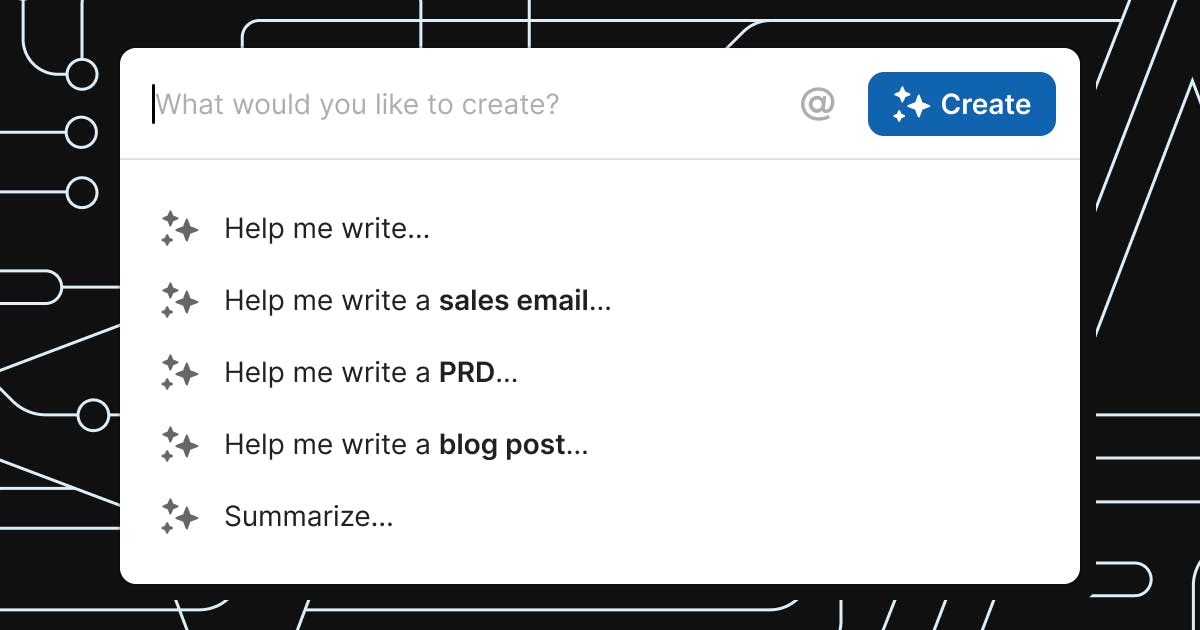
What is Coda AI?
Key features
Content generation
write and expand text directly in documents using AI prompts
Data analysis
analyse tables and extract insights from structured information
Summarisation
automatically summarise long documents or meeting notes
Collaborative editing
use AI assistance whilst other team members work in the same document
Custom workflows
create automation rules that incorporate AI for repetitive tasks
Integration with Coda's workspace
AI tools work alongside docs, tables, and databases without leaving the platform
Pros & cons
Advantages
- Stays within a single workspace, reducing context-switching and keeping collaboration central
- Works within existing Coda documents and tables, so no separate tool to learn
- Freemium model means you can try the basic functionality without paying
- Useful for teams already using Coda for project management or knowledge work
Limitations
- Limited to users already committed to the Coda platform; not useful if you work in other document systems
- AI features may vary in quality depending on the complexity of the task; simpler tools might handle specific jobs better
Use cases
Writing first drafts of reports, proposals, or blog posts within team documents
Summarising meeting transcripts or lengthy emails for quick reference
Analysing data in Coda tables to identify trends or patterns
Generating template content for recurring documents like status updates or project briefs
Automating routine documentation tasks across multiple Coda pages
Ready to try Coda AI?
Pricing
Pro
Varies (team-based pricing)
Full access to Coda AI features, higher usage limits, and priority support
Enterprise
Custom pricing
Advanced AI features, dedicated support, custom integrations, and security controls
Get started with Coda AI
Click through to Coda AI and start using it now.
- Free plan available
- No credit card