Code to Flow
Visualize, Analyze, and Understand Your Code flow. Turn Code into Interactive Flowcharts with AI. Simplify Complex Logic Instantly.
- Free plan available
- No credit card
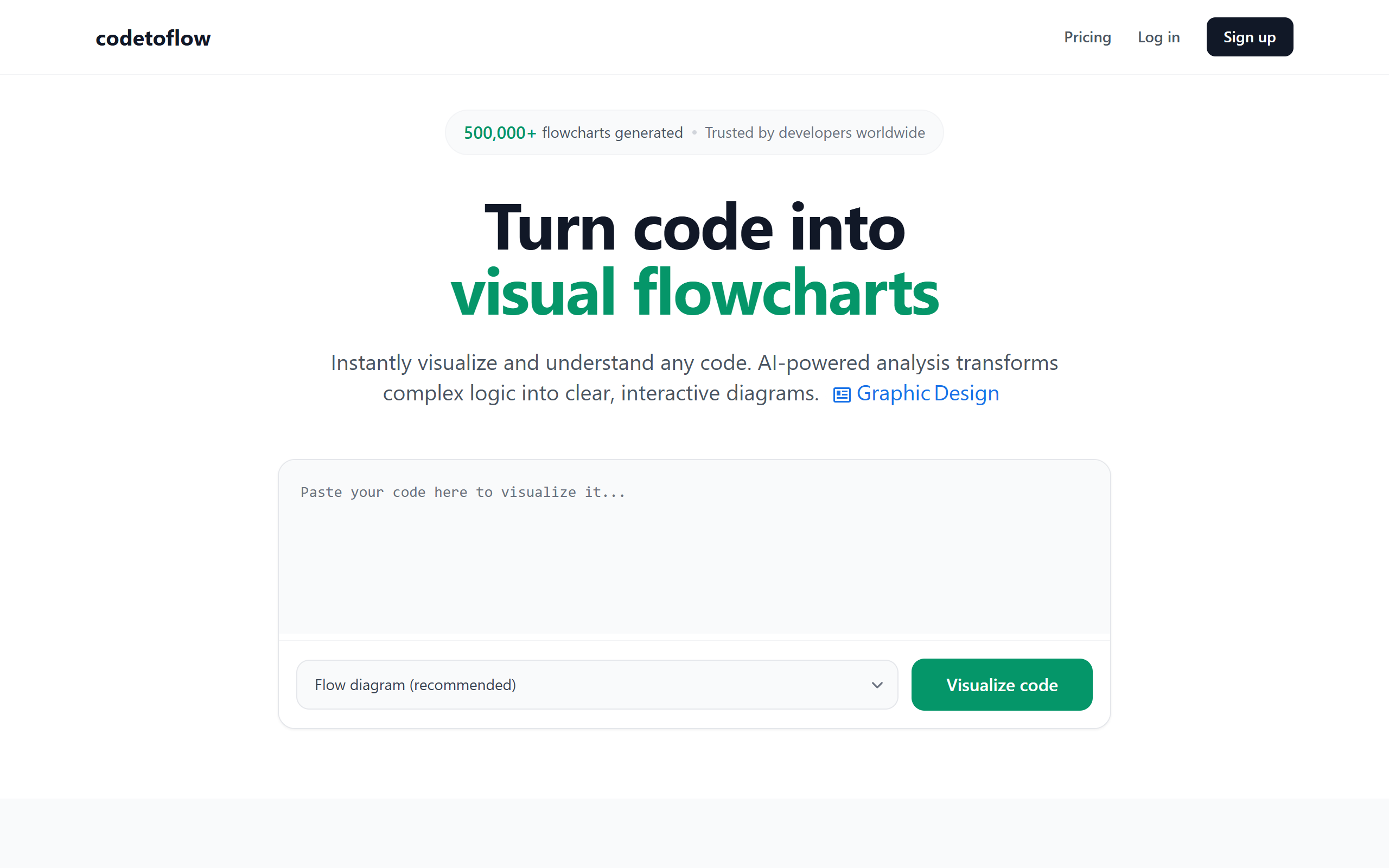
What is Code to Flow?
Key features
AI-powered code analysis
Automatically analyse source code and identifies control flow patterns, loops, conditionals, and functions
Interactive flowchart generation
Creates visual diagrams that can be explored, zoomed, and handle to understand code execution paths
Multi-language support
Processes code from various programming languages including JavaScript, Python, Java, C++, and others
Code documentation
Generates visual documentation that serves as an alternative or complement to traditional code comments
Shareable visualizations
Export and share flowcharts with team members for better communication and collaboration
Logic simplification
Highlights complex logic patterns and suggests simplified views of complex code sections
Pros & cons
Advantages
- Significantly reduces time spent understanding unfamiliar or legacy code
- Freemium model allows users to try the tool without initial investment
- Interactive visualizations make debugging and code review more efficient
- help better onboarding and knowledge sharing within development teams
- Works with multiple programming languages, making it versatile across different projects
Limitations
- Free tier likely has limitations on code complexity, file size, or visualization features that may restrict use for larger projects
- Accuracy of AI-generated flowcharts depends on code quality and clarity, potentially producing unclear visualizations for poorly structured code
- Requires uploading code to cloud service, which may raise security or privacy concerns for proprietary codebases
Use cases
Onboarding new developers by providing visual guides to existing codebases
Code review and audit processes to identify logic errors and inefficiencies
Technical documentation generation for projects lacking adequate documentation
Legacy code analysis and refactoring planning
Educational purposes for teaching programming concepts and code execution flow
Ready to try Code to Flow?
Pricing
Free
Free
Basic code visualization, limited complexity support, standard flowchart generation, community features
Pro
Pricing details not publicly specified
Higher complexity limits, advanced export options, team collaboration features, priority support, likely includes larger file sizes and more visualizations
Get started with Code to Flow
Click through to Code to Flow and start using it now.
- Free plan available
- No credit card