
CodeGeeX AI
simplifies coding with AI-driven completion and debugging.
- Freemium
- Web, Chrome Extension, Visual Studio Code, JetBrains IDEs
- Task & Project ManagementIDEs & Editor ExtensionsWorkflow Automation
- Free plan available
- No credit card
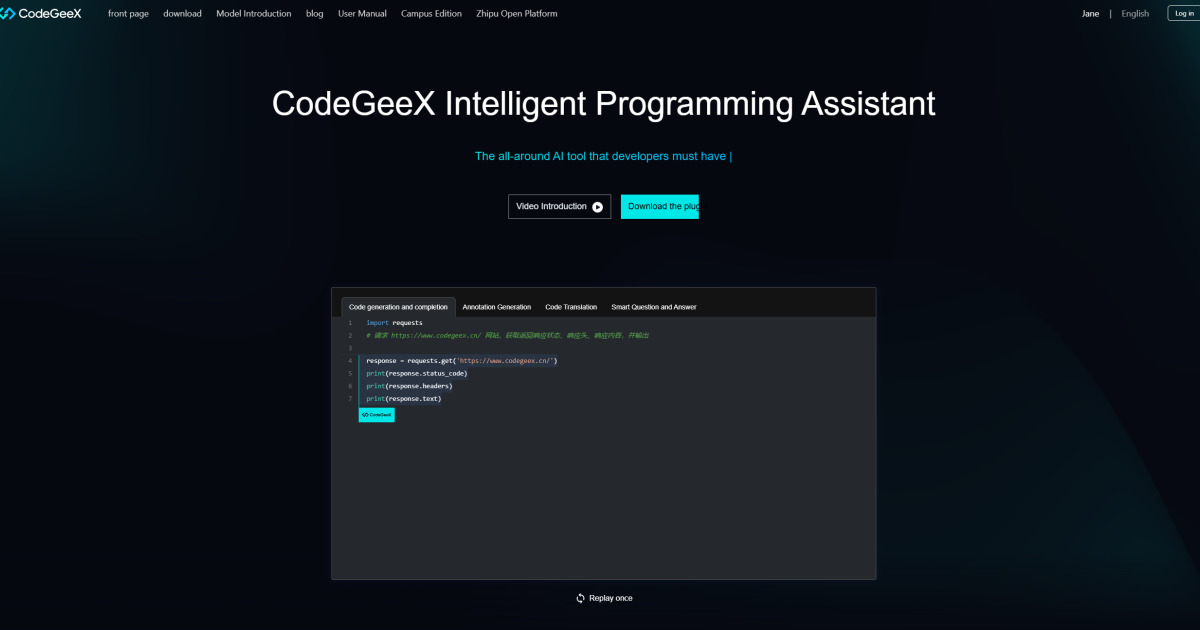
What is CodeGeeX AI?
Key features
AI code completion
generates contextual code suggestions based on your current work
Debugging assistance
helps identify and explain common errors in your code
Multi-language support
works across popular programming languages like Python, JavaScript, Java, and C++
IDE integration
connects with widely-used editors through plugins and extensions
Code explanation
breaks down existing code segments to help you understand unfamiliar logic
Pros & cons
Advantages
- Free tier available with no credit card required, making it easy to try
- Reduces time spent on boilerplate code and repetitive coding patterns
- Helps junior developers learn by explaining code and suggesting improvements
- Supports multiple programming languages in a single tool
Limitations
- Suggestions may occasionally require manual correction or refinement
- Reliability and accuracy can vary depending on code context and complexity
- Feature set on free tier is more limited compared to paid alternatives
Use cases
Speeding up development of standard features and boilerplate code
Learning new programming languages or frameworks through suggested examples
Identifying and fixing bugs during code review and debugging sessions
Prototyping and experimenting with unfamiliar libraries or APIs
Ready to try CodeGeeX AI?
Pricing
Premium
Pricing not publicly specified
Higher request limits, priority support, advanced features
Get started with CodeGeeX AI
Click through to CodeGeeX AI and start using it now.
- Free plan available
- No credit card