
CodeGPT
AI coding assistant for VS Code and JetBrains using a bring-your-own-key model, with agent mode, autocomplete, and multiple AI providers.
- Freemium
- VS Code, JetBrains (IntelliJ, PyCharm, etc.), Web, API
- AI Tools for DevelopersAI Tools for CodingCode
- Free plan available
- No credit card
What is CodeGPT?
CodeGPT is an AI coding assistant that integrates into VS Code and JetBrains IDEs to generate, refactor, and debug code. It runs on a bring-your-own-key (BYOK) model, letting developers connect 15+ AI providers or local models such as Ollama and LM Studio and keep control of their data. Capabilities include an agent and planning mode, advanced autocomplete, MCP integration for APIs and databases, and a rules engine for code standards. Users sign up online at app.codegpt.co.
Key features
Agent and planning mode for multi-step coding tasks
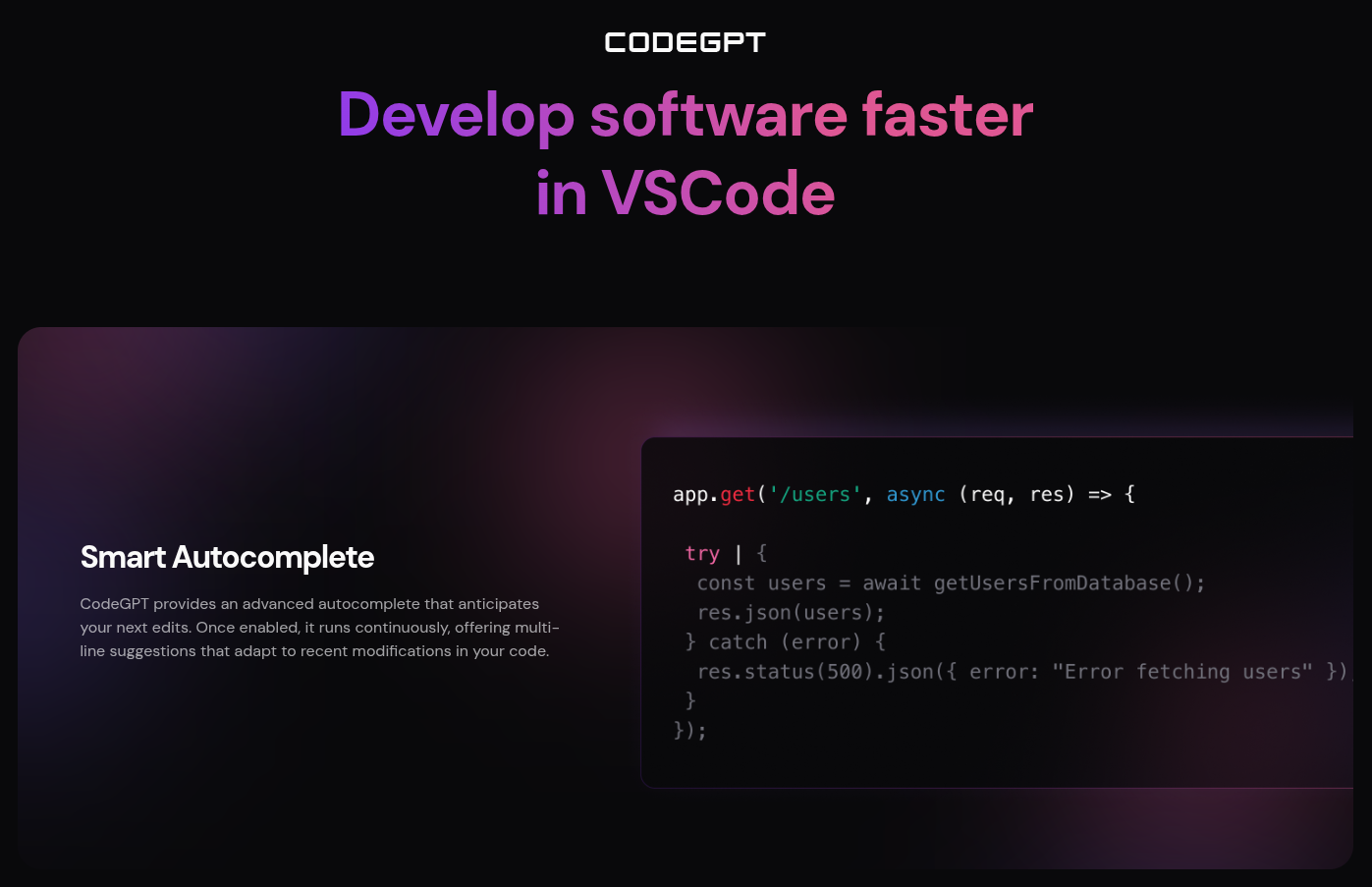
Advanced code autocomplete
Model flexibility across 15+ AI providers (Claude, Gemini, and more)
MCP integration to connect APIs and databases
Rules engine to enforce code standards
Local model support (Ollama, LM Studio)
Pros & cons
Advantages
- Bring-your-own-key model gives control over data and choice of AI provider
- Works in both VS Code and JetBrains IDEs
- Free plan with no credit card required
- Supports local/self-hosted models for private coding
Limitations
- Full unlimited use requires supplying and paying for your own provider API keys
- Autocomplete is a paid add-on rather than included free
- Enterprise 'AI-First Services' tier is custom, non-transparent pricing
- Delivered only as IDE extensions/web app, with no standalone desktop editor
Use cases
Generating, refactoring, and debugging code inside the IDE
Switching between multiple AI models through one interface
Running local models for privacy-sensitive coding
Automating multi-step dev tasks with agent mode
Ready to try CodeGPT?
Get started with CodeGPT
Click through to CodeGPT and start using it now.
- Free plan available
- No credit card