
ContentFries
Content multiplier app for repurposing videos.
- Freemium
- Web
- VideoWritingAI Video Generators
- Free plan available
- No credit card
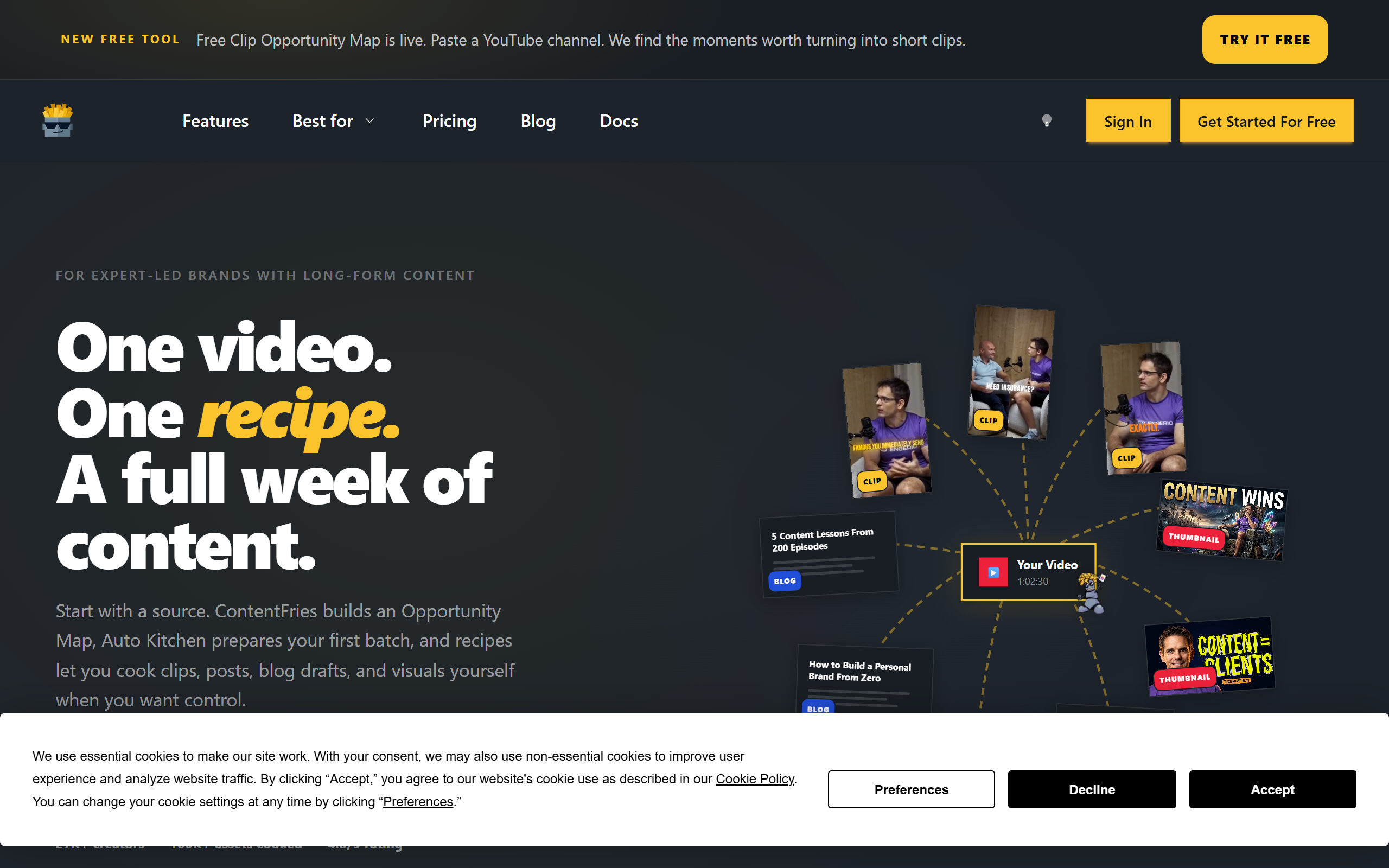
What is ContentFries?
Key features
AI-powered clip detection
Automatically identifies engaging moments and key talking points in long-form videos
Multi-platform optimisation
Adjusts video dimensions, duration, and format for YouTube Shorts, TikTok, Instagram Reels, LinkedIn, and other platforms
Automatic subtitle generation
Adds captions in multiple languages to reach viewers watching on mute
Template library
Pre-designed templates for consistent branding and quick formatting across repurposed clips
Cloud-based rendering
Processes and exports videos without requiring powerful local hardware
Custom template saving
Create and save your own design templates for repeated use
Pros & cons
Advantages
- Dramatically reduces time spent manually editing multiple short clips from one source video
- Cloud processing means you don't need expensive equipment or software installed locally
- Automatically optimises for different platforms, removing the guesswork about aspect ratios and durations
- Subtitle generation with mute-watching in mind helps reach wider audiences on social platforms
Limitations
- AI clip detection works best on clearly structured content; may miss nuance in casual or meandering conversations
- Quality of auto-generated subtitles depends on audio clarity and accent; manual review often needed
- Limited to repurposing existing videos; doesn't help with initial content creation or strategy
Use cases
Turning recorded webinars into 15-30 second clips for social media promotion
Extracting quotable moments from podcast interviews for multi-platform distribution
Converting long YouTube videos into TikTok and Instagram Reels without manual editing
Building a consistent social media presence from one weekly or monthly longer-form video
Creating clip compilations from customer testimonial videos for marketing purposes
Ready to try ContentFries?
Pricing
Starter
Contact for pricing
Higher upload limits; priority rendering; access to full template library
Professional
Contact for pricing
Unlimited uploads; custom branding; team collaboration features
Get started with ContentFries
Click through to ContentFries and start using it now.
- Free plan available
- No credit card