
Context Plugins
API context for AI coding assistants
- Freemium
- Web, API, Chrome Extension, IDE plugins
- AI Code AssistantsAI Code Completion & AssistantsWriting
- Free plan available
- No credit card
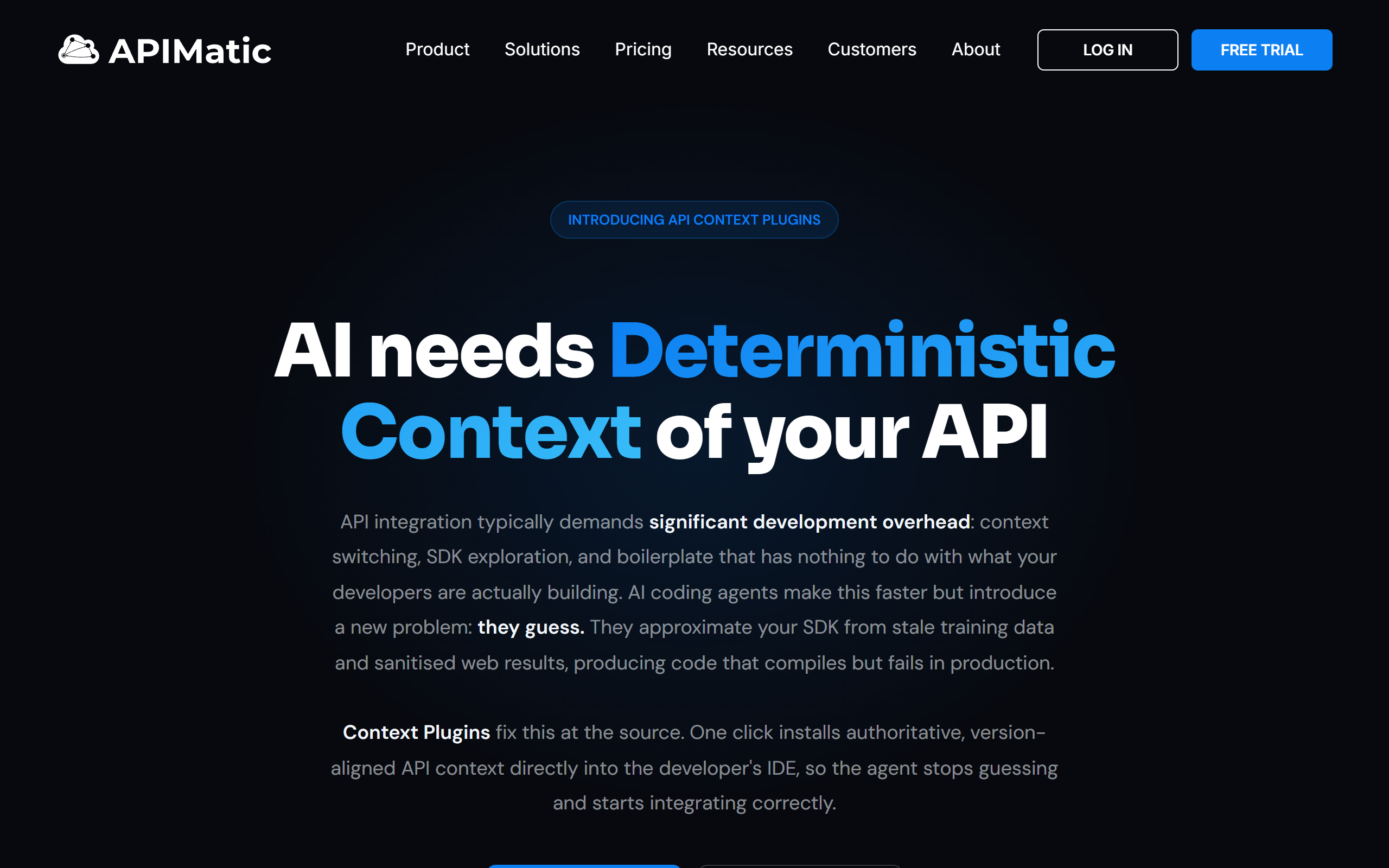
What is Context Plugins?
Key features
API documentation injection
Automatically feeds current API specs to your AI coding assistant
Integration with major AI tools
Works with GitHub Copilot, ChatGPT, and other popular assistants
Schema-based context
Uses API schemas and OpenAPI definitions to provide accurate reference material
Multi-API support
Handle context for multiple APIs in a single project
Real-time updates
API documentation stays current without manual configuration
Pros & cons
Advantages
- Improves code accuracy by giving AI assistants access to actual API specifications
- Reduces the need to manually copy-paste API documentation into prompts
- Works with existing AI tools you're already using
- Free tier available for individual developers to test functionality
- Saves time when working with lesser-known or frequently updated APIs
Limitations
- Requires your APIs to be properly documented in supported formats like OpenAPI
- Depends on compatibility with your specific AI assistant and IDE setup
- May have limitations on the number of concurrent APIs in free tier
Use cases
Backend developers using AI assistants to write API client code with correct endpoints and parameters
Teams integrating with third-party APIs and wanting AI assistance with current documentation
Internal API development where documentation isn't part of your AI assistant's training data
Microservices projects where multiple APIs need to be referenced during coding
Reducing API integration errors and improving first-try code quality
Ready to try Context Plugins?
Pricing
Get started with Context Plugins
Click through to Context Plugins and start using it now.
- Free plan available
- No credit card