
Cove for Mac
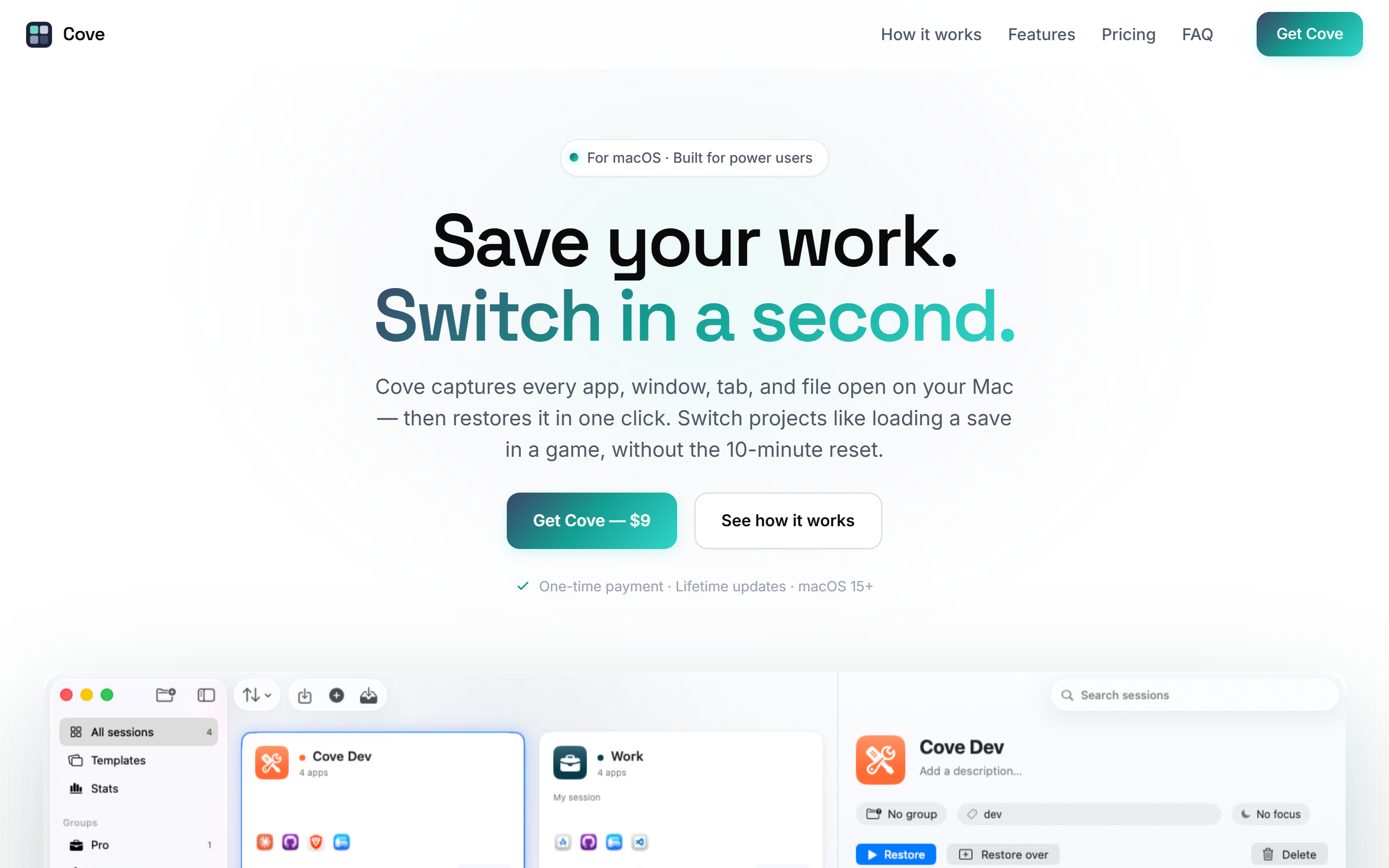
Save your entire Mac workspace as a session and restore every app, window, tab and file in a second.
- Paid
- macOS
- Other
What is Cove for Mac?
Key features
Capture sessions
Save your open apps, windows, browser tabs, files and settings as a named session you can return to later.
Park before switching
Cove saves the current session's exact state before closing apps, working like a desktop-wide git stash with no data loss.
One-second restore
Reopen every app, window, tab and file from the menu bar, a keyboard shortcut or auto-detect suggestions.
Browser adapters
Native support for Safari, Chrome, Brave, Edge and Arc captures tab order, active tab and URLs.
Terminal integration
Preserves the working directory per window in Terminal and iTerm, plus support for Finder, VS Code, Xcode and Slack.
Templates and Focus Mode
Reusable session templates for recurring workflows, with each session able to trigger a matching macOS Focus Mode via Shortcuts.
Linked Items
Attach Reminders, Notes, documents or URLs to a session so they auto-open on restore and the full context returns.
Pros & cons
Advantages
- The one-time payment with lifetime updates avoids a recurring subscription, which suits users who dislike ongoing software fees.
- All session data is stored locally on the Mac with no backend, and is never transmitted or analysed, which is reassuring for privacy-conscious users.
- Native adapters for five major browsers and two terminals capture detailed state such as tab order and per-window working directories rather than just app names.
- Sessions can trigger macOS Focus Modes and auto-open linked Reminders, Notes and documents, restoring the surrounding context as well as the apps.
- A 14-day no-questions refund and a low launch price lower the risk of trying it.
Limitations
- The app is macOS only and requires macOS 15 Sequoia or later, so it excludes users on Windows, Linux or older macOS versions.
- It is distributed outside the Mac App Store and requires Accessibility and Automation permissions, plus Cove closes unused apps when you switch, which some users may find disruptive.
- iCloud sync across multiple Macs is still marked as coming soon, so cross-device use is not yet available.
- Each licence includes only two activations by default, with extra activations available on request.
Use cases
Freelancers and consultants switching between several client projects can park one client's full workspace and load another in seconds.
Developers can restore a coding context with VS Code, Xcode, specific terminal working directories and the right browser tabs all in place.
Knowledge workers running recurring routines such as a weekly review can use templates to open the same set of apps each time.
People who want clean context switching can use Park to close distracting apps while keeping essentials like Mail, Slack and Spotify open.
Users with deep-work routines can tie a session to a macOS Focus Mode so notifications are silenced automatically when that workspace loads.
Ready to try Cove for Mac?
Pricing
Launch price (one-time)
9 one-time
Launch price rising to 19 later. One-time payment with all future updates included, 2 licence activations and a 14-day money-back guarantee. Additional activations available on request.
Get started with Cove for Mac
Click through to Cove for Mac and start using it now.