
Cursor
AI-first code editor built for pair programming with AI
- Freemium
- Web, macOS, Windows
- IDEs & Editor ExtensionsDebugging & TestingAI Tools for Programming
- Free plan available
- No credit card
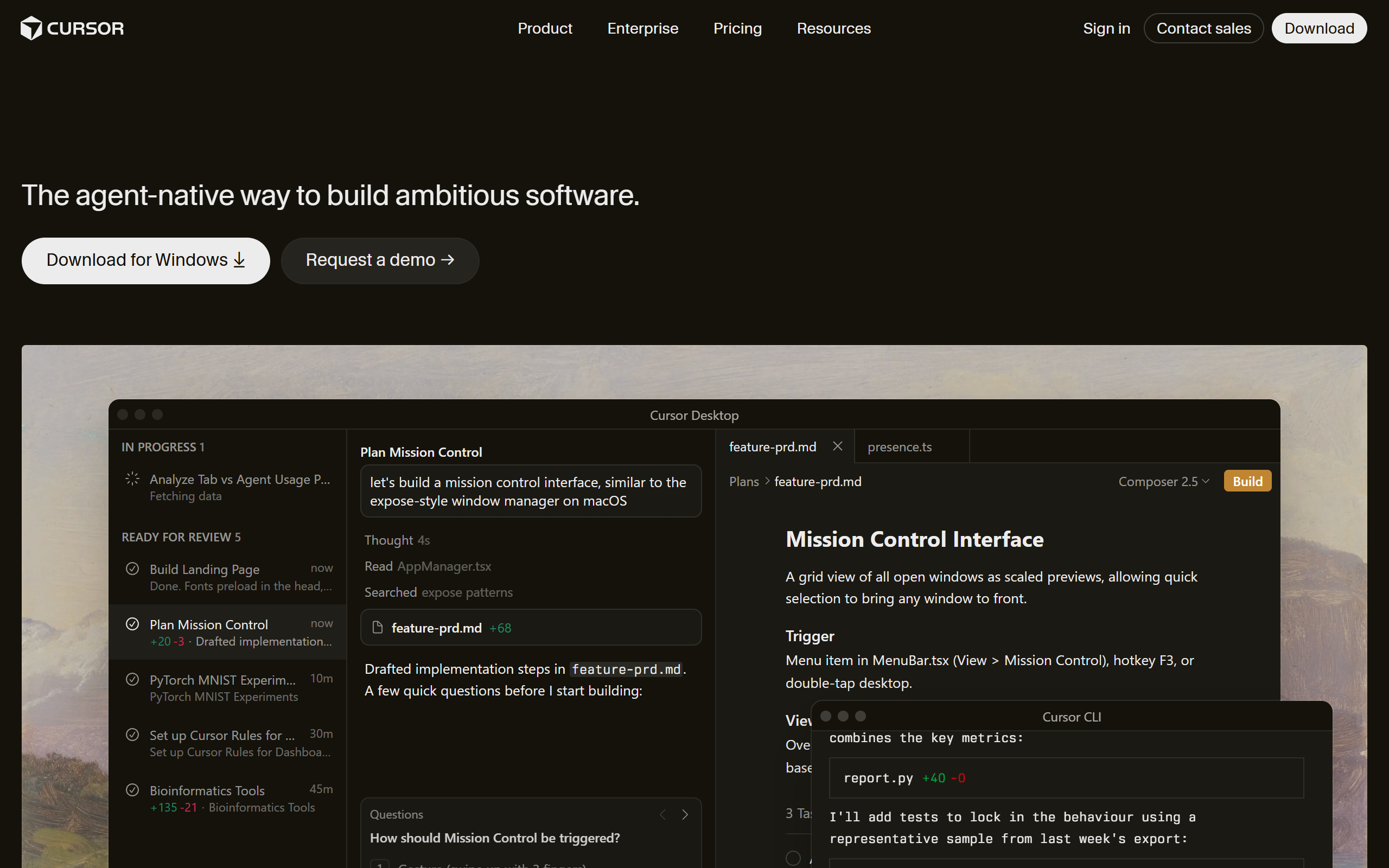
What is Cursor?
Key features
AI-powered code completion
Intelligent suggestions that understand context and predict the next lines of code
Natural language code editing
Modify code by describing changes in plain English rather than manual editing
Chat-based coding assistance
Interactive conversations with AI to debug issues, explain code, and generate solutions
Codebase awareness
AI understands your entire project structure to provide contextually relevant suggestions
Multi-language support
Works with JavaScript, Python, TypeScript, Java, C++, and many other programming languages
VS Code compatibility
Built on VS Code, maintaining familiar interface and extension ecosystem
Pros & cons
Advantages
- Significantly speeds up development workflow through AI-assisted coding
- Natural language interface lowers the barrier for expressing coding intent
- Familiar VS Code-based interface requires minimal learning curve for existing users
- Freemium model allows developers to try core features without upfront cost
- Strong AI context awareness leads to more accurate and relevant suggestions
Limitations
- AI suggestions may occasionally produce suboptimal or incorrect code requiring manual review
- Free tier likely has limitations on AI requests or model access compared to paid plans
- Dependency on internet connection for AI-powered features may impact offline productivity
Use cases
Accelerating development of new features by using AI to generate boilerplate and implementation code
Debugging and troubleshooting by describing issues to the AI assistant and receiving targeted solutions
Learning new programming languages or frameworks through interactive AI guidance
Refactoring existing codebases by having AI suggest improvements and generate optimise versions
Rapid prototyping for startups and independent developers seeking to build faster
Ready to try Cursor?
Pricing
Get started with Cursor
Click through to Cursor and start using it now.
- Free plan available
- No credit card