
Cutout Pro AI
Transform visuals effortlessly: AI-powered editing, enhancement, and art generation.
- Freemium
- Web, API
- VideoVideo EditingArt & Illustration
- Free plan available
- No credit card
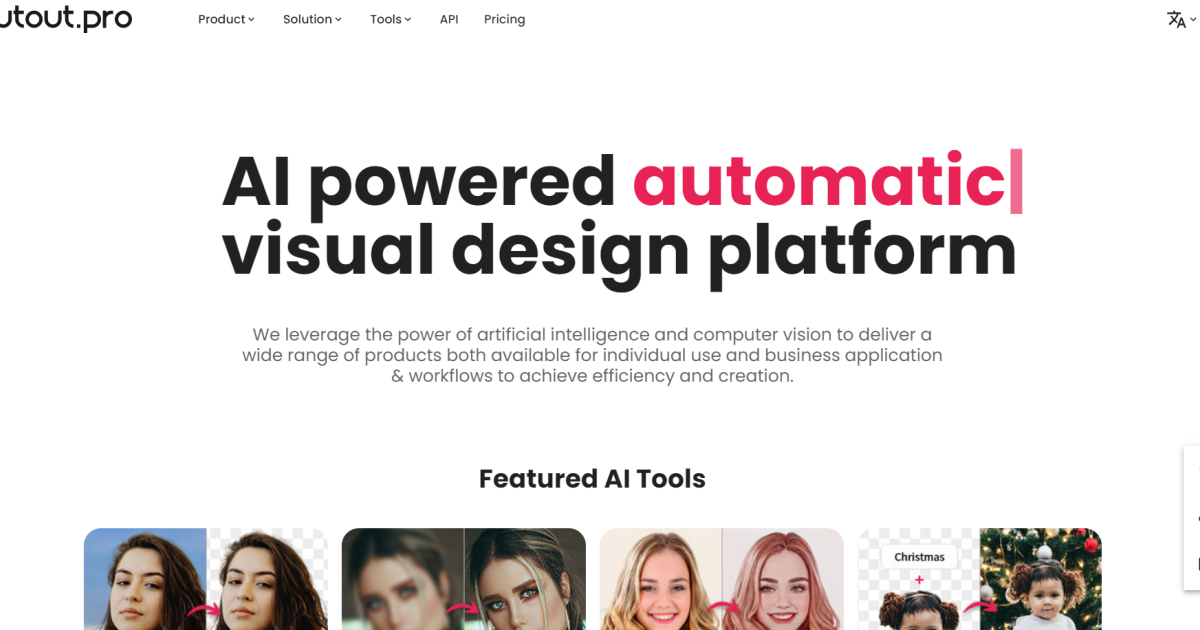
What is Cutout Pro AI?
Key features
Background removal
automatically detects and removes backgrounds from images with edge refinement
Object removal and editing
uses AI to identify and remove unwanted objects from photos
Image enhancement
upscaling, colour correction, and quality improvement for existing images
AI art generation
create images from text descriptions
Batch processing
apply edits to multiple images at once to save time
API access
integrate the tool's capabilities into your own applications or workflows
Pros & cons
Advantages
- Freemium model means you can try core features without paying anything upfront
- Handles common editing tasks that typically require expensive software like Photoshop
- Batch processing saves significant time when working with many images
- Web-based platform works on any device with a browser, no installation needed
Limitations
- Free tier likely has limitations on image resolution, number of monthly edits, or output quality
- AI-generated results may require manual refinement for professional-quality output
- Batch processing and advanced features probably require a paid subscription
Use cases
E-commerce teams removing product backgrounds for online catalogues
Social media content creators editing photos quickly before posting
Marketing departments generating multiple variations of images for campaigns
Designers upscaling images for print or high-resolution use
Content creators removing unwanted elements from photos during post-production
Ready to try Cutout Pro AI?
Pricing
Get started with Cutout Pro AI
Click through to Cutout Pro AI and start using it now.
- Free plan available
- No credit card