Cuttle Labs
- Freemium
- Web
- Free plan available
- No credit card
What is Cuttle Labs?
Key features
Web-based design editor
create or import designs without installing software
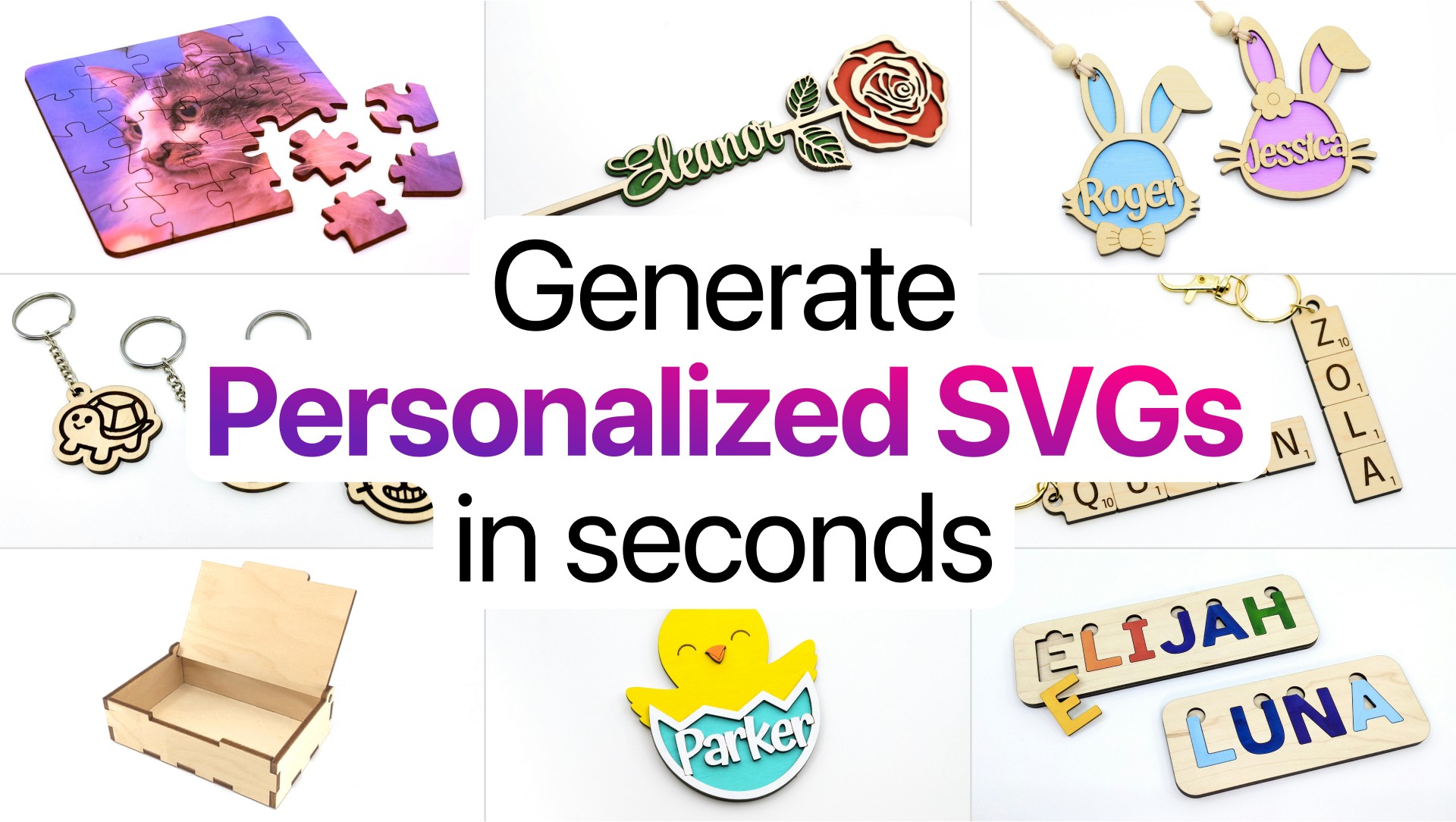
Ready-made templates
starting points for common items like ornaments, keychains, and boxes
File import
upload your own designs to modify and prepare for cutting
Material preview
see how your design will look before sending to the laser cutter
File export
output files in formats compatible with most laser cutting machines
Design library
access to patterns and shapes you can customise for your projects
Pros & cons
Advantages
- No software installation required; works in any modern web browser
- Focused specifically on laser cutting, so the interface includes relevant tools and settings
- Freemium model lets you try the basics without paying
- Faster workflow than general design software for laser cutting tasks
Limitations
- Limited to laser cutting projects; not suitable for other design work
- Requires a laser cutter to use the output files, limiting usefulness if you don't have access to one
- May have fewer advanced design tools compared to general-purpose design software
Use cases
Creating personalised gifts like engraved ornaments or wooden jewellery
Designing custom cake toppers for weddings or celebrations
Making custom product packaging or branded boxes
Producing bulk items quickly for small businesses or craft sales
Prototyping designs before committing to full production
Ready to try Cuttle Labs?
Pricing
Premium
Pricing not publicly specified
Extended features, additional templates, and likely commercial use rights (exact features require checking the website)
Get started with Cuttle Labs
Click through to Cuttle Labs and start using it now.
- Free plan available
- No credit card