
Data Miner
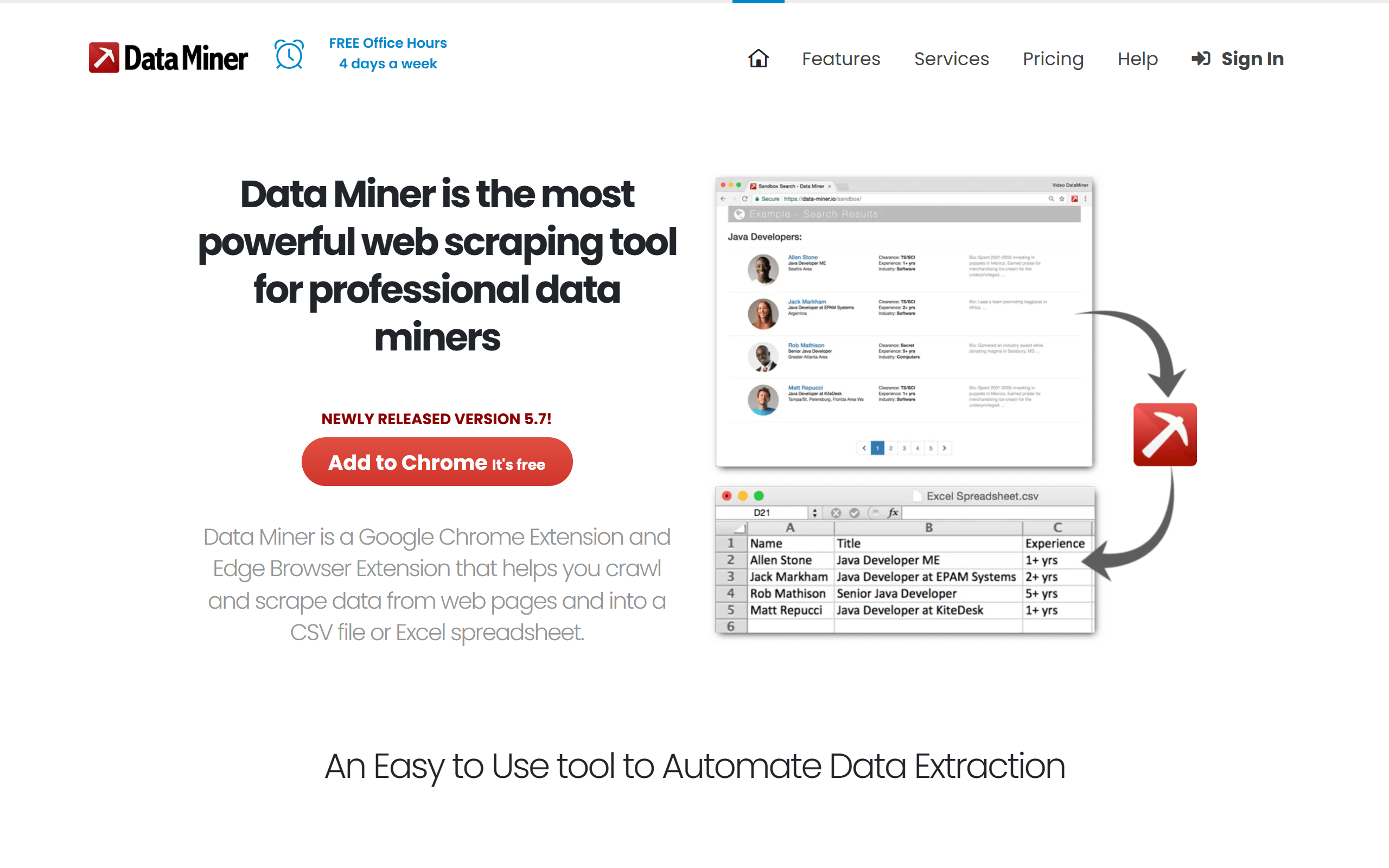
Browser extension that scrapes data from any website in one click and exports it to CSV, Excel or Google Sheets.
- Freemium
- Web, Chrome Extension, Microsoft Edge
- Data & AnalyticsDesignImage Generation
- Free plan available
- No credit card
What is Data Miner?
Key features
One-click recipes
Over 50,000 pre-built extraction rules let you scrape popular websites in seconds and download the result as a CSV file.
Custom recipe builder
Create your own extraction rules with the point-and-click Easy Finder tool for sites that have no public recipe.
Pagination and crawling
Automatically navigate paginated results and crawl across multiple pages to extract data in a single run.
Authenticated scraping
Pull data from pages behind a login or inside a corporate firewall using your existing browser session.
Bulk URL scraping
Provide a list of URLs and Data Miner scrapes data from each one in turn.
Custom JavaScript and API hooks
Run custom JavaScript and pre and post-scrape events to clean or transform extracted data, for example to extract emails.
Form automation
Auto-fill web forms using pre-populated CSV data, and extract table data via right-click.
Pros & cons
Advantages
- It runs entirely as a browser extension, so scraping uses your own logged-in session and avoids the setup of a separate scraping platform.
- A large library of over 50,000 public recipes means many common sites can be scraped without building any rules yourself.
- The free Starter plan allows 500 pages per month, which is enough to evaluate the tool before paying.
- It exports directly to CSV, Excel and Google Sheets, which fits common spreadsheet-based workflows.
- Custom JavaScript and bulk URL scraping give more technical users room to handle awkward sites and clean data.
Limitations
- The free Starter plan is restricted on some domains and only the paid plans unlock scraping on all domains.
- Page limits are relatively low across tiers, so high-volume scraping pushes you toward the Business Plus or Enterprise plans quickly.
- As a browser extension it relies on your machine and browser staying open, unless you move to server-side Enterprise scraping.
- Pricing is charged per page scraped rather than per record, which can be hard to predict for sites with heavy pagination.
Use cases
Sales and marketing teams collecting business listings, contact details and lead lists from directories and search results.
E-commerce researchers gathering product names, prices and reviews across catalogue pages for competitor monitoring.
Recruiters and researchers extracting profile or listing data from sites that sit behind a login.
Analysts pulling tables and lists from web pages into spreadsheets without writing scraping code.
Operations staff bulk-scraping a known list of URLs and exporting the combined data to Google Sheets.
Ready to try Data Miner?
Pricing
Starter
Free
Scrape 500 pages per month, use public recipes and create new ones, next page automation, restricted on some domains.
Solo
19.99 per month
Scrape 500 pages per month, scrape all domains, automate crawls, custom JavaScript, Google Sheets integration, email support.
Small Business
49 per month
Scrape 1,000 pages per month plus all Solo plan features.
Business Plus
200 per month
Scrape 9,000 pages per month plus all Solo plan features.
Enterprise
Contact for pricing
Higher scrape limits, server-side scraping and discounted long-term contracts; contact enterprise@dataminer.io.
Get started with Data Miner
Click through to Data Miner and start using it now.
- Free plan available
- No credit card