
DaVinci Resolve AI
Unify editing, color, VFX, and audio post-production.
- Free
- macOS, Windows, Linux
- AI Tools for Visual EffectsVideoCode
- Always free
- No credit card
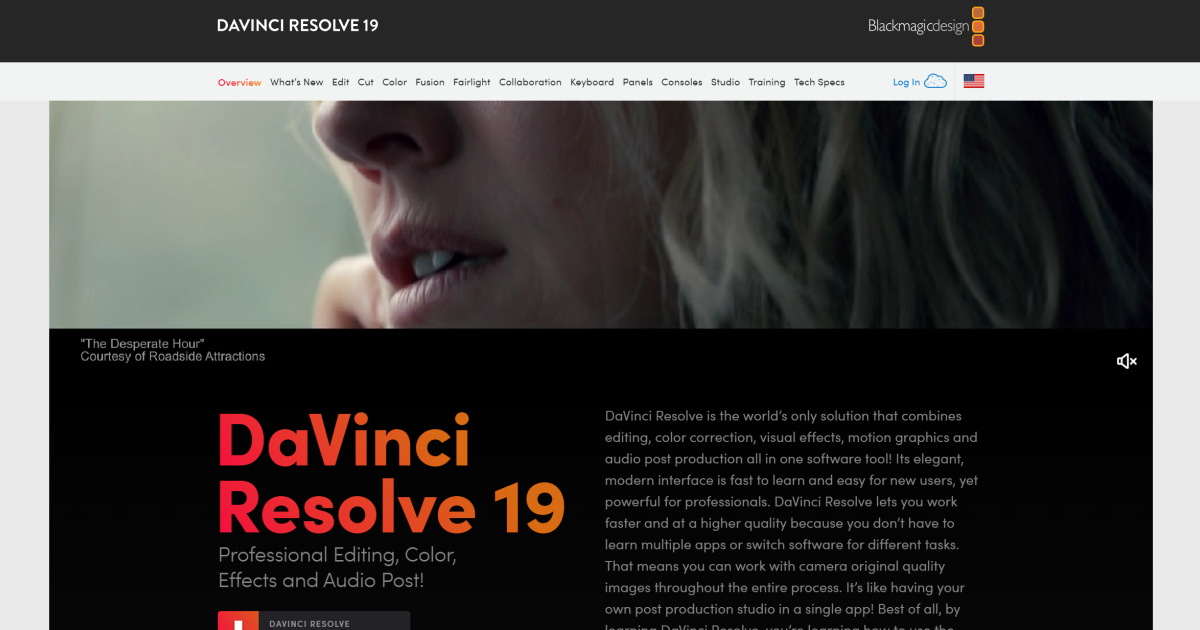
What is DaVinci Resolve AI?
Key features
Video editing
arrange clips, manage timelines, and perform basic cuts and transitions
Colour grading
adjust colour, contrast, and tone with professional-grade tools
Fusion VFX
create and composite visual effects within the same application
Fairlight audio
mix, edit, and master audio tracks with dedicated tools
Multi-user collaboration
multiple editors can work on the same project simultaneously
Media management
organise and manage footage, projects, and assets efficiently
Pros & cons
Advantages
- Free version is feature-rich and suitable for serious work, not just trials
- Single application reduces workflow friction and context switching
- Professional-grade colour grading and audio tools included standard
- Straightforward learning curve for users familiar with other editing software
Limitations
- Collaboration features and advanced functionality require paid Studio version
- Can be resource-intensive; demands decent hardware for smooth performance with high-resolution footage
- Smaller third-party plugin ecosystem compared to some competing editors
Use cases
Independent filmmakers editing and colour grading short films or documentaries
YouTube creators cutting vlogs and applying colour correction in post-production
Post-production studios handling full edit-to-delivery workflows for clients
Educational use in film schools and training programmes
Sound designers mixing dialogue and music for video projects
Ready to try DaVinci Resolve AI?
Pricing
Free
Free
Full editing, colour grading, Fusion VFX, and Fairlight audio with most core functionality
Studio
One-time purchase (typically £200-300 GBP equivalent)
Adds collaborative features, advanced tools, and additional plugins to the free version
Get started with DaVinci Resolve AI
Click through to DaVinci Resolve AI and start using it now.
- Always free
- No credit card