
DeepBrain AI Studios
Generate customer service and marketing videos effortlessly using ChatGPT + Generative Video AI technology.
- Free plan available
- No credit card
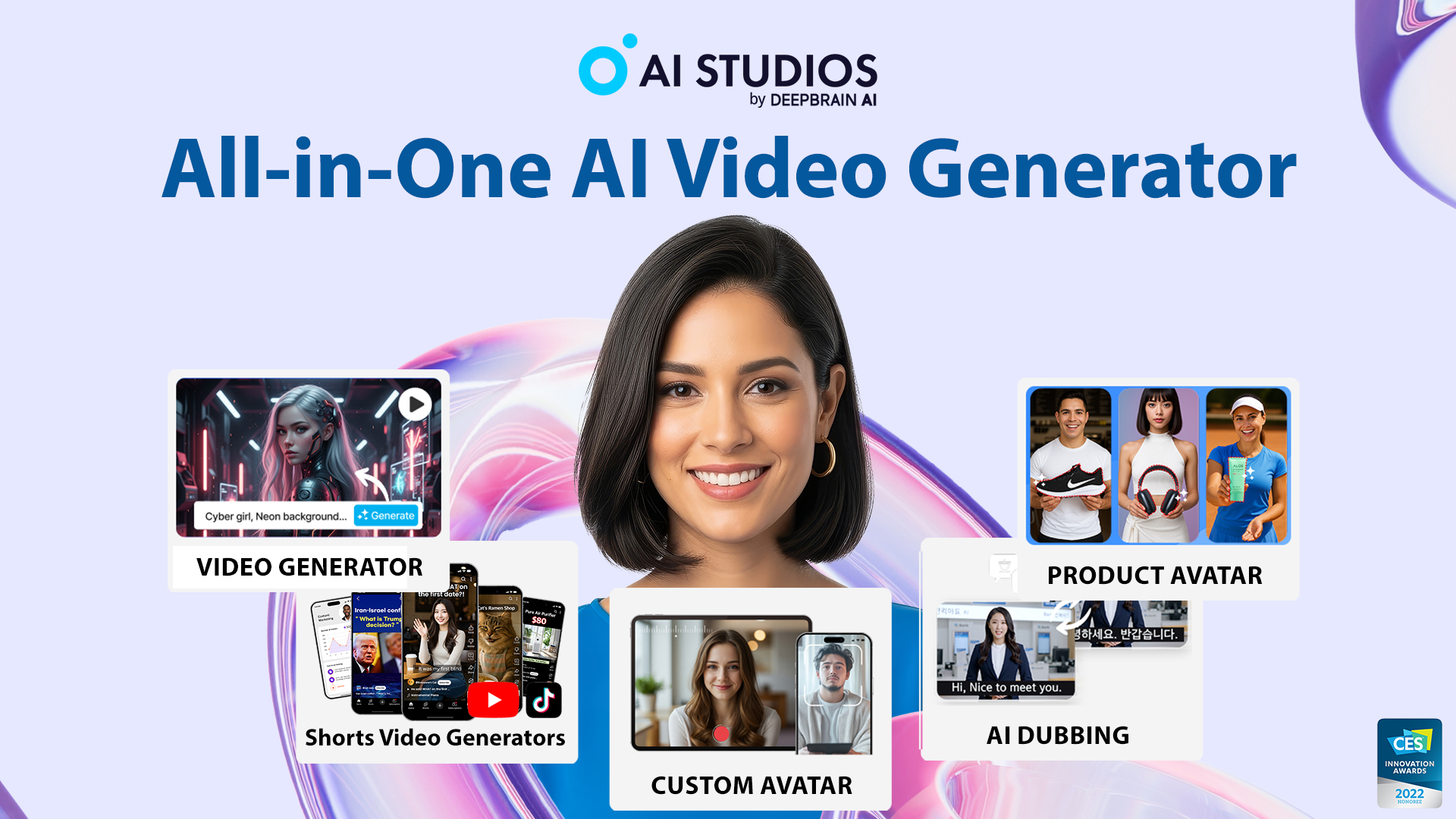
What is DeepBrain AI Studios?
Key features
Text-to-video generation
Write a script and create a video with an AI avatar speaking the content
ChatGPT integration
Generate scripts or refine existing ones using ChatGPT prompts
Avatar selection
Choose from multiple digital avatars to represent your brand or message
Customisation options
Adjust background, text overlays, pacing, and other visual elements
Multiple languages
Create videos in different languages for global audiences
Video templates
Pre-built formats for common use cases like customer service or product demos
Pros & cons
Advantages
- Quick production: Generate videos in minutes rather than days or weeks
- No filming required: Create polished videos without cameras, actors, or studio time
- Cost-effective: Freemium model and lower ongoing costs than traditional video production
- Consistency: Digital avatars provide a consistent brand presence across videos
Limitations
- Avatar realism: Digital avatars may not match the authenticity of real people in some contexts
- Limited creative control: The tool constrains what's possible compared to traditional filmmaking
- Text-dependent: Works best when you have clear scripts; poor scripts lead to poor videos
Use cases
Customer service: Create FAQ or troubleshooting videos to reduce support tickets
Product marketing: Produce demo videos and feature explanations for new releases
Training materials: Generate onboarding or instructional videos for internal teams
Social media content: Produce short marketing clips for LinkedIn, YouTube, or other platforms
Multilingual campaigns: Create consistent brand messaging across different languages and regions
Ready to try DeepBrain AI Studios?
Pricing
Pro
Contact for pricing
Higher video generation limits, more avatars, custom branding, API access
Enterprise
Contact for pricing
Unlimited video generation, dedicated support, custom avatars, white-label options
Get started with DeepBrain AI Studios
Click through to DeepBrain AI Studios and start using it now.
- Free plan available
- No credit card