
Deepgram releases Deepgram CLI (`dg`) an agent
aware CLI
- Freemium
- macOS, Linux, Windows, API
- WritingDeveloper ToolsAudio
- Free plan available
- No credit card
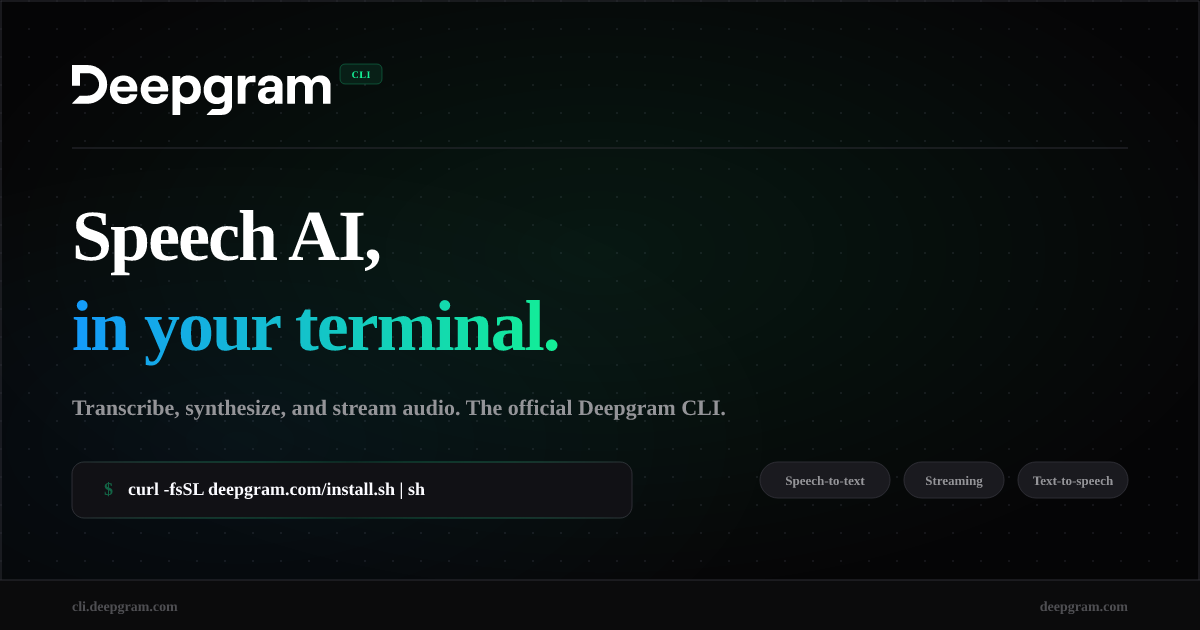
What is Deepgram releases Deepgram CLI (`dg`) an agent?
Key features
Audio file transcription
convert recorded audio files to text using Deepgram's speech recognition models
Live streaming transcription
process real-time audio input and receive transcriptions as speech is captured
Text-to-speech synthesis
generate spoken audio from text strings via the command line
Direct API access
call Deepgram API endpoints directly from the terminal for customised requests
Cross-platform support
runs on macOS, Linux, and Windows with minimal setup
Pros & cons
Advantages
- Quick installation with one-line setup commands
- Integrated into terminal workflows, useful for scripting and automation
- Access to multiple Deepgram capabilities from a single tool
- Freemium pricing model allows testing before committing to paid usage
Limitations
- Limited to command-line interface; not suitable for users who prefer graphical applications
- Requires some familiarity with terminal commands and API concepts
Use cases
Batch processing audio files for transcription in automated workflows
Integrating speech recognition into shell scripts and development pipelines
Testing Deepgram's speech models before building full applications
Real-time transcription of live audio streams for monitoring or logging purposes
Quick text-to-speech generation for notifications or accessibility features
Ready to try Deepgram releases Deepgram CLI (`dg`) an agent?
Pricing
Get started with Deepgram releases Deepgram CLI (`dg`) an agent
Click through to Deepgram releases Deepgram CLI (`dg`) an agent and start using it now.
- Free plan available
- No credit card