
Deepnote AI
Deepnote is a collaborative data science notebook platform with embedded AI assistance that enables data teams to write code, analyze data, and share insights i Pricing: Freemium (Free for individuals
- Free plan available
- No credit card
What is Deepnote AI?
Key features
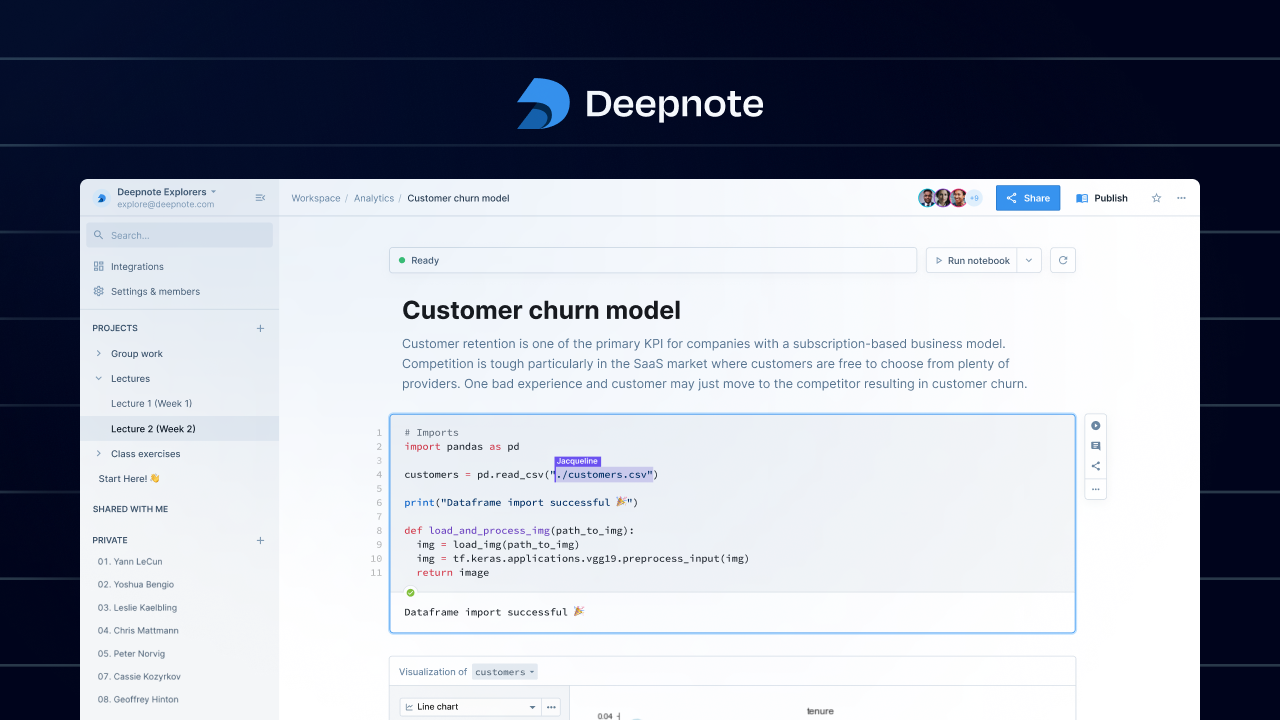
Collaborative notebook editing
multiple users can work on the same notebook at once with real-time updates
Embedded AI assistance
code suggestions and explanations powered by AI models
Data integration
connects to SQL databases, CSV files, and cloud data warehouses
Sharing and publishing
create shareable links and publish results for non-technical stakeholders
Version control
track changes and revert to previous versions of notebooks
Environment management
pre-configured Python environments with common data science libraries
Pros & cons
Advantages
- Straightforward collaboration without needing to manage Git or version control separately
- Free tier is genuinely useful for individual users and small projects
- AI assistance reduces time spent on routine coding tasks and documentation
- Works entirely in the browser; no local installation or setup required
Limitations
- Limited to Python; no support for R, SQL-only notebooks, or other languages
- Free tier has restrictions on compute resources and team members, pushing serious teams toward paid plans quickly
- Vendor lock-in: exporting notebooks to other formats or platforms is not straightforward
Use cases
Data analysis projects where multiple team members need to contribute and review code simultaneously
Building dashboards and reports that combine analysis with narrative explanation
Exploratory data work where AI suggestions help speed up data cleaning and visualisation
Sharing analysis results with non-technical stakeholders through published notebooks
Teaching data science concepts in a classroom setting with shared, collaborative notebooks
Ready to try Deepnote AI?
Pricing
Free
Free
Single user, limited compute, basic features, suitable for individuals learning or prototyping
Team
$12/user/month
Multiple team members, increased compute resources, collaboration features, priority support
Enterprise
Custom
Dedicated infrastructure, advanced security, custom integrations, SLA support
Get started with Deepnote AI
Click through to Deepnote AI and start using it now.
- Free plan available
- No credit card