
DiffChecker
Easily compare document versions, ensure consistency in drafts, and check for plagiarism in student assignments.
- Freemium
- Web
- Other
- Free plan available
- No credit card
What is DiffChecker?
Key features
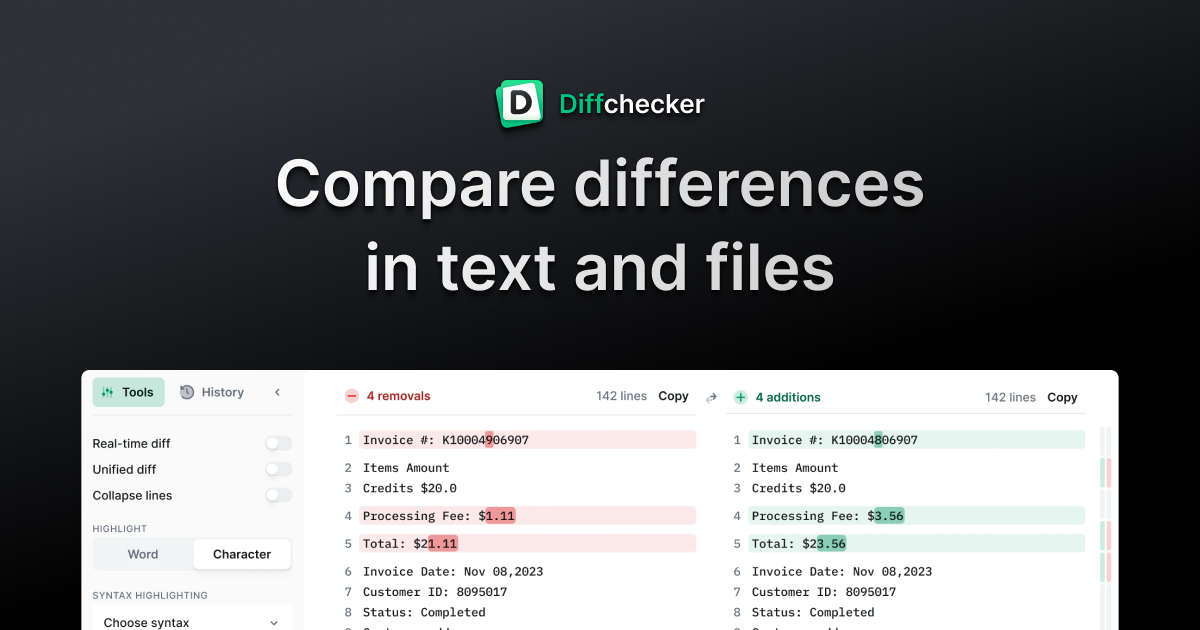
Side-by-side text comparison
displays two document versions with differences highlighted in colour
Plagiarism detection
scans submissions against online sources to identify copied content
Multiple format support
compare text, code, PDFs, and Word documents
Merge functionality
combine changes from different versions into a single document
Line-by-line analysis
pinpoint exact edits and modifications between versions
Download results
export comparison reports for record keeping or sharing
Pros & cons
Advantages
- Free version covers basic comparison needs without requiring payment
- Simple, intuitive interface requires no training or technical knowledge
- Useful for both content creators tracking edits and educators checking academic integrity
- Fast processing of documents without lengthy upload or analysis times
Limitations
- Free tier has limitations on document size and plagiarism detection depth
- Plagiarism detection may miss paraphrased content or obscured copying
- Limited advanced features compared to dedicated plagiarism or version control tools
Use cases
Teachers checking student essays and assignments for plagiarism
Content teams comparing draft versions of articles, guides, or marketing copy
Developers reviewing code changes between commits or pull requests
Translators verifying consistency between original and translated documents
Legal and compliance teams tracking revisions to contracts or policies
Ready to try DiffChecker?
Pricing
Premium
Pricing not publicly specified
Unlimited document comparisons, advanced plagiarism detection, larger file sizes, API access, priority support
Get started with DiffChecker
Click through to DiffChecker and start using it now.
- Free plan available
- No credit card