
DocSend
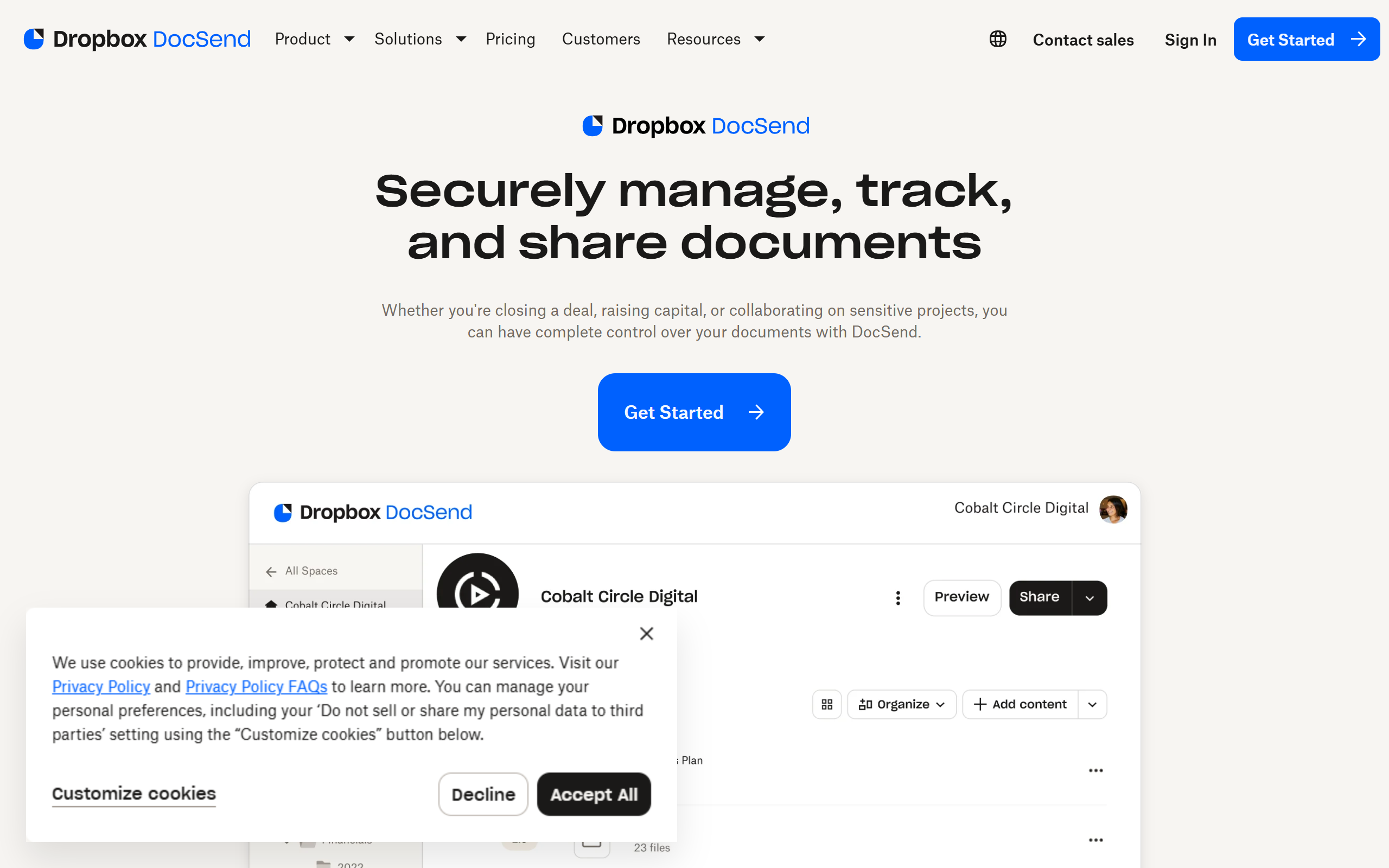
Secure document sharing with page-by-page analytics, virtual data rooms and eSignature, from Dropbox.
- Paid
- Web, iOS, Android, API
- Data & AnalyticsSalesImage Generation
What is DocSend?
Key features
Document link sharing
Share files through a secure link that requires no recipient login and can be tracked and updated after sending.
Page-by-page analytics
See who opened a document, when, how long they spent on each page and where engagement drops off.
Access controls
Set passwords, expiry dates, email verification and the ability to revoke access at any time.
Virtual data rooms (Spaces)
Group multiple documents into a single branded link with permissioning for fundraising, M&A and due diligence.
eSignature
Convert documents into signable agreements and route them to up to ten signers within DocSend.
Real-time notifications
Get alerted the moment a recipient views a shared document.
Version control
Update a document after it has been shared so viewers always see the latest version on the same link.
Pros & cons
Advantages
- Detailed page-by-page view analytics show exactly how recipients engage with each document.
- Documents can be updated after sending without changing or resending the link.
- Granular access controls including passwords, link expiry, email verification and revocation.
- Virtual data rooms and eSignature are built in, covering fundraising and deal workflows in one place.
- Backed by Dropbox, with mobile apps for iOS and Android alongside the web app.
Limitations
- There is no free plan, only a 14-day trial, so ongoing use requires a paid subscription.
- Per-user pricing rises steeply, with the Standard tier at 65 dollars per user per month and Advanced adding 90 dollars per extra user.
- The data room and advanced permissioning features sit behind the most expensive Advanced tier.
- Lower tiers cap the number of documents or visits, which can constrain heavier users.
Use cases
Founders sharing pitch decks with investors while tracking which slides get the most attention.
Sales teams sending proposals and collateral to prospects and seeing real-time engagement.
Finance and legal teams running due diligence and M&A processes through a secure virtual data room.
Client-facing teams distributing confidential reports with controlled, revocable access.
Businesses collecting signatures on agreements via the built-in eSignature workflow.
Startups keeping a fundraising deck current after it has already been shared with multiple investors.
Ready to try DocSend?
Pricing
Personal
15 per user per month
Document sharing with secure links, basic view analytics and visit notifications for individuals and freelancers (billed monthly; lower rate when paid annually).
Standard
65 per user per month
Adds professional features for teams sharing documents regularly, removing visit caps and adding branding and collaboration options.
Advanced
250 per month (3 users) plus 90 per additional user
Full virtual data room, advanced permissioning and controls for due diligence, M&A and private equity deals.
Get started with DocSend
Click through to DocSend and start using it now.