
Docugram
Docugram is an AI-powered text-to-flowchart and diagram generator that instantly converts text, Word documents, outlines, and notes into polished visual workflows. It analyzes structure like bullets,
- Always free
- No credit card
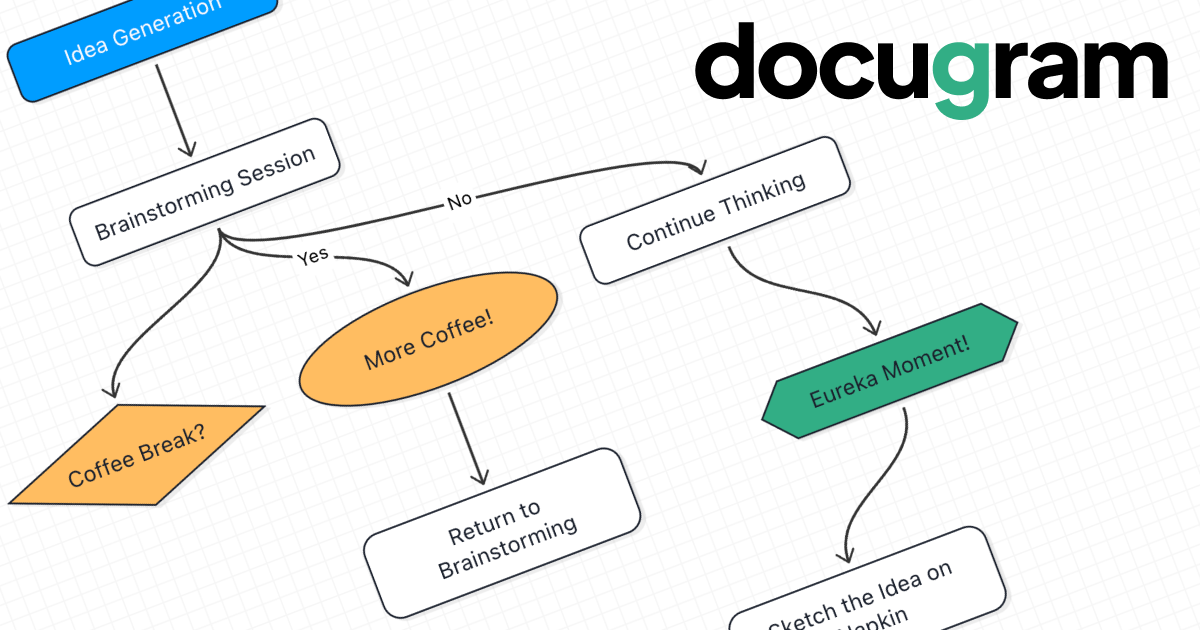
What is Docugram?
Key features
Text-to-diagram conversion
automatically transforms outlines, notes, and structured text into flowcharts and process diagrams
Document import
accepts Word documents and markdown files to preserve formatting and structure
Interactive editor
adjust node positions, styling, colours, and connections after generation without rebuilding
Multiple export formats
save diagrams as PNG, SVG, or PDF for use in presentations and documentation
Embedding and sharing
embed diagrams directly into Notion, Google Docs, and project management platforms, or share via public links
Layout intelligence
applies automatic spacing and connection logic to arrange nodes logically
Pros & cons
Advantages
- Saves time converting written processes into visual diagrams without manual drawing
- Free tier is substantial, making it accessible for individuals and small teams
- Works directly in the browser; no software installation required
- Flexible export options and integration with common productivity tools
- Recognises common text structures like indentation and bullet points automatically
Limitations
- Quality of generated diagrams depends on how clearly your input text is structured; unclear formatting may produce confusing results
- Limited information available about customisation options for complex diagram types or advanced styling
- Free tier limitations are not clearly specified, so you may encounter restrictions as your usage grows
Use cases
Convert project outlines or meeting notes into process flowcharts for team review
Generate decision trees from written business rules or requirements documents
Create system architecture diagrams from technical specifications or notes
Visualise workflows described in Word documents for training or documentation
Produce flowcharts quickly for presentations without manual diagramming work
Ready to try Docugram?
Pricing
Free
Free
Full access to text-to-diagram conversion, interactive editor, export to PNG, SVG, and PDF, embedding and sharing capabilities
Get started with Docugram
Click through to Docugram and start using it now.
- Always free
- No credit card