
DocuSign
Sign documents remotely, create legally binding signatures, and access industry-leading security features.
- Freemium
- Web, iOS, Android, API, Integrations with third-party applications
- Data & AnalyticsMarketingLegal
- Free plan available
- No credit card
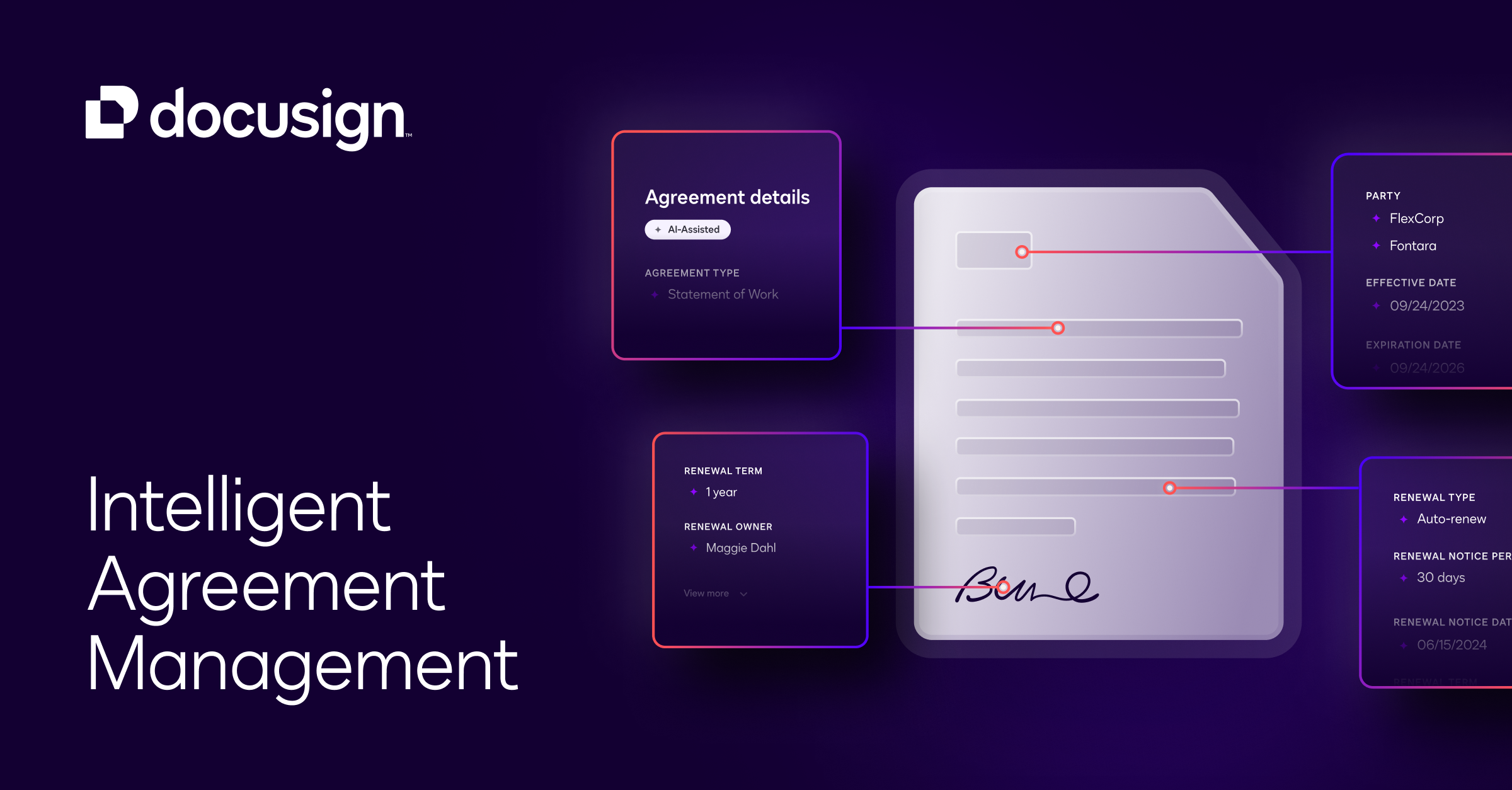
What is DocuSign?
Key features
Remote digital signatures
sign documents electronically without printing or scanning
Legally binding signatures
signatures comply with electronic signature laws in multiple countries
Document templates
create reusable templates to speed up repetitive signing processes
Multi-party signing
send documents to multiple people for sequential or parallel signing
Audit trails and history
track every action taken on a document with timestamps and IP addresses
Integration with other tools
connect to CRM, accounting software, and other business applications via API
Pros & cons
Advantages
- Widely recognised and trusted by major organisations and legal professionals
- Relatively straightforward to use; non-technical users can get started quickly
- Free tier available for occasional users or small-scale document signing
- Strong security and compliance features suitable for regulated industries
Limitations
- Pricing increases significantly as you scale beyond the free tier, especially for high-volume signing
- Some users report that advanced customisation and branding options require higher-tier plans
- Learning curve for complex workflows involving many signers or conditional logic
Use cases
Sales teams sending contracts and proposals to clients for signature
HR departments obtaining signed offer letters, NDAs, and employment agreements
Legal firms managing client agreements and settlement documents
Real estate transactions requiring multiple signatures from buyers, sellers, and notaries
Financial services completing loan agreements and disclosure documents
Ready to try DocuSign?
Pricing
Free
Free
Limited to occasional use; allows signing and sending a small number of documents per month
Standard
Pricing varies by region and plan structure
Designed for regular business use; includes templates, multiple signers, and basic integrations
Business Pro
Higher tier pricing
Advanced features including bulk sending, API access, and enhanced branding options
Enterprise
Custom pricing
Customised solutions for large organisations with dedicated support and advanced compliance requirements
Get started with DocuSign
Click through to DocuSign and start using it now.
- Free plan available
- No credit card