DoodleMate
Animate Your Child's Hand Drawings Without Generative AI
- Freemium
- Web
- OtherAI Tools for DrawingAI Tools for Kids
- Free plan available
- No credit card
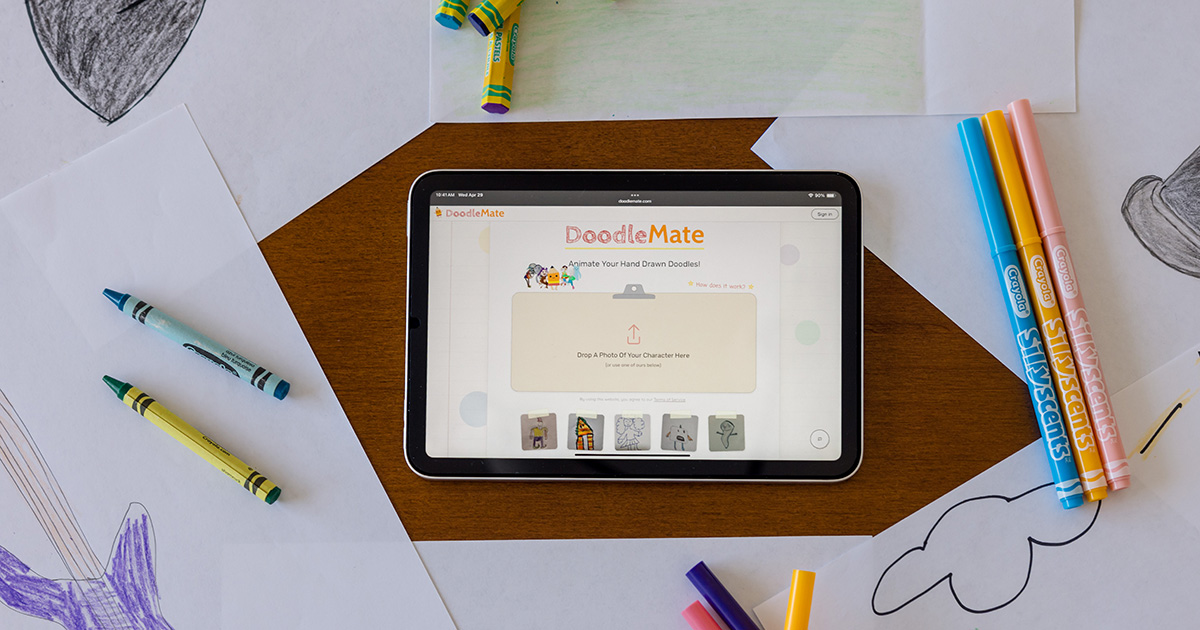
What is DoodleMate?
Key features
Hand drawing input
Draw directly in the tool or upload existing sketches to animate
Frame-based animation
Create movement by sequencing drawn frames
No AI generation
Uses manual animation methods to preserve original artwork
Child-friendly interface
Simple controls designed for younger users
Export options
Save and share completed animations in standard formats
Drawing tools
Basic sketching and editing capabilities built into the platform
Pros & cons
Advantages
- Encourages creative ownership by animating the child's own artwork rather than generating new content
- No technical barrier to entry; accessible to users without animation experience
- Free tier available so families can try it without payment
- Teaches animation fundamentals through hands-on practice
Limitations
- Requires manual frame-by-frame work, which is more time-consuming than AI-generated alternatives
- Quality depends entirely on the user's drawing ability and animation skill
- Limited information available about free tier restrictions or paid feature differences
Use cases
School art projects where students animate their own illustrations
Developing animation skills in young artists interested in motion graphics
Creating simple animated stories from hand-drawn character sketches
After-school creative activities that combine drawing and animation
Portfolio building for students interested in animation careers
Ready to try DoodleMate?
Pricing
Free
Free
Basic animation tools and export functionality; specific limitations not publicly detailed
Premium
Pricing not publicly specified
Advanced features and expanded export options; specific details unavailable
Get started with DoodleMate
Click through to DoodleMate and start using it now.
- Free plan available
- No credit card