
Dooly
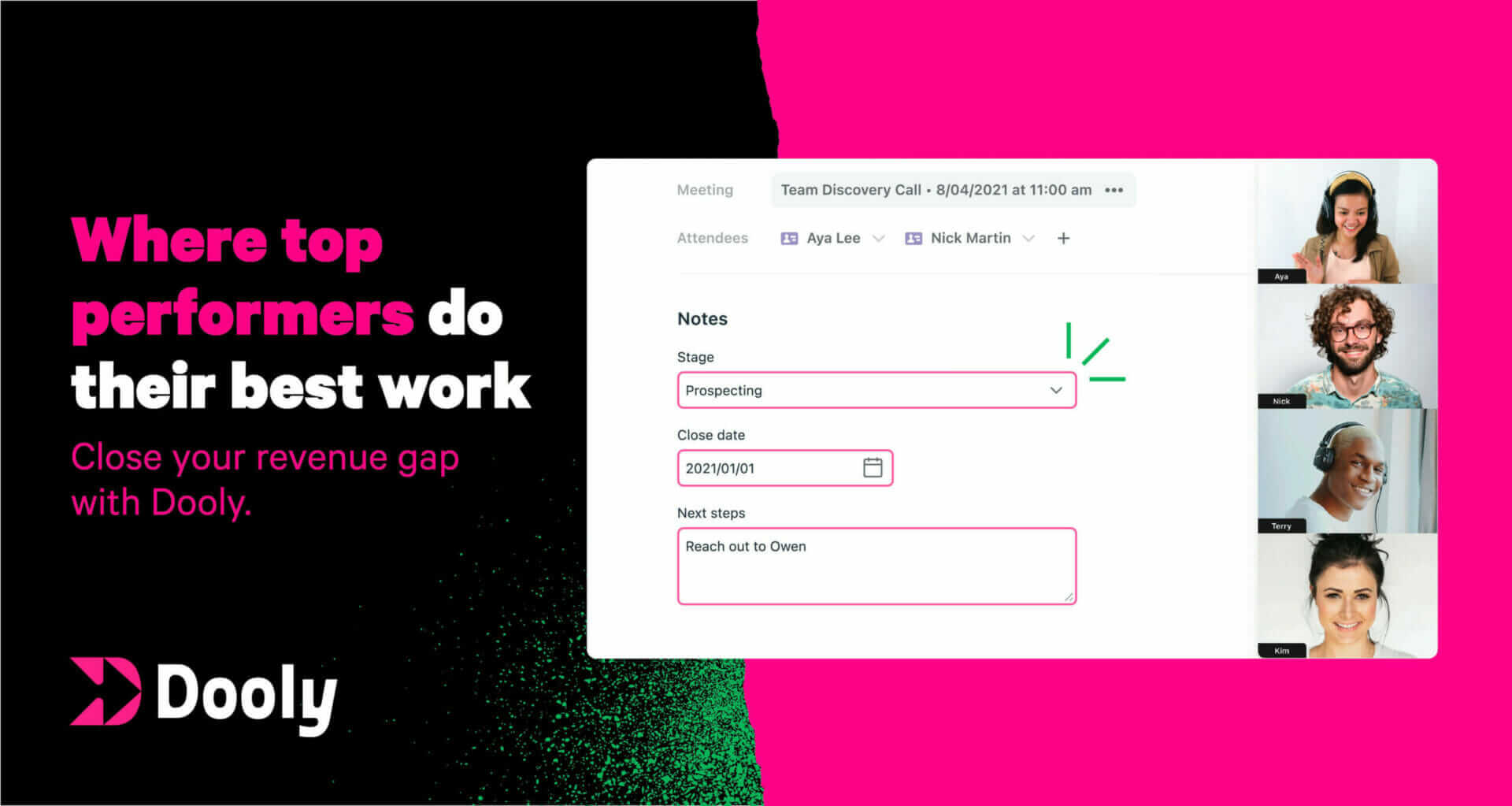
AI note-taking for Salesforce that syncs automatically Pricing: Freemium. See pros, cons, alternatives, and comparisons.
- Freemium
- Web, Chrome Extension, Salesforce native integration, API
- AI Documentation & Process CaptureAI Tools for Meeting NotesWriting
- Free plan available
- No credit card
What is Dooly?
Key features
Automatic note capture
Records meeting and call notes that sync directly to Salesforce records
AI-powered field population
Extracts key information and auto-fills relevant Salesforce fields
Real-time syncing
Updates Salesforce immediately without manual data entry
Conversation transcription
Converts spoken discussion into written notes during calls
Deal tracking integration
Links notes to specific opportunities and accounts in Salesforce
Browser extension
Works within your existing workflow without leaving Salesforce
Pros & cons
Advantages
- Saves significant time by eliminating manual note entry into Salesforce
- Improves CRM data accuracy by capturing details automatically rather than relying on memory
- Keeps the Salesforce interface as the single source of truth for deal information
- Free tier allows teams to trial the product before committing to paid plans
Limitations
- Requires integration with Salesforce, limiting usefulness for teams using other CRM systems
- AI transcription and field extraction accuracy may vary depending on audio quality and conversation complexity
- Privacy and data security considerations when recording calls and syncing to cloud systems
Use cases
Sales teams conducting regular client calls who need to document conversations in Salesforce quickly
Account executives managing multiple deals who want to reduce administrative overhead
Sales managers seeking to improve forecast accuracy through better deal information in the CRM
Remote sales teams wanting to maintain consistent note-taking practices across distributed groups
Customer success teams using Salesforce to track account interactions and next steps
Ready to try Dooly?
Pricing
Pro
Contact for pricing
Advanced AI features, team collaboration, enhanced analytics, and priority support
Enterprise
Contact for pricing
Custom integrations, dedicated support, advanced security features, and organisation-wide deployment
Get started with Dooly
Click through to Dooly and start using it now.
- Free plan available
- No credit card