DrawSQL
- Freemium
- Web
- AI Tools for Diagrams
- Free plan available
- No credit card
What is DrawSQL?
Key features
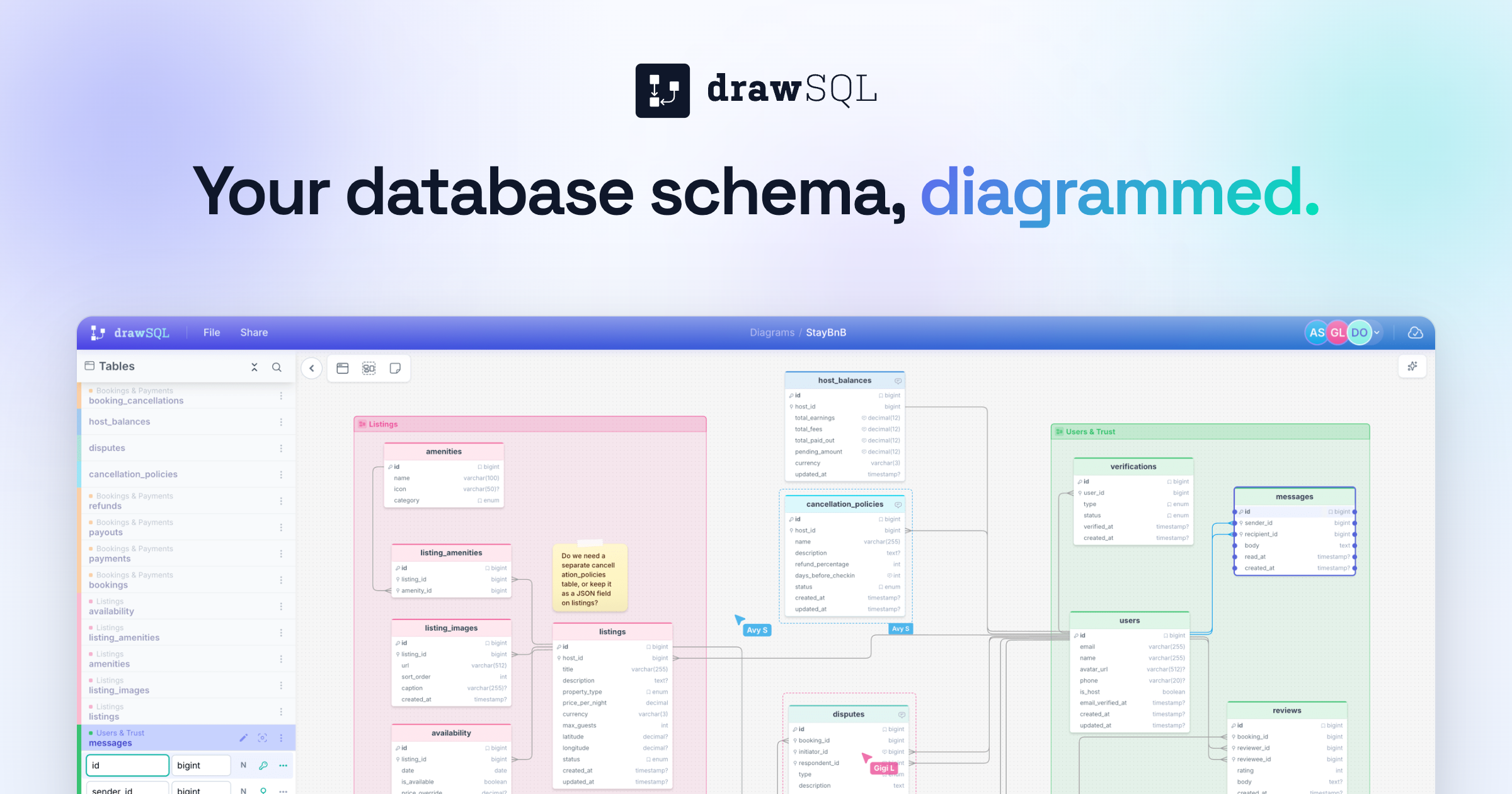
SQL import
Paste SQL code to automatically generate schema diagrams
Driver-aware types
Recognises and displays database-specific data types correctly
Real-time collaboration
Work with team members on diagrams simultaneously
Team reviews
Built-in tools for reviewing and commenting on schema changes
No signup required
Free tier works without creating an account
Interactive diagrams
Click and handle through schema relationships visually
Pros & cons
Advantages
- No account needed to get started; immediate access to core functionality
- Handles multiple database systems with proper type recognition
- Real-time collaboration makes it practical for teams
- Free tier is genuinely useful for basic diagramming and sharing
Limitations
- Limited documentation on advanced features or customisation options
- Free tier may have restrictions on diagram size or collaboration features compared to paid plans
- Requires manual SQL entry rather than direct database connections on free tier
Use cases
Documenting existing databases for new team members
Reviewing database schema changes before deployment
Planning and visualising database design during development
Creating visual documentation for stakeholders or clients
Reverse-engineering legacy databases to understand their structure
Ready to try DrawSQL?
Pricing
Get started with DrawSQL
Click through to DrawSQL and start using it now.
- Free plan available
- No credit card