
Dubly.AI
- Free plan available
- No credit card
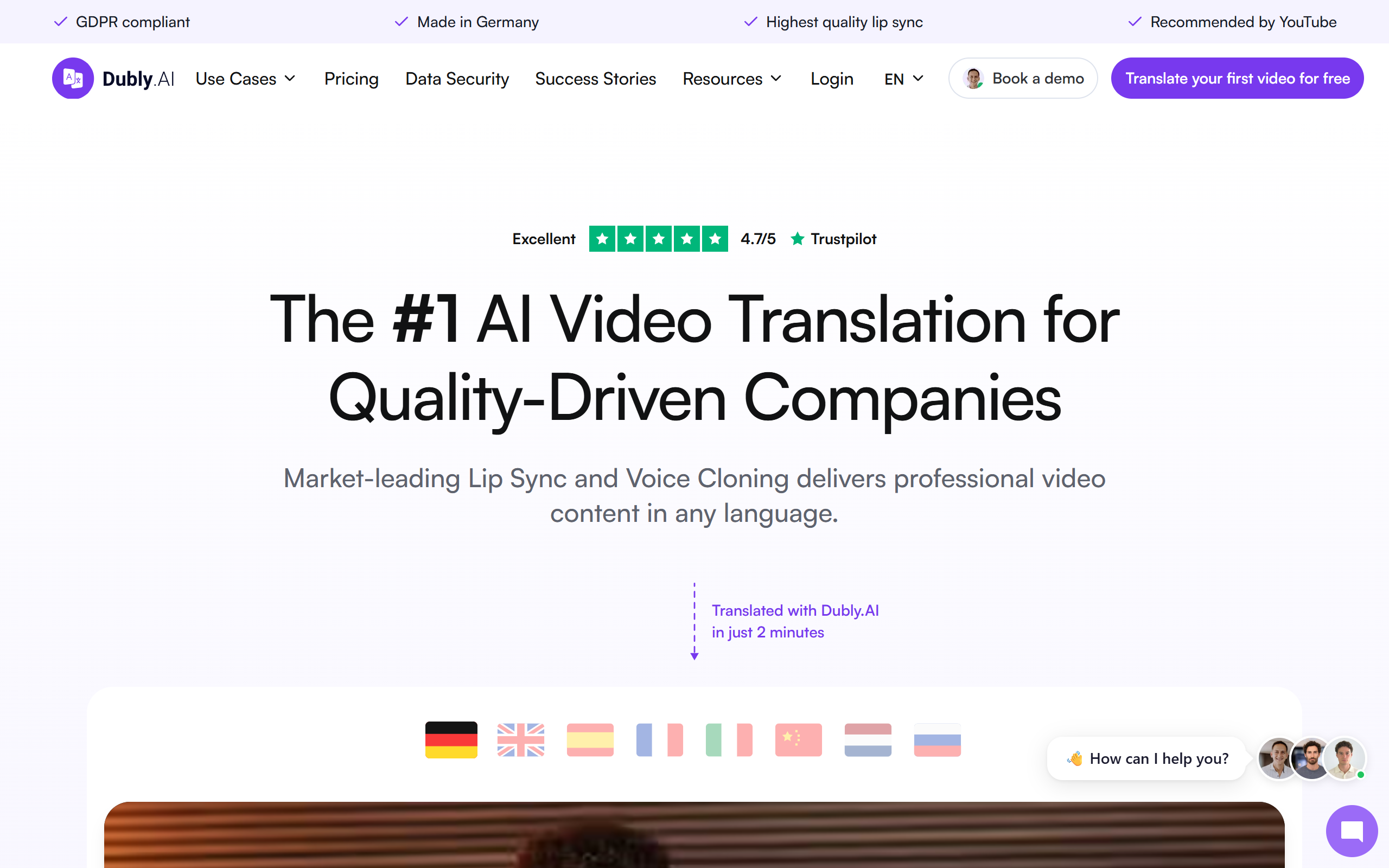
What is Dubly.AI?
Key features
Automatic video translation
converts dialogue into multiple target languages using AI
Voice cloning
reproduces the original speaker's voice characteristics in translated languages
Lip synchronisation
adjusts mouth movements to match the translated dialogue
Multi-language support
covers dozens of languages and regional accents
Freemium model
allows users to test the service before paying
Batch processing
handle multiple videos or long-form content efficiently
Pros & cons
Advantages
- Much faster than traditional dubbing, reducing turnaround from weeks to hours
- Preserves the original speaker's voice identity, making translations feel more authentic
- Significantly cheaper than hiring professional dubbing studios
- Simple to use; minimal technical expertise required
- Freemium tier lets you test quality before committing to paid plans
Limitations
- Voice cloning quality may not match professional voice actors in detailed emotional performances
- Lip sync accuracy can struggle with complex mouth movements or extreme angles
- Accuracy depends on source material quality; poor audio or heavily accented speech may produce weaker results
Use cases
YouTube creators expanding to international markets without hiring multiple voice actors
E-learning platforms translating courses into multiple languages affordably
Marketing teams localising product demo videos and advertisements
Podcasters and audiobook producers reaching non-English speaking audiences
Documentary producers and filmmakers creating region-specific versions
Ready to try Dubly.AI?
Pricing
Pro
Contact for pricing
Higher monthly credits, priority processing, advanced voice customisation options
Enterprise
Contact for pricing
Custom volume limits, dedicated support, API access, white-label options
Get started with Dubly.AI
Click through to Dubly.AI and start using it now.
- Free plan available
- No credit card