
Dubs AI
AI-powered video dubbing and subtitles for global reach.
- Freemium
- Web
- VideoVideo EditingAI Tools for Subtitles
- Free plan available
- No credit card
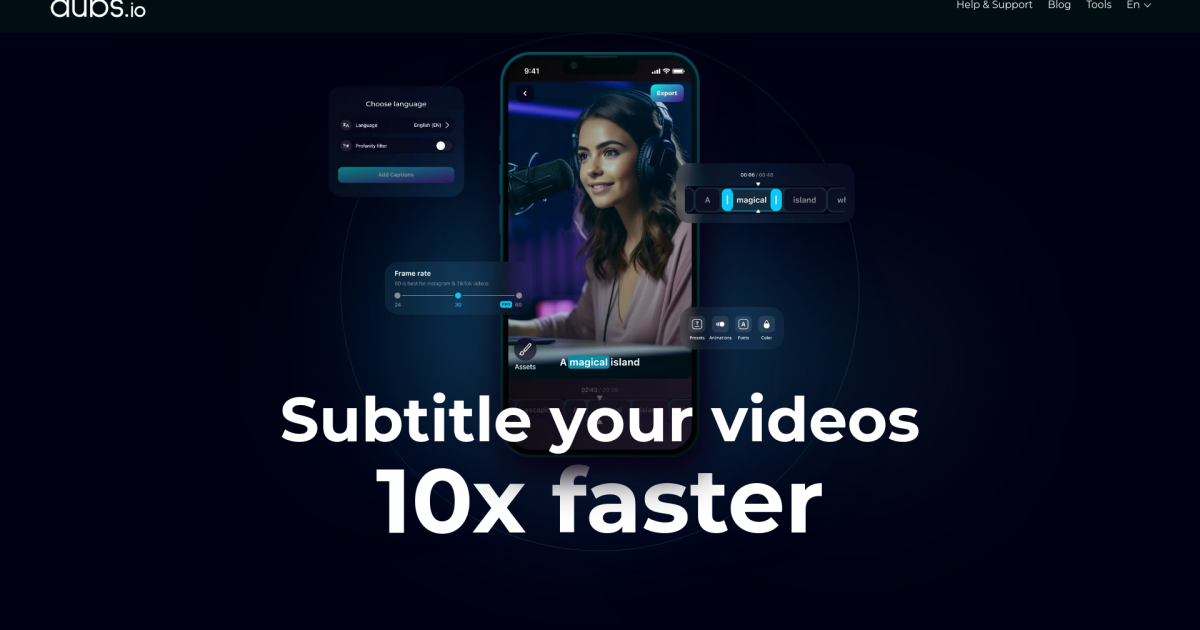
What is Dubs AI?
Key features
Automated video dubbing
AI generates natural-sounding voice-overs in multiple target languages
Subtitle generation
Automatically creates and syncs subtitles to match dubbed or original audio
Multi-language support
Covers a range of languages for both dubbing and subtitles
Voice preservation
Maintains speaker characteristics or applies consistent voice across dubbed content
Batch processing
Handle multiple videos or clips in a single workflow
Export options
Download dubbed videos and subtitle files in standard formats
Pros & cons
Advantages
- Much faster and cheaper than hiring professional voice actors and translation services
- Frees up time for creators who would otherwise manage dubbing and subtitle coordination themselves
- Freemium model lets you try the tool without upfront investment
- Useful for reaching global audiences without significant additional production work
Limitations
- AI-generated voice-overs may lack the emotional nuance and naturalness of professional voice actors, especially for premium or sensitive content
- Quality and accuracy depend on the quality of the original audio and script
- May require manual editing or review to catch errors, particularly in less-supported languages
Use cases
Educational content creators wanting to make tutorials and courses available in multiple languages
YouTube creators and content producers expanding reach to non-English-speaking audiences
Marketing teams producing promotional videos for international markets
Podcast and audiobook producers adding dubbed versions for different regions
Business training and corporate video teams creating multilingual internal resources
Ready to try Dubs AI?
Pricing
Get started with Dubs AI
Click through to Dubs AI and start using it now.
- Free plan available
- No credit card