
EditApp AI
change your editing workflow with advanced AI-powered tools. simplify photo editing, video editing, and graphic design tasks
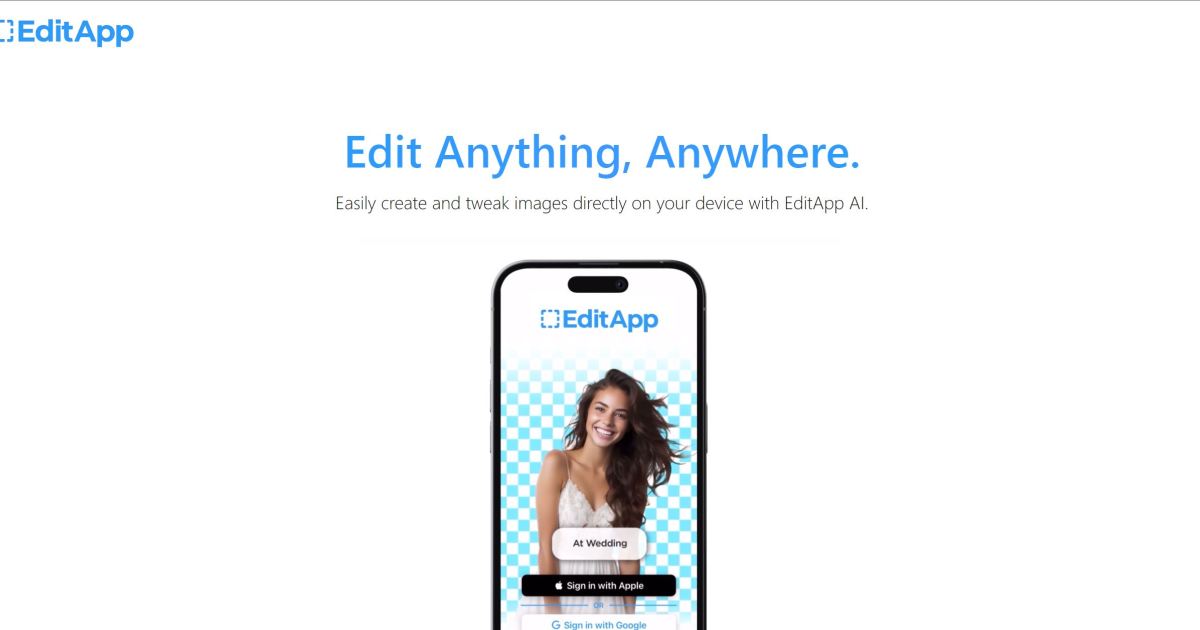
What is EditApp AI?
Key Features
AI-assisted photo editing
automatic adjustments for exposure, colour, and composition
Video editing tools
trimming, transitions, and basic effects powered by AI suggestions
Graphic design templates
pre-made layouts for social media posts, presentations, and marketing materials
Object removal and background editing
AI-powered tools to remove unwanted elements or change backgrounds
Batch processing
apply edits to multiple files at once to save time on repetitive work
Export options
save projects in various formats and resolutions suitable for different platforms
Pros & Cons
Advantages
- No software installation required; works directly in your web browser
- Free tier available to test basic features before paying
- Faster workflow for routine edits compared to manual adjustments in traditional software
- Suitable for users without professional design or video editing experience
Limitations
- Limited control compared to professional editing software like Adobe Creative Suite for advanced or custom work
- Free tier likely restricted to lower resolution outputs or watermarked exports
- Performance may depend on internet connection quality and server availability
Use Cases
Social media managers editing multiple posts quickly throughout the week
Small business owners creating product photos and promotional graphics without design training
Content creators adjusting video clips and thumbnails for YouTube or TikTok uploads
Batch editing large numbers of similar photos from events or product shoots
Marketing teams preparing graphics for email campaigns and web pages
Pricing
Basic photo and video editing, limited exports, watermarks on some outputs, access to core templates
Likely includes higher resolution exports, batch processing, no watermarks, advanced AI features, priority support
Quick Info
- Website
- editapp.ai
- Pricing
- Freemium
- Platforms
- Web
- Categories
- Design, Image Generation, Productivity